★★★★★
A full-featured mobile version of MacFamilyTree from OS X; and with iCloud, it definitely is the best.
Nipurn Gupta on the App Store
★★★★★
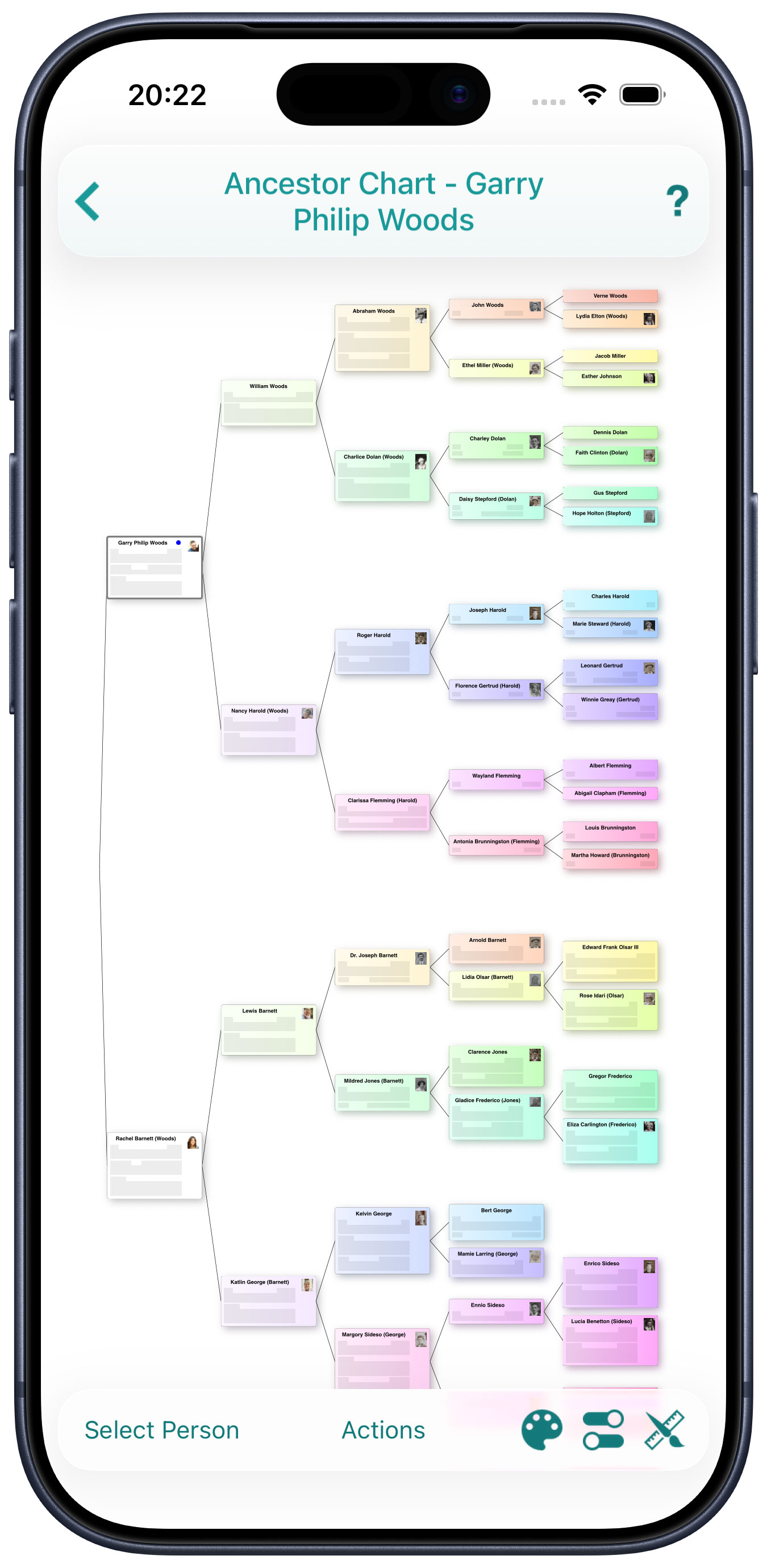
I am very impressed with this app. It is full featured, and allows for easy organization of my family history. The reports and charts it generates are impressive and informative, and the FamilySearch integration works great. Also, it syncs with the desktop version perfectly through iCloud. Definitely the best mobile genealogy suite I've encountered yet.
amax12.1 on the App Store
★★★★★
It's a shame this app isn't more widely known, as it's the best family tree available on any platform. I've tried many apps, and no other app comes close to the features and support it offers. Well worth the price.
Daniel May on the App Store
★★★★★
This app has a beautiful interface where you can see your family tree from numerous perspectives. Easy to enter information and connect to other data banks like family search. Love this app.
Roboto1000 on the App Store
★★★★★
So many features. Best of the App Store that I have tried. Totally worth the expense. I have paid more for less features. I especially like the relationship report. Great app at a fair price-one time purchase, no subscription.
NorthMI on the App Store
★★★★★
Using this program for genealogy has been a wonderful experience. The best part is customizing reports. Very flexible and useful. Actually this program excels in presentation and cloud usage. Thank you Synium for a real winner of a genealogy application.
bruinsrock on the App Store
★★★★★
This is an excellent genealogy app for anyone that is digitizing old paper records and acquiring new information, photos, and anything else on the go. I’ve been documenting my family’s history with it for many years. The sync feature works well
Jason Simanek on the App Store
★★★★★
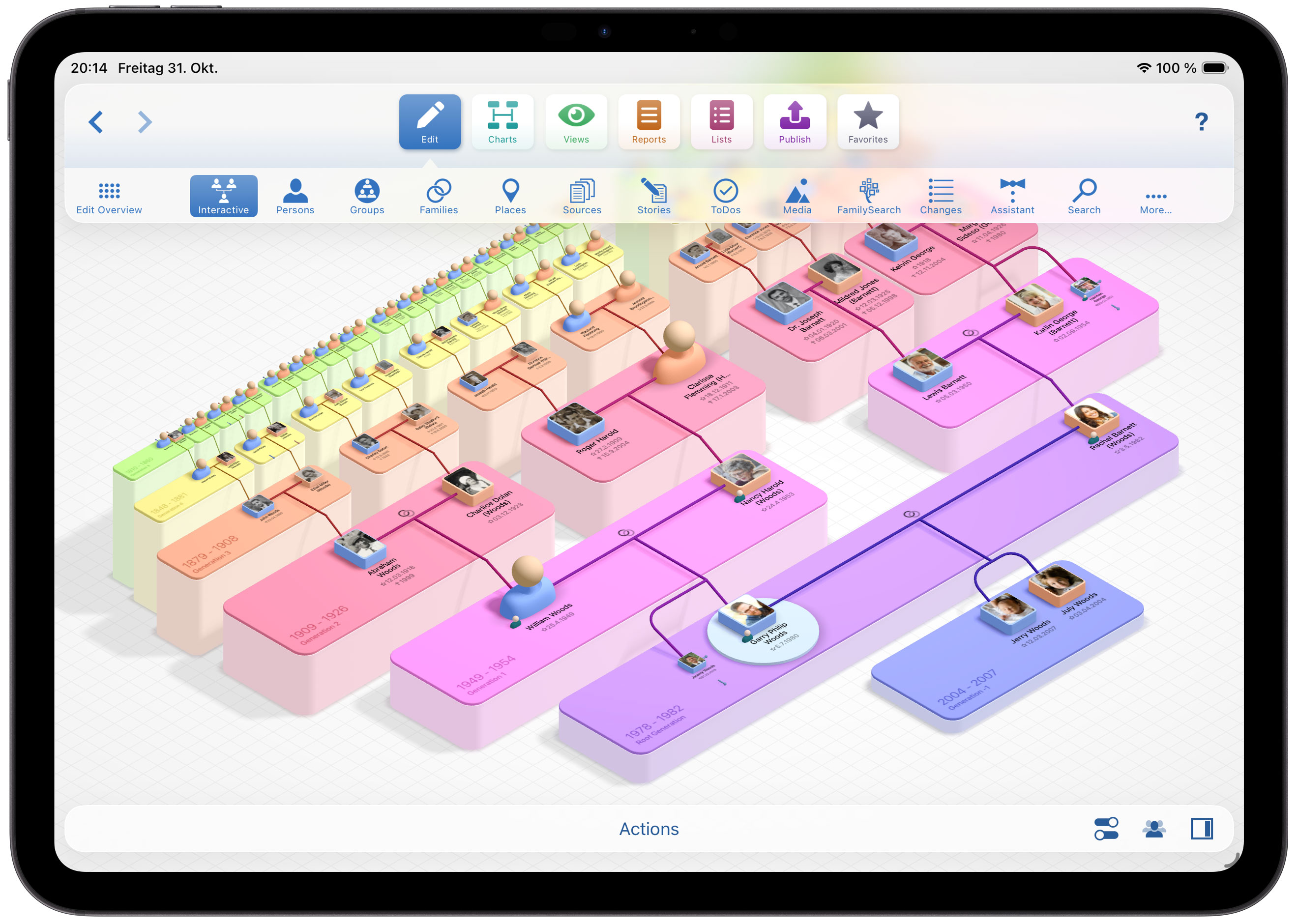
This app provides many ways of viewing a family tree, my favourite of which being the Virtual Tree, having helped interest my family members in the app.
Timothy Goth on the App Store
★★★★★
Easily to create family reports and charts. You control the information you want included. The app is also shareable with other family members to assist you building the family tree/stories!
SAGuy78209 on the App Store

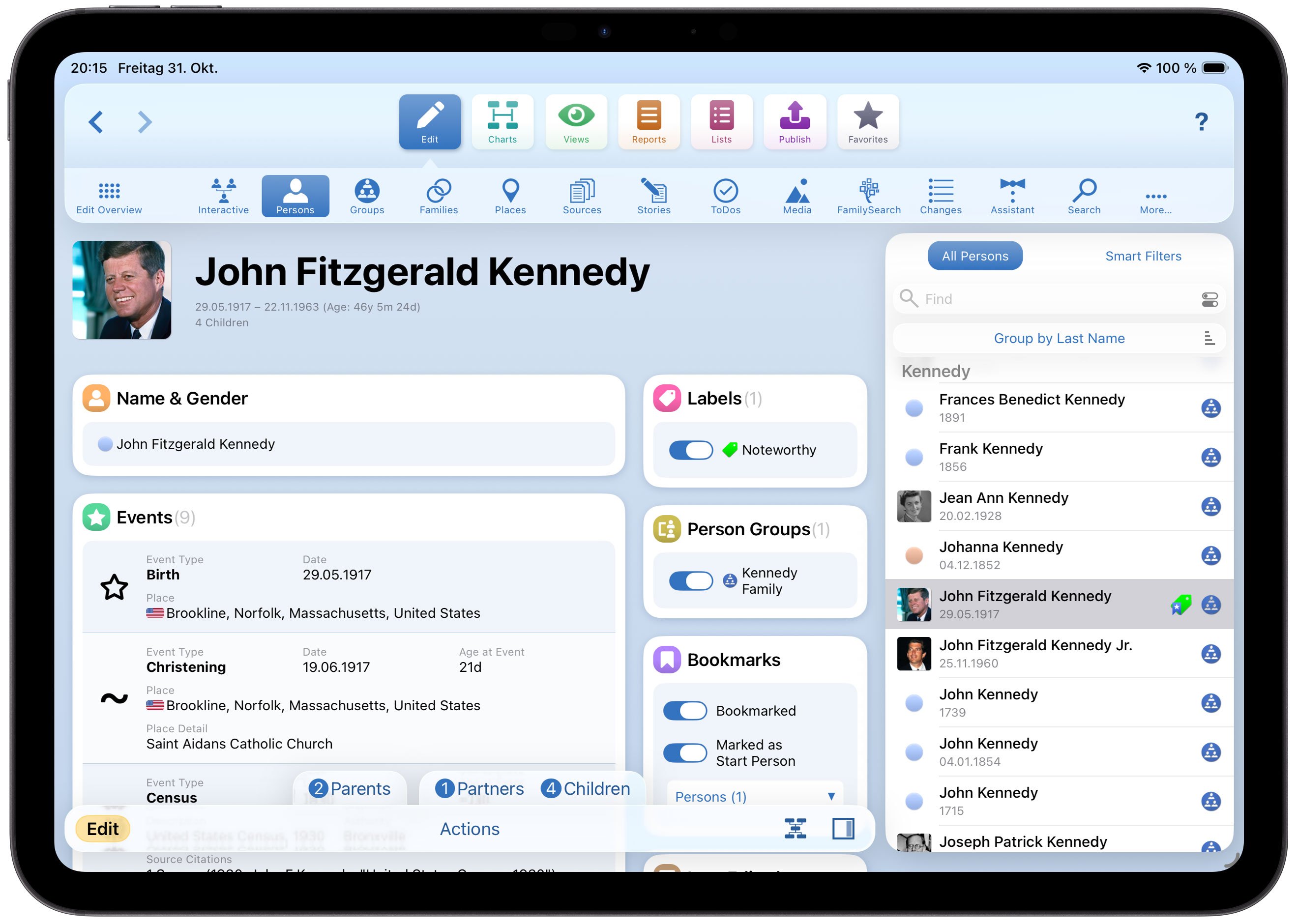
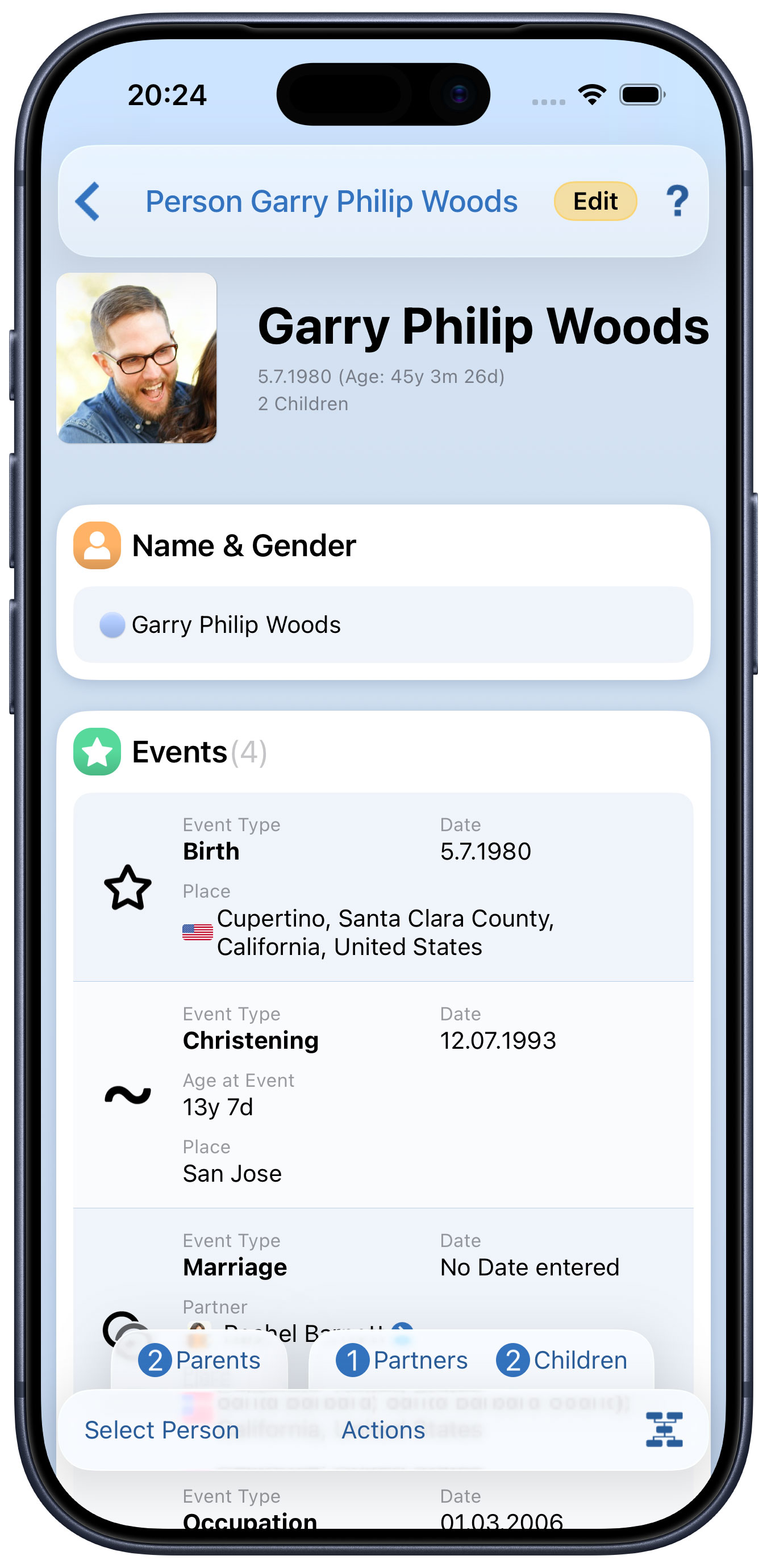
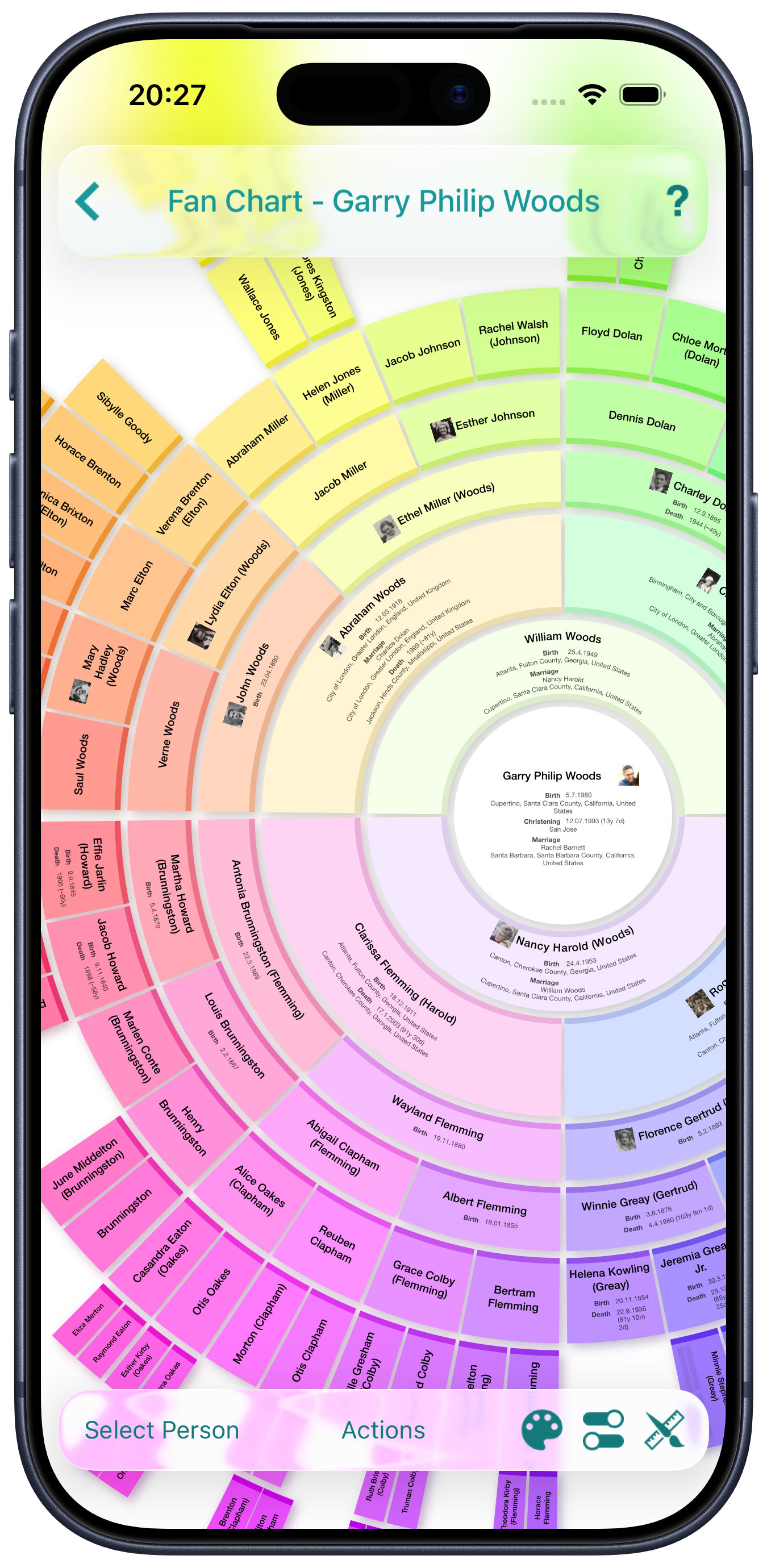
 MobileFamilyTree is the first and only desktop-grade mobile genealogy app for iPhone and iPad. You'll find all the features you'd expect from a powerful genealogy application – and it's all right on your iPhone or iPad. MobileFamilyTree provides you with everything you need for your genealogical research. Research, collect and visualize data, browse a wide range of visually compelling charts and reports, and share your findings with others – it’s all incredibly easy and convenient with MobileFamilyTree.













 Buy MobileFamilyTree 11