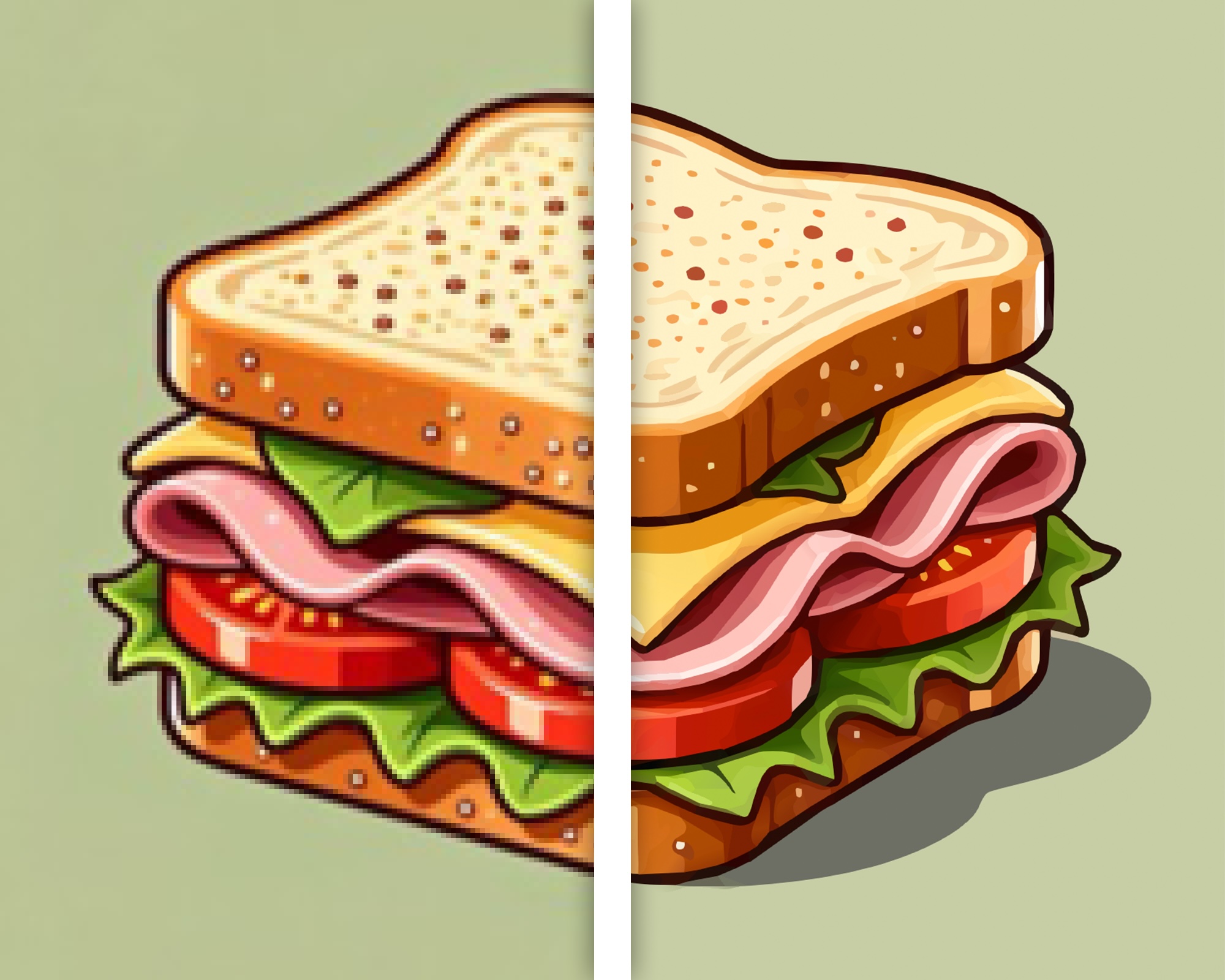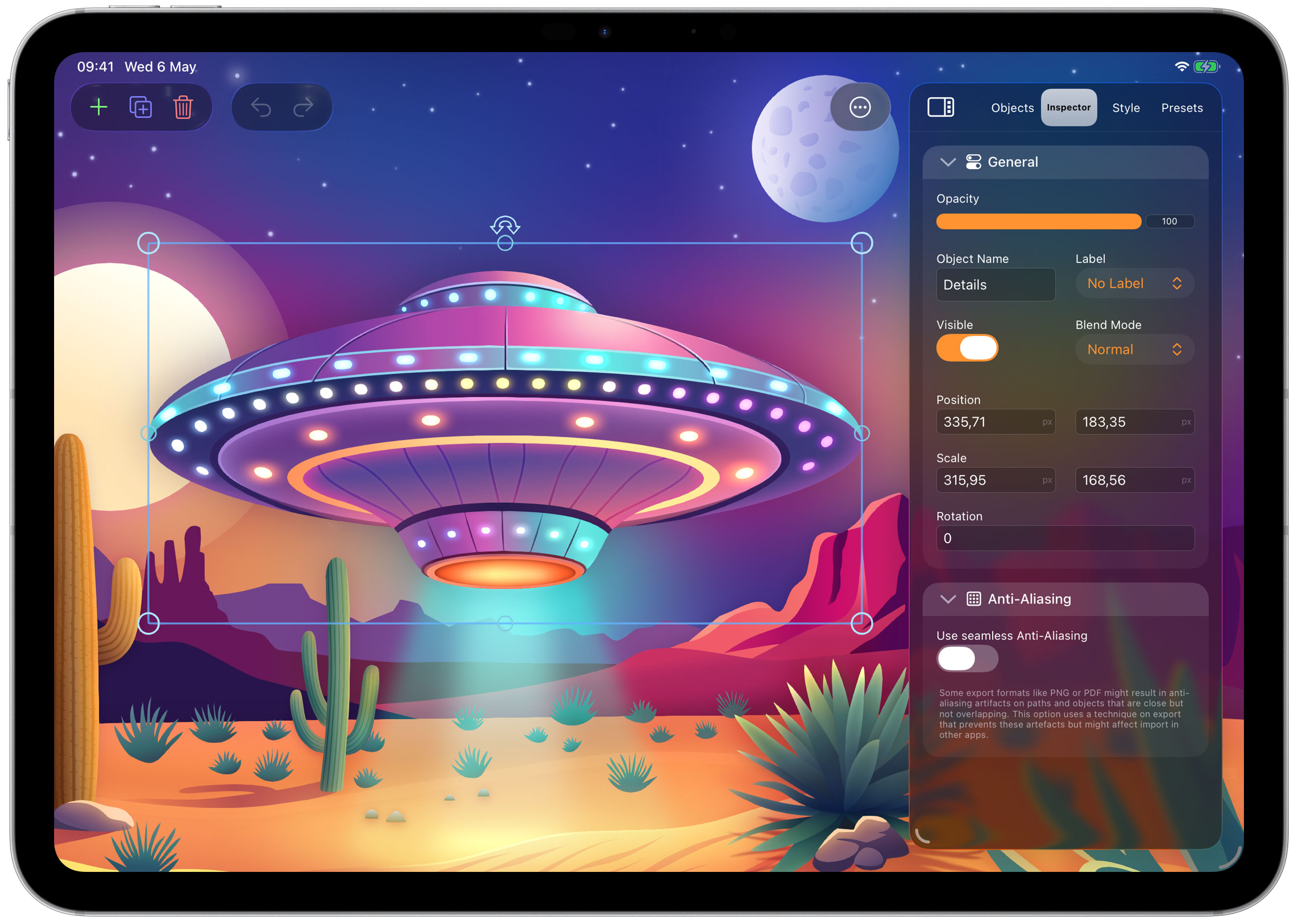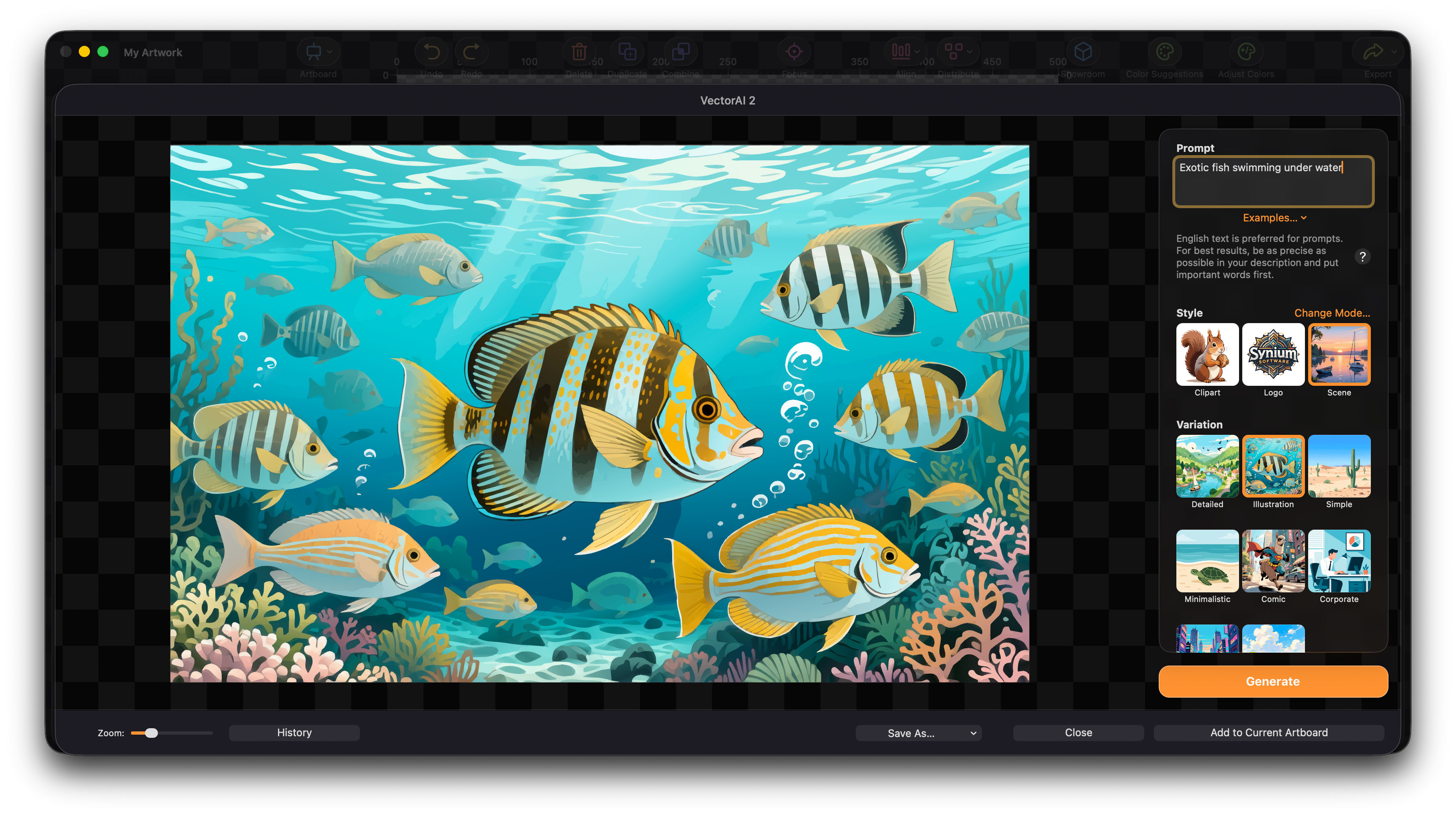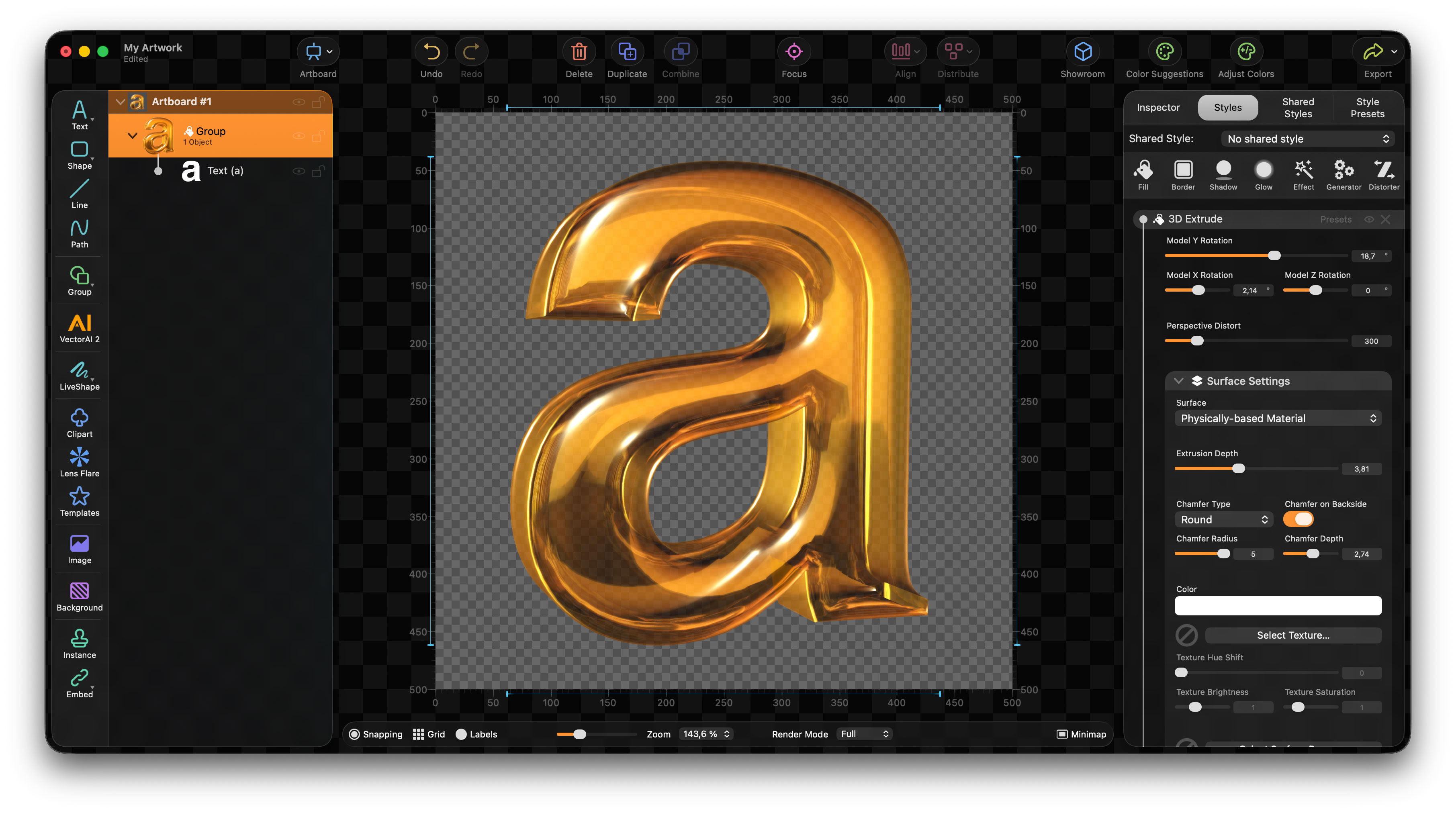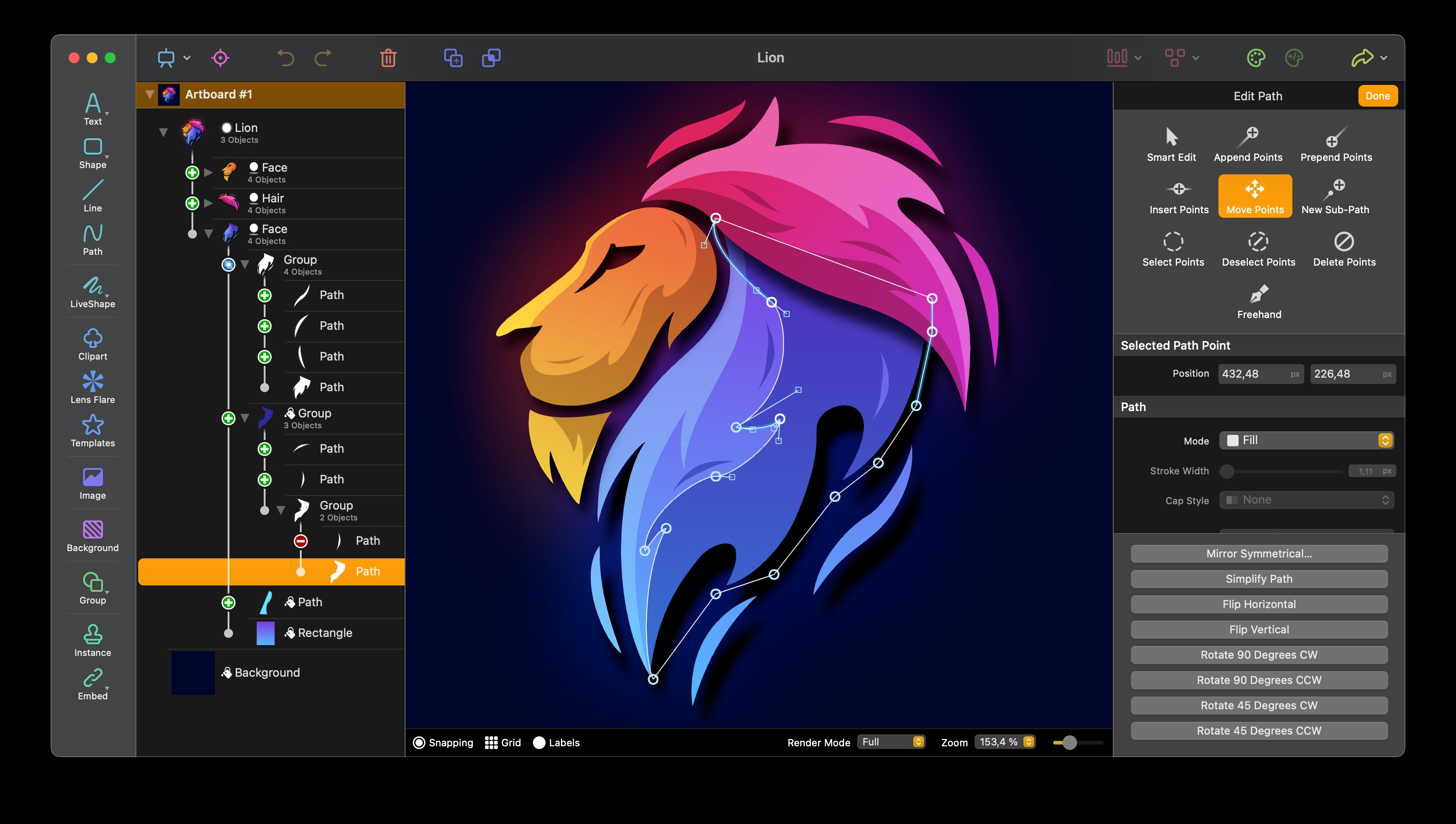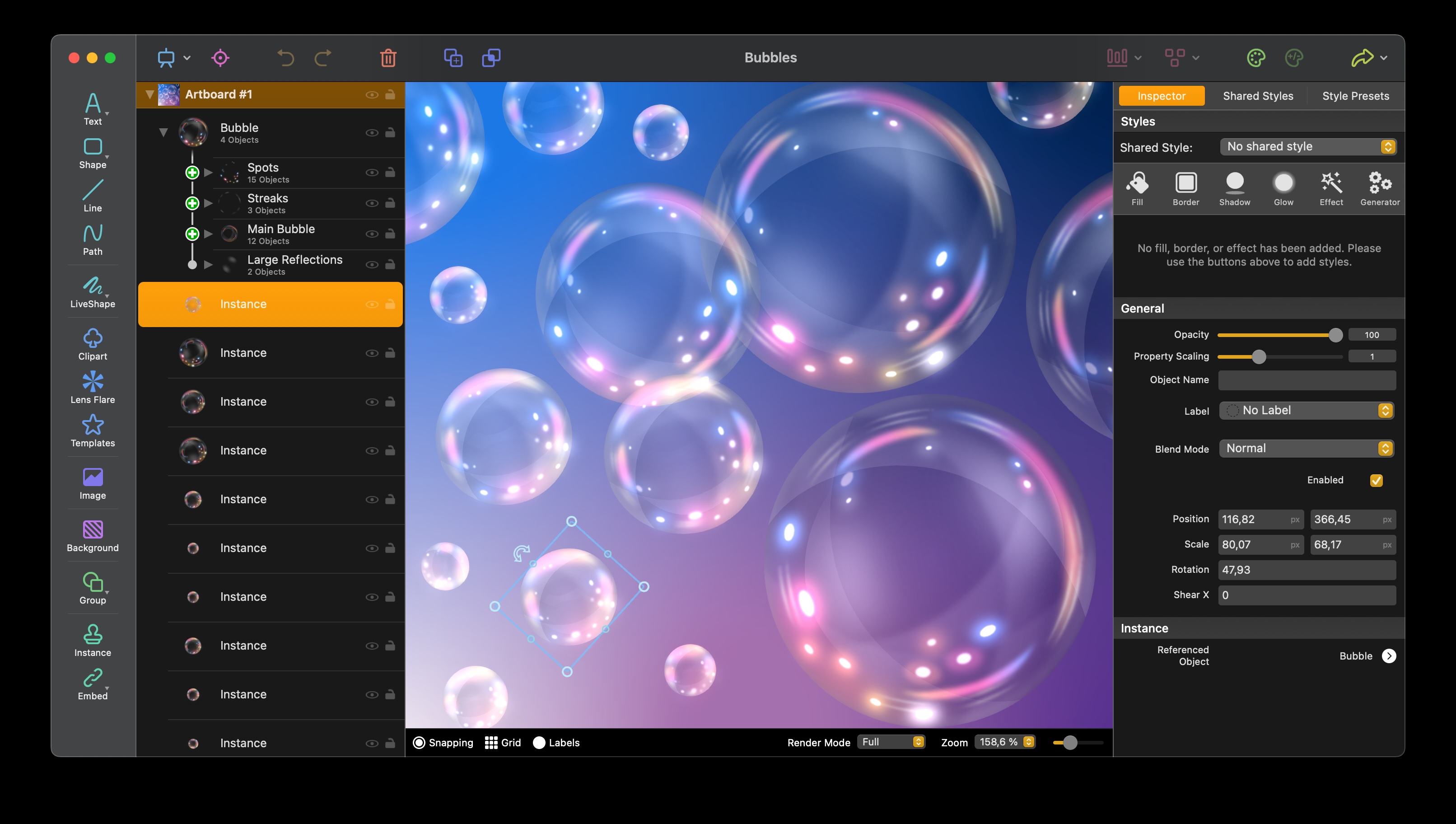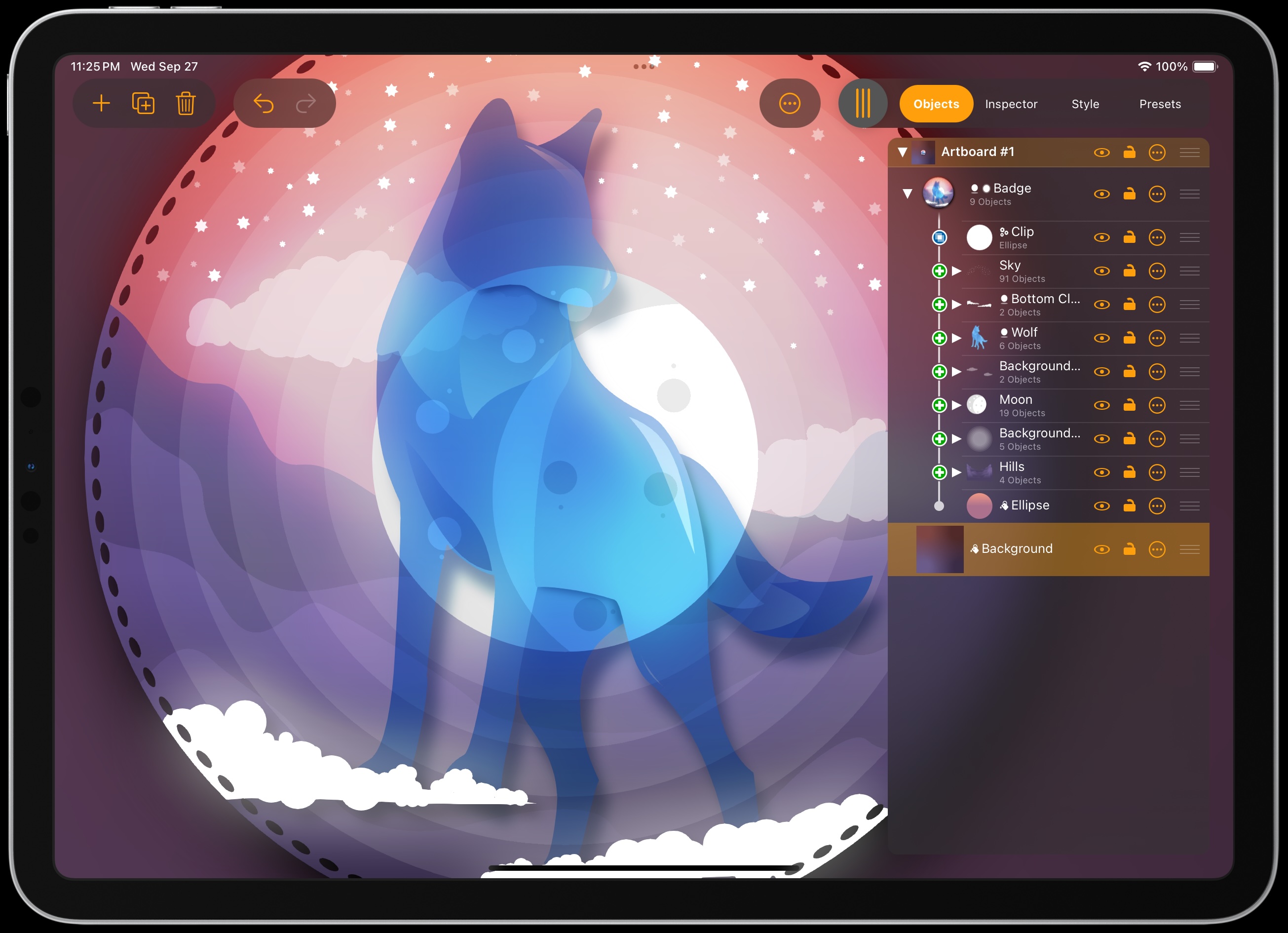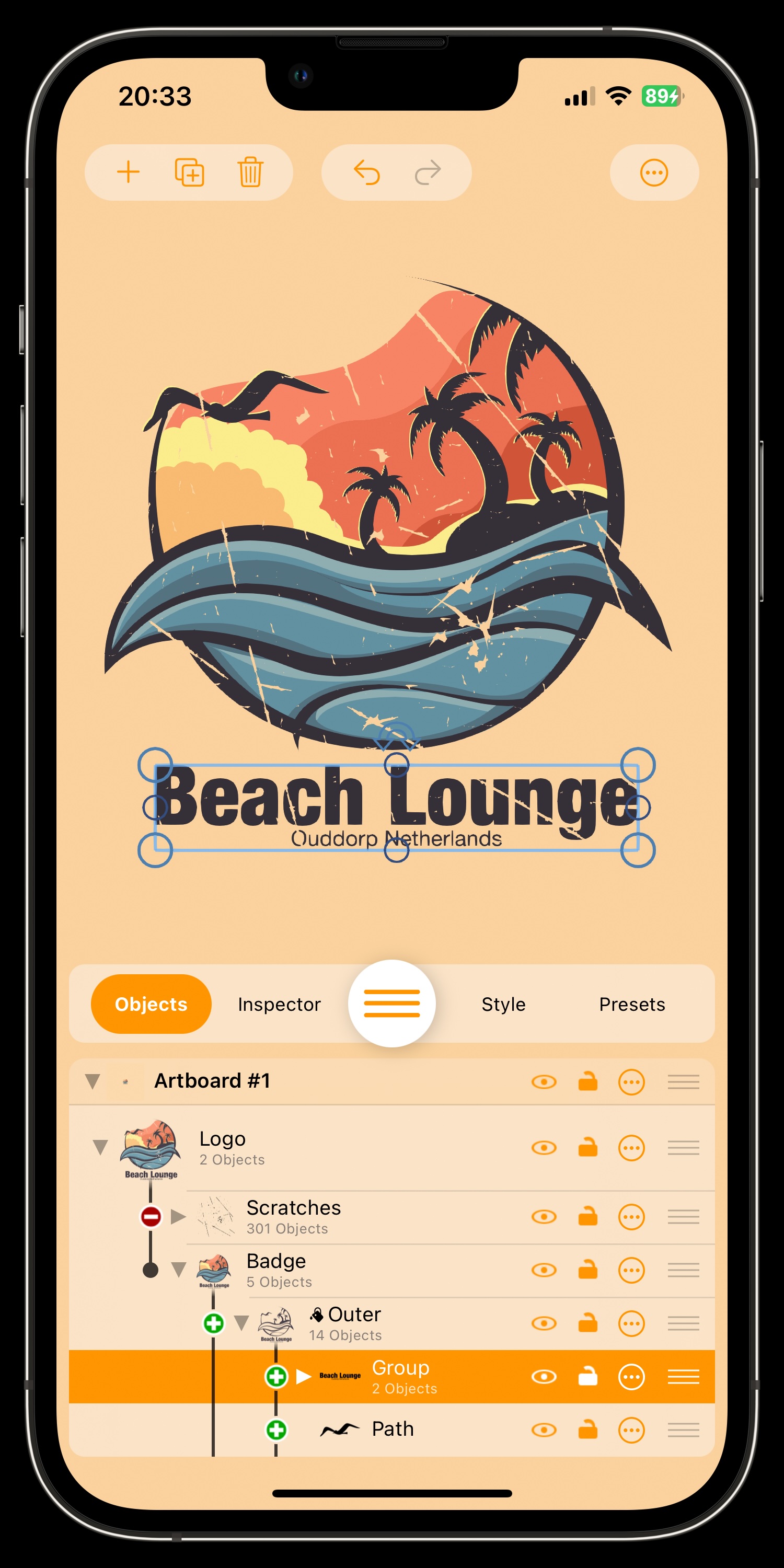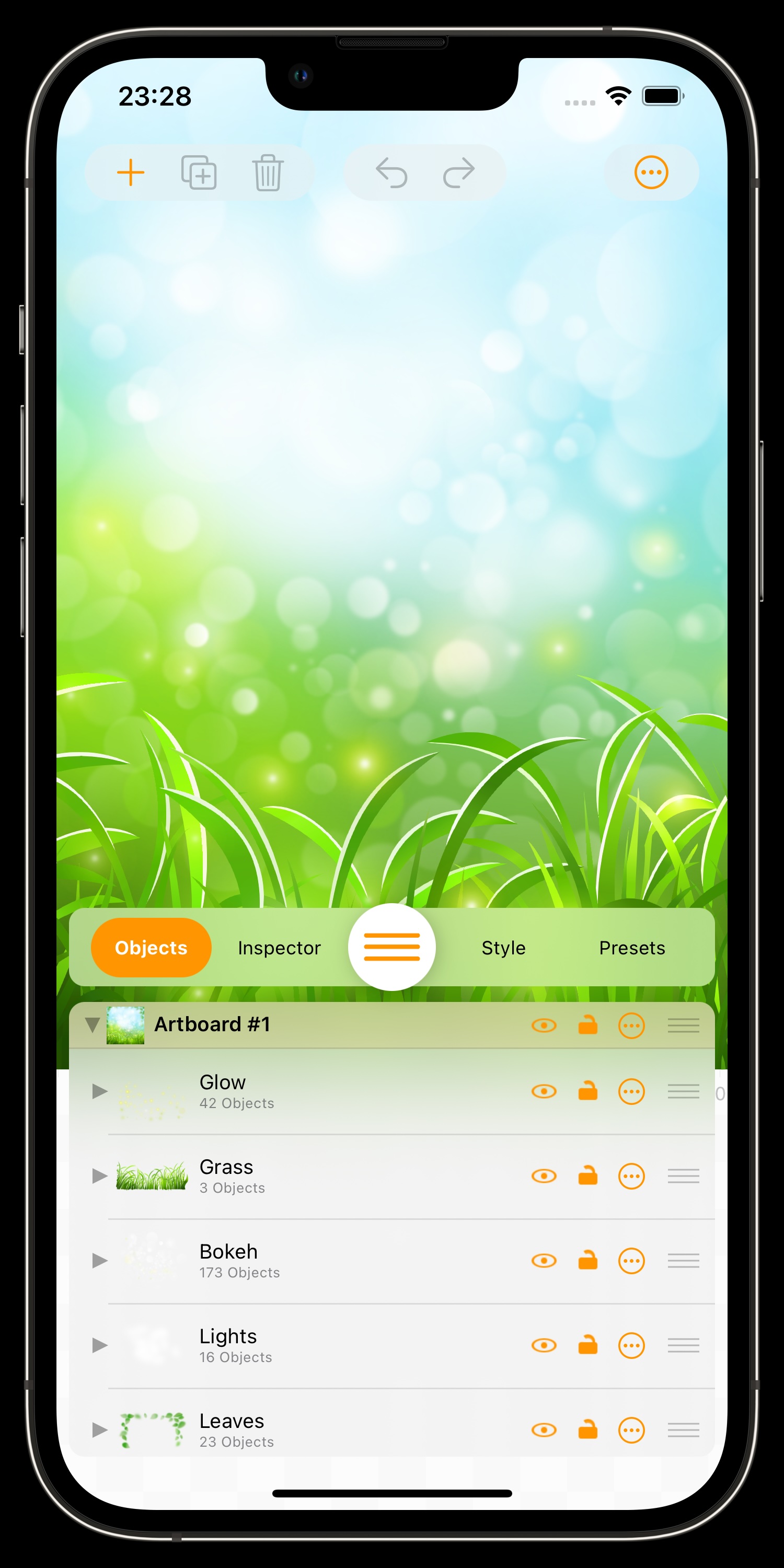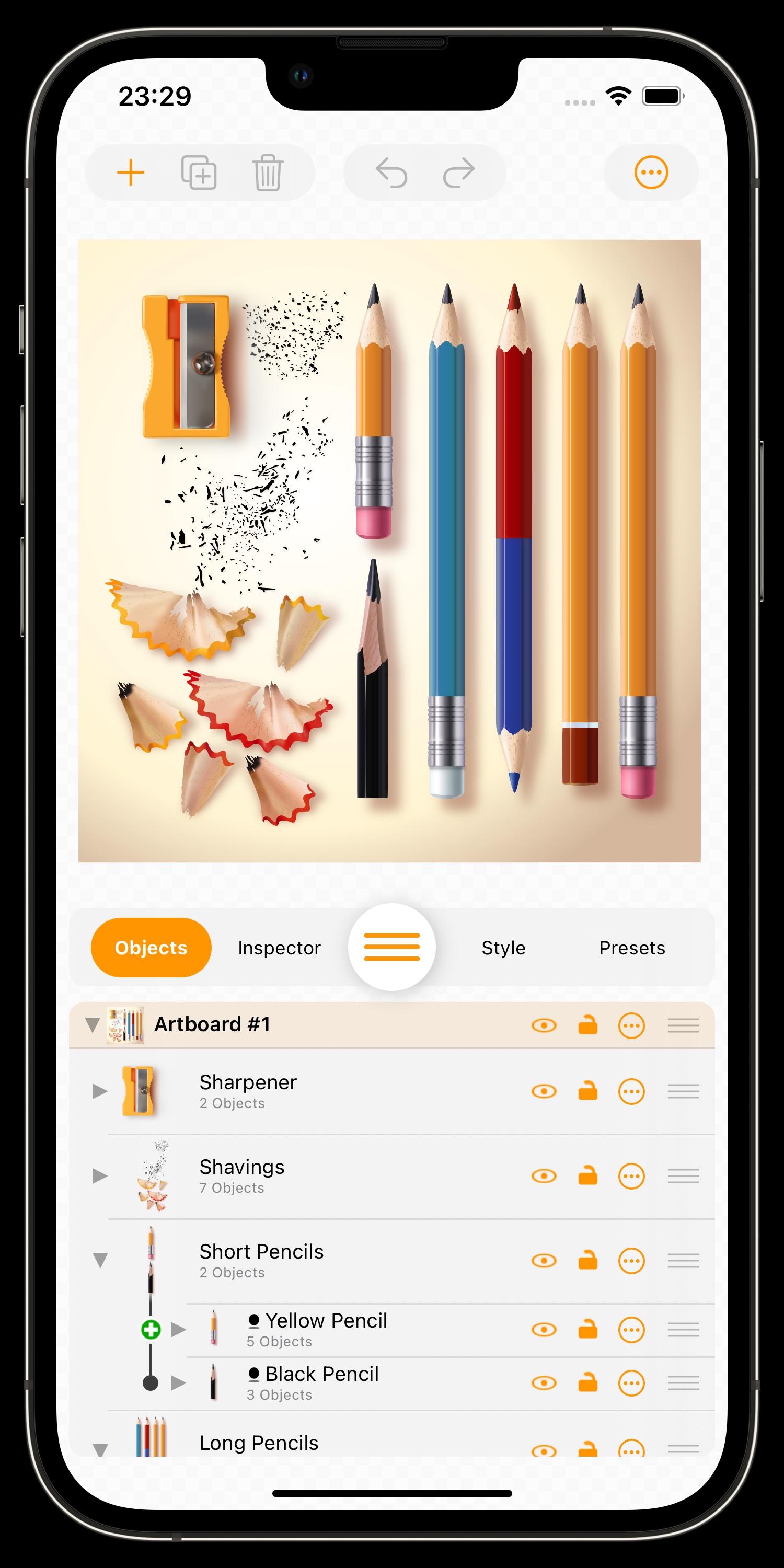
We are excited to introduce the brand-new VectorAI 2, the major new generation of our AI image generator for both vector- and pixel-based artwork. The completely new model is significantly faster, understands even complex descriptions, and creates everything from logos and illustrations to realistic images.

VectorAI 2 uses an entirely new AI model for creating both vector-based and pixel-based images. It can generate logos, clipart, illustrations, icons, scenes, and even realistic artwork. The more precisely you describe the result you want, the more control you have over the final image. With VectorAI 2, you simply write what you want to see — and the app turns your text into impressive artwork.
For a limited time, VectorAI 2 for Mac, iPhone and iPad is available at an introductory price of just $9.99 instead of the regular $19.99. VectorAI 2 is also included in Logoist 6, our full vector and graphic design app for Mac, iPad, and iPhone. If you already own Logoist 6, you do not need to purchase VectorAI separately. The standalone VectorAI app is ideal, though, if you mainly want to create images and vector artwork from text prompts without using the full Logoist design environment.
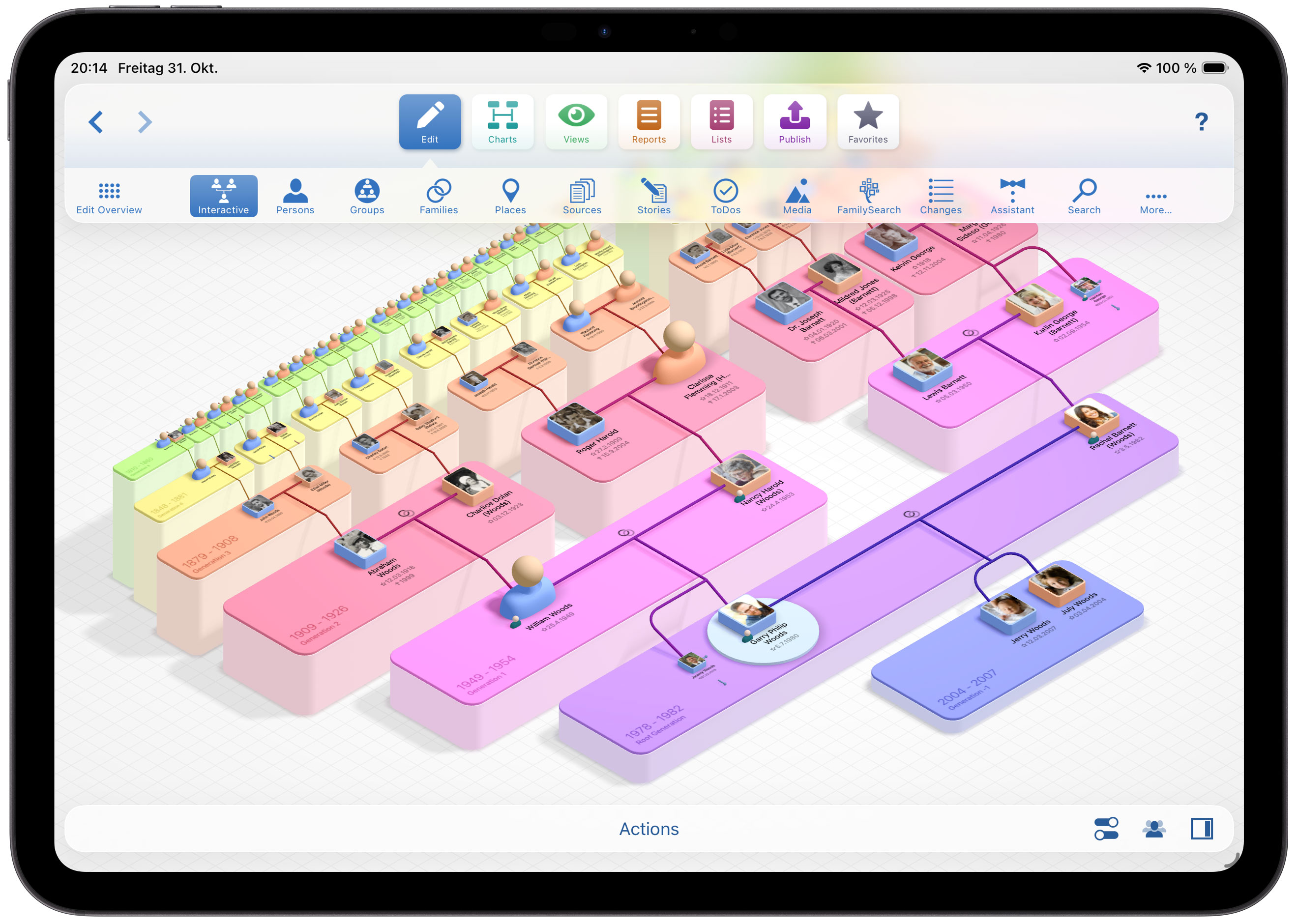
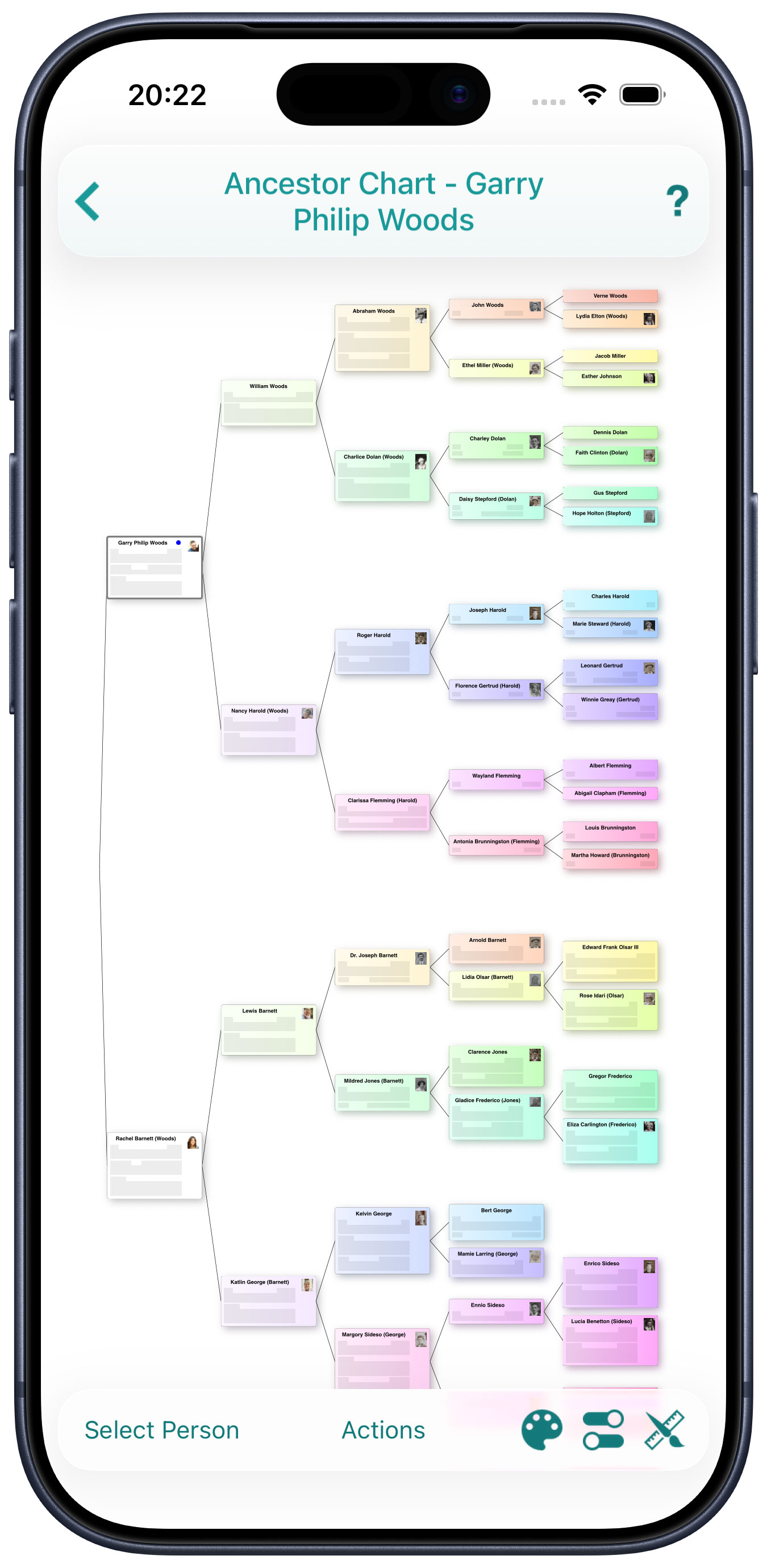
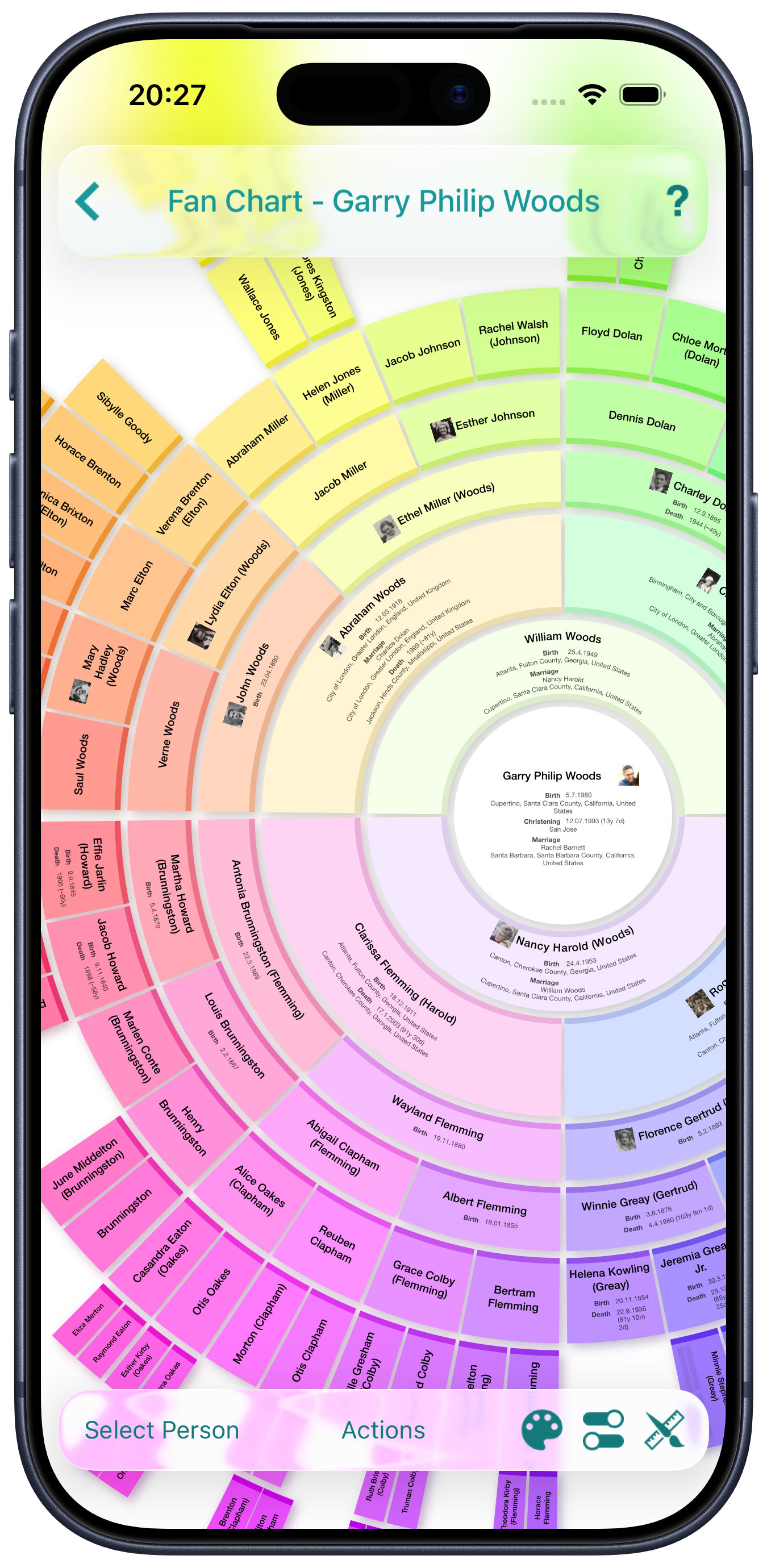
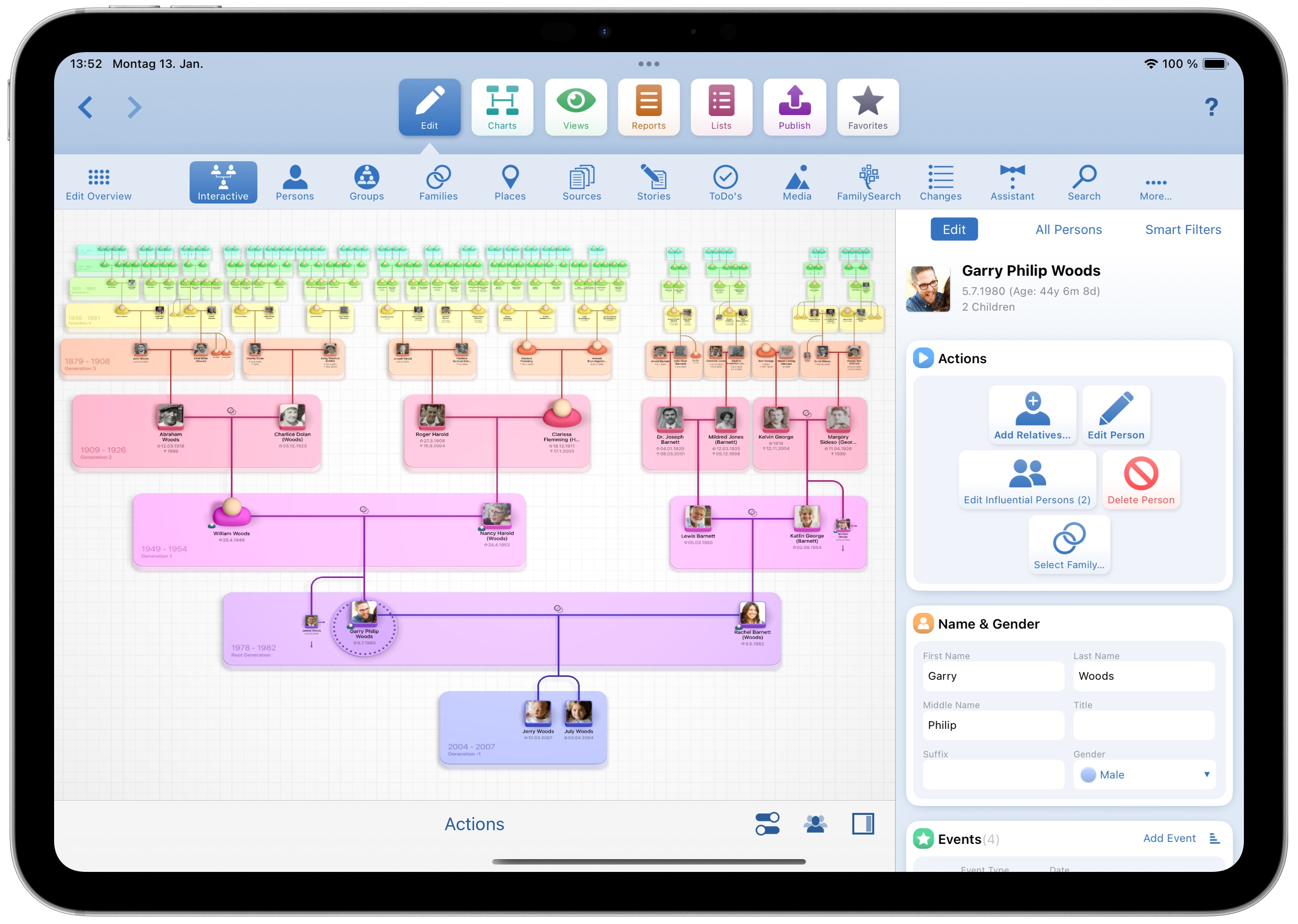
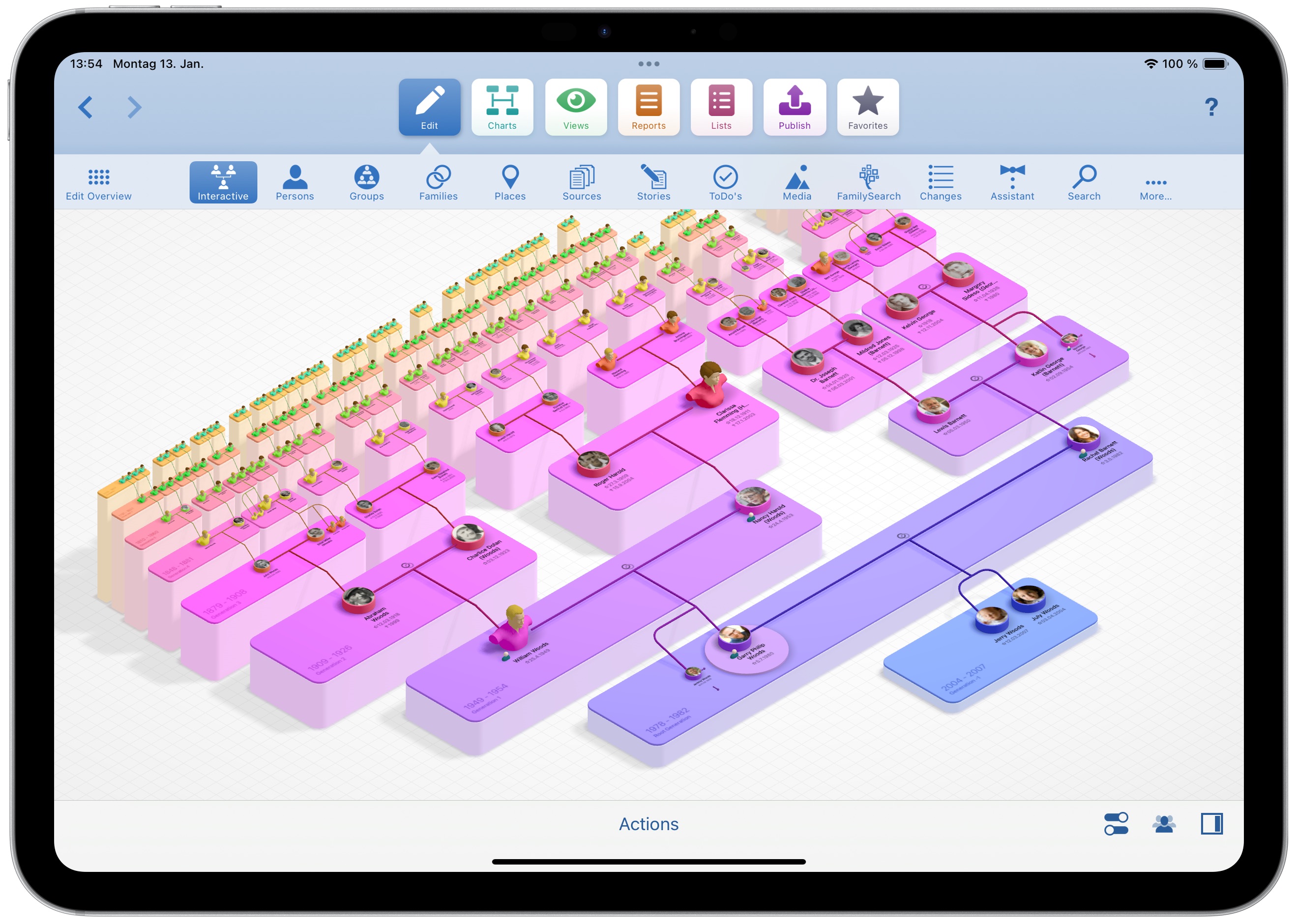
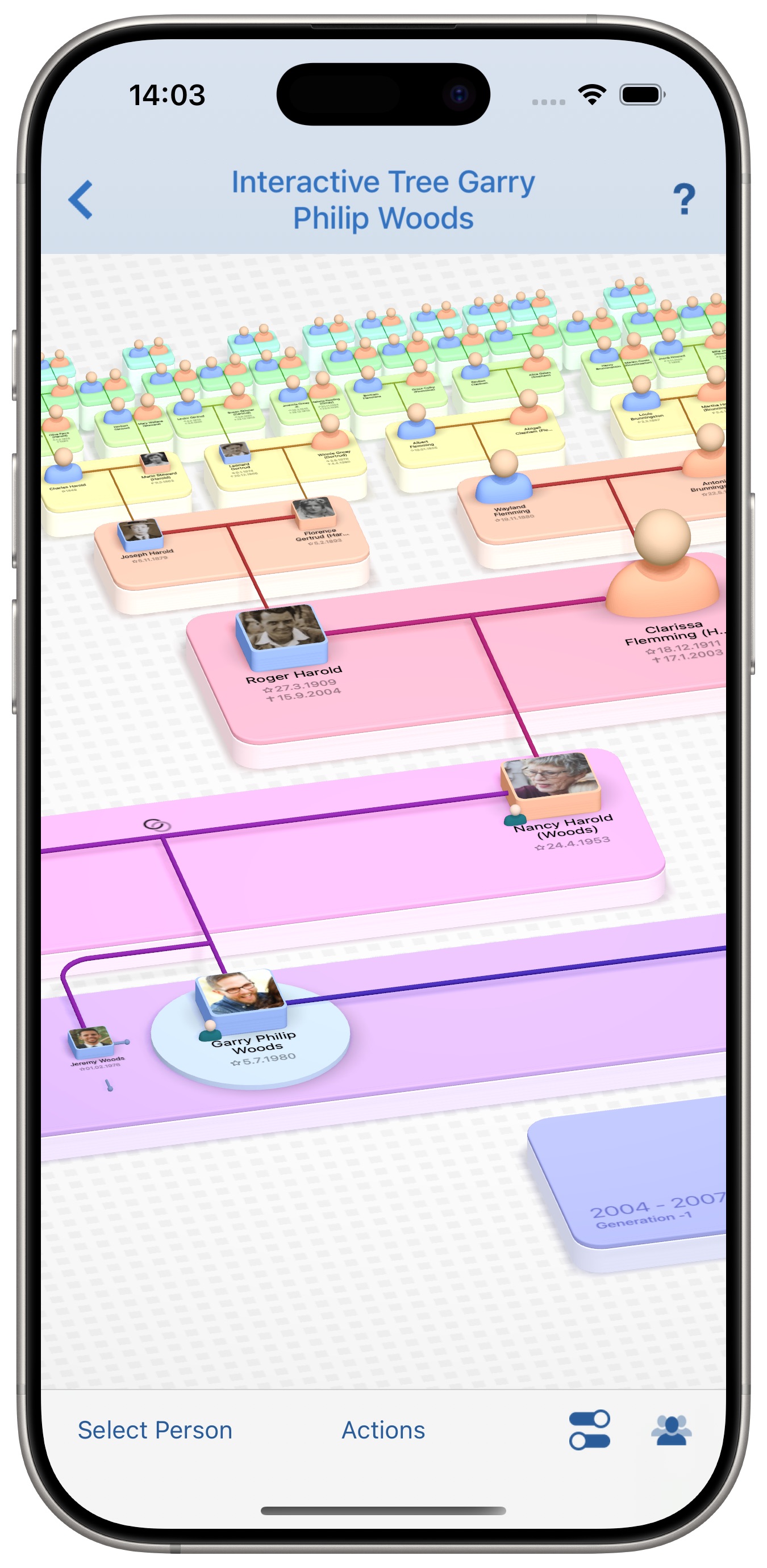
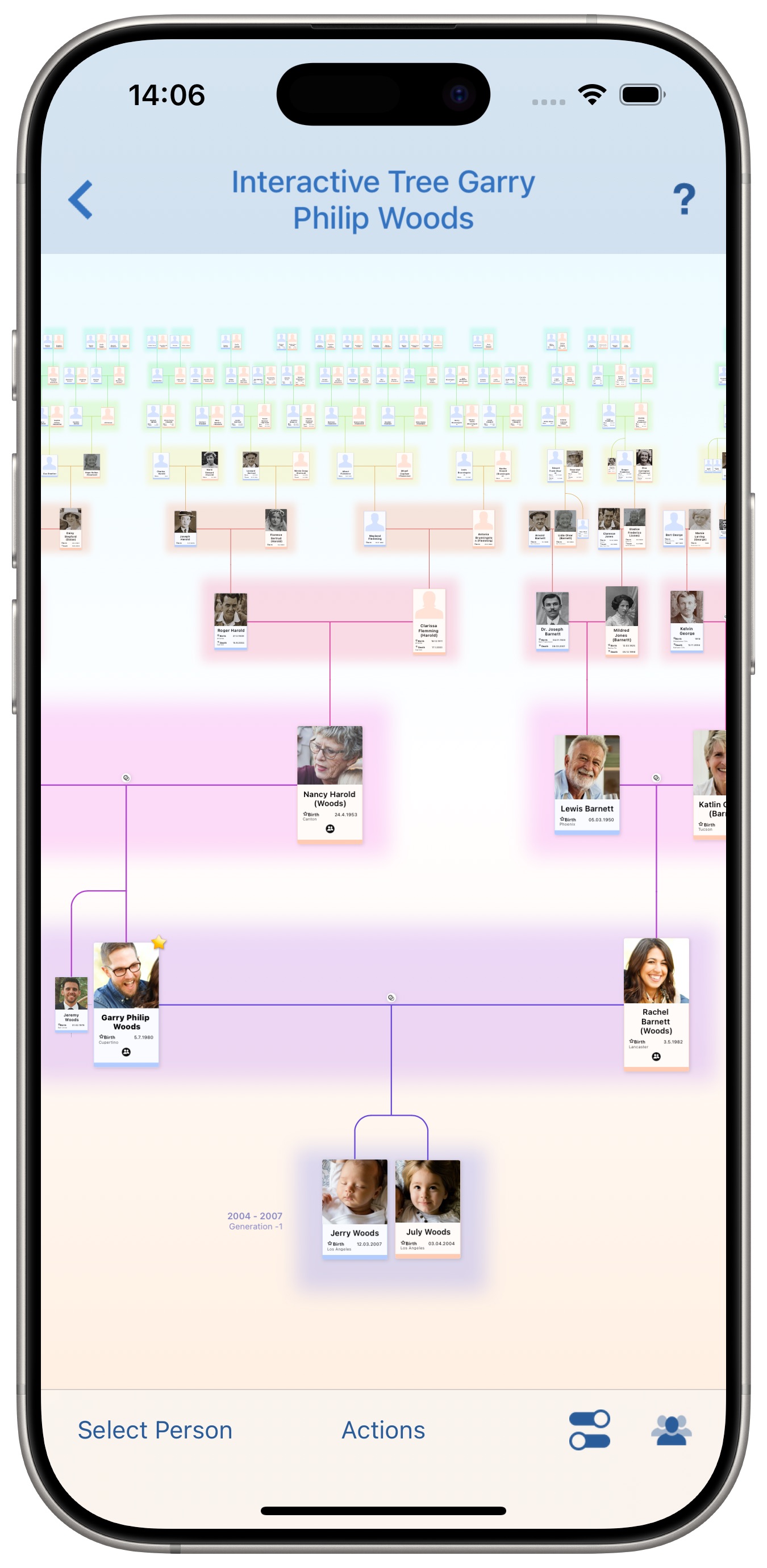
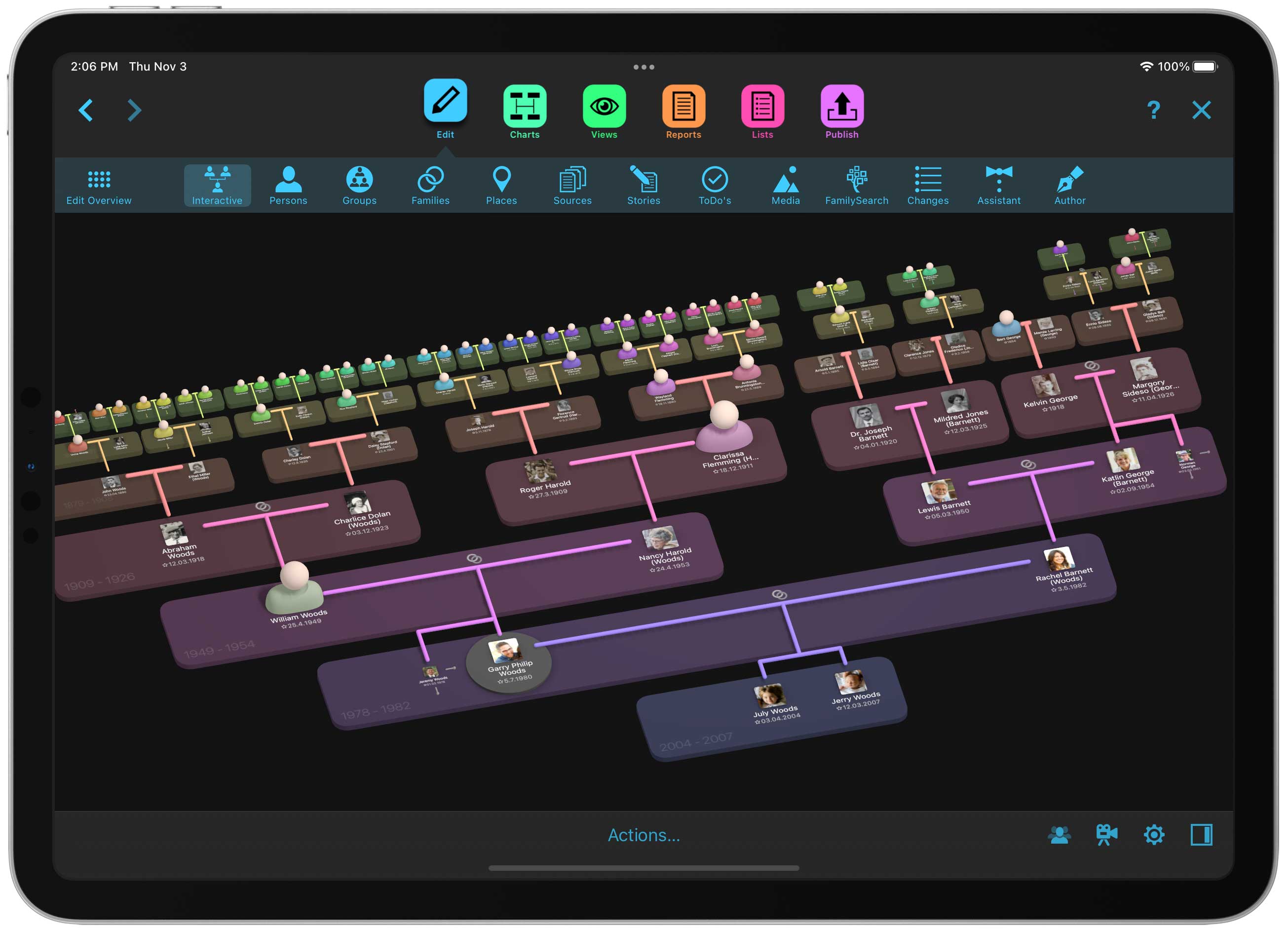
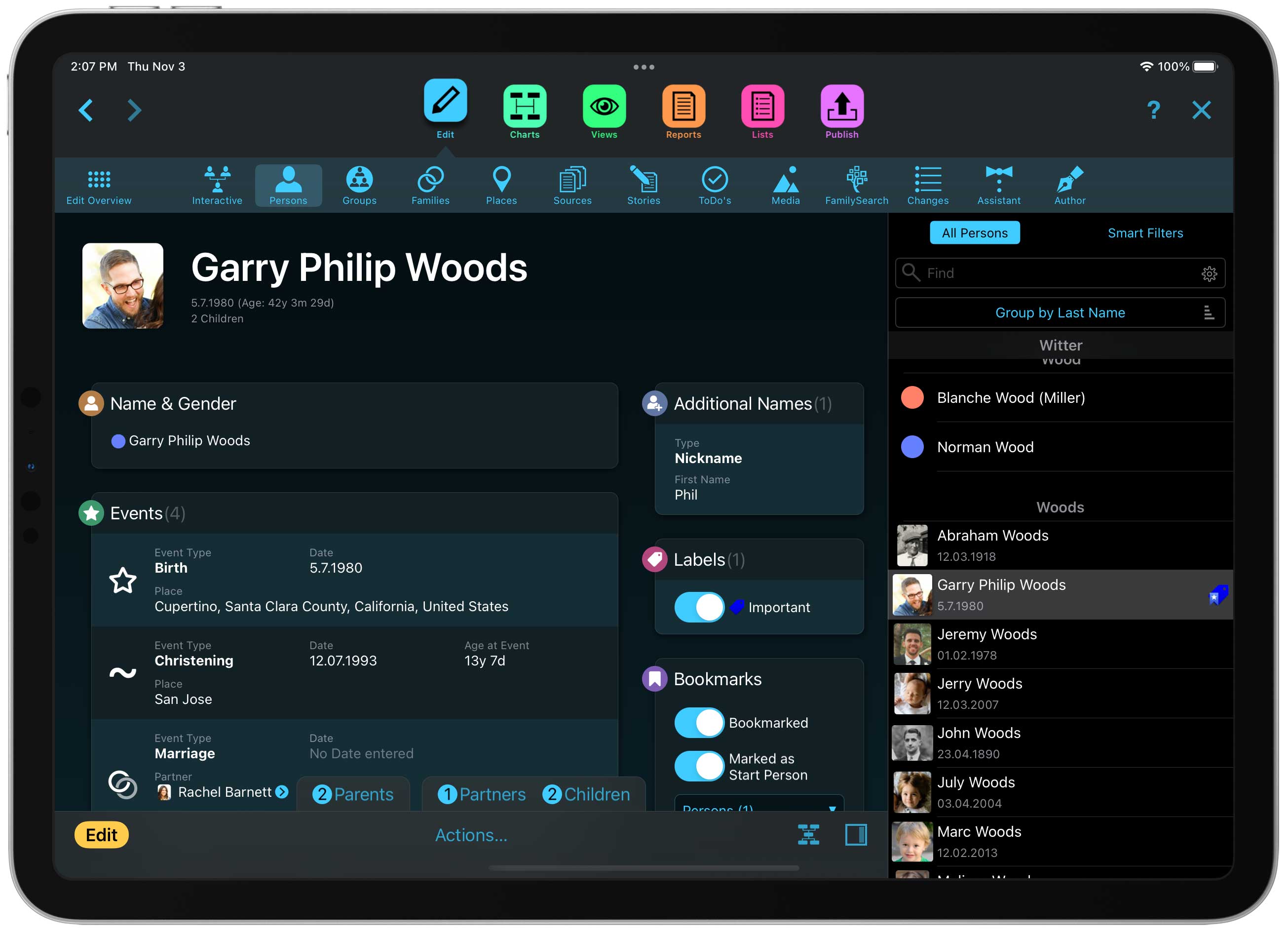
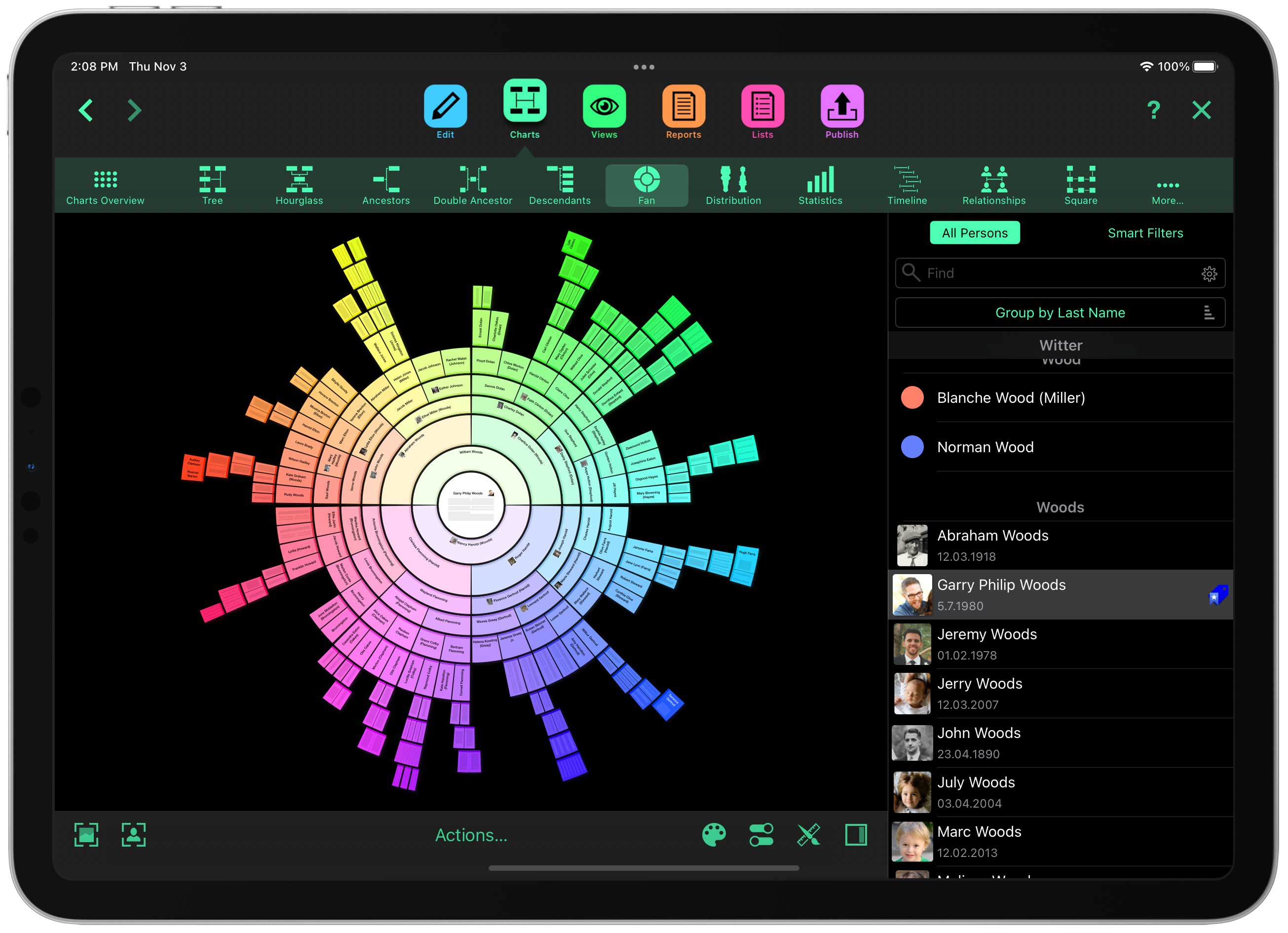
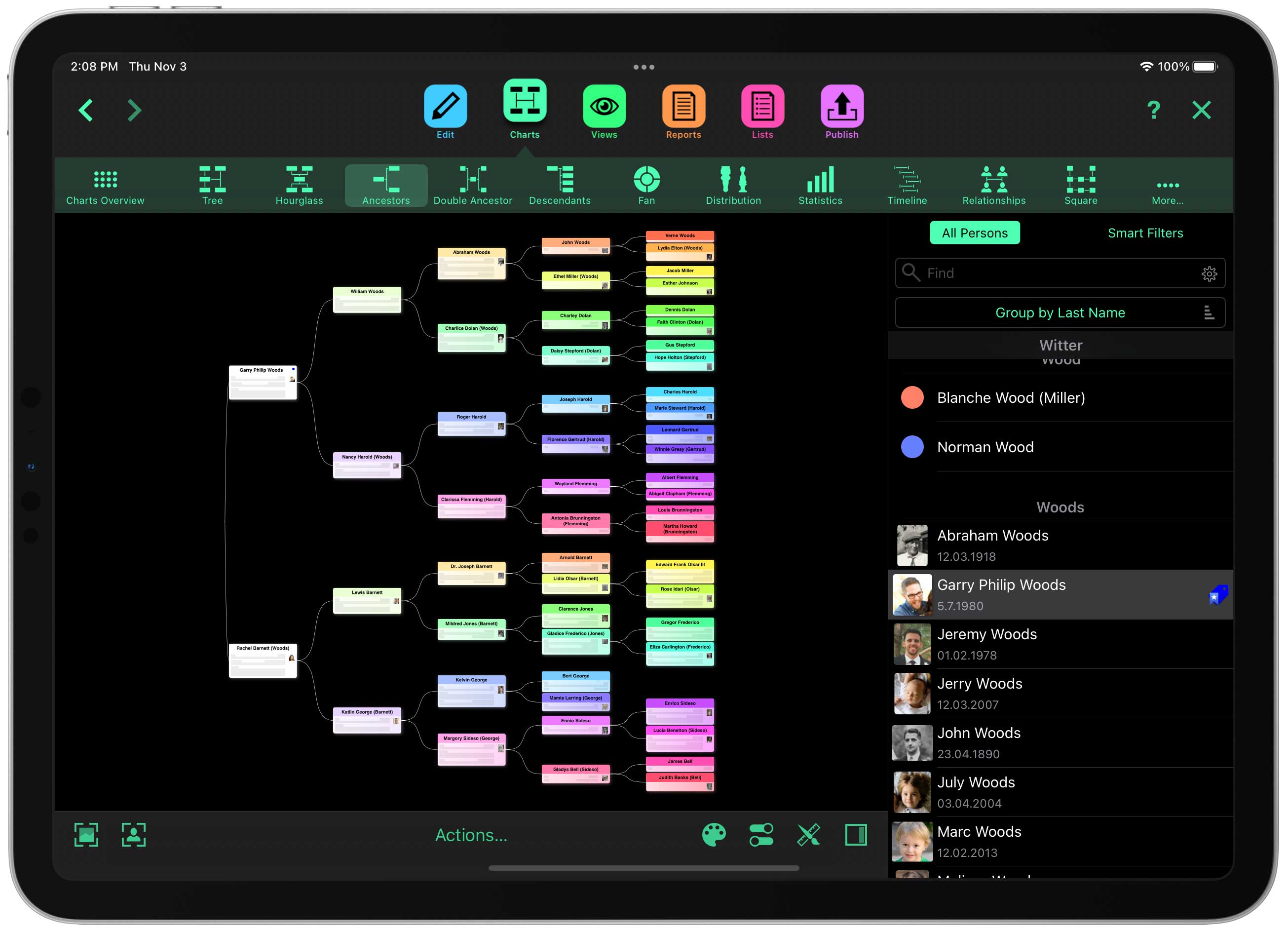
Welcome MacFamilyTree 11.3 and MobileFamilyTree 11.3, the third free update for all customers of version 11! Once again, we have countless improvements and new features in store for you, making the exploration of your family history even more convenient and informative.
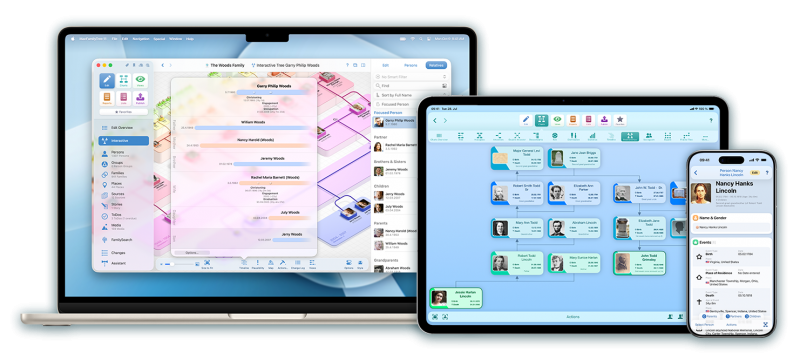
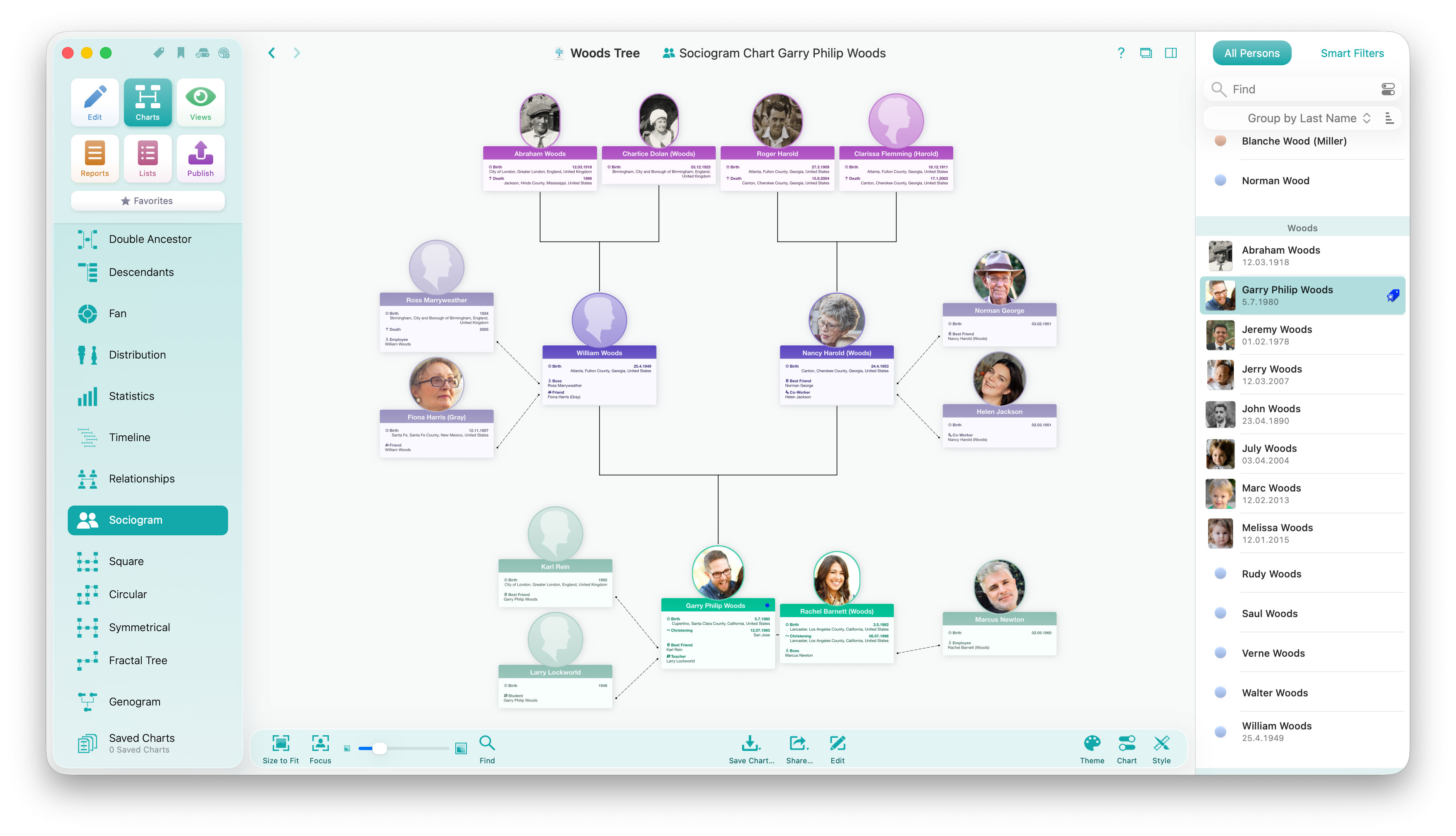
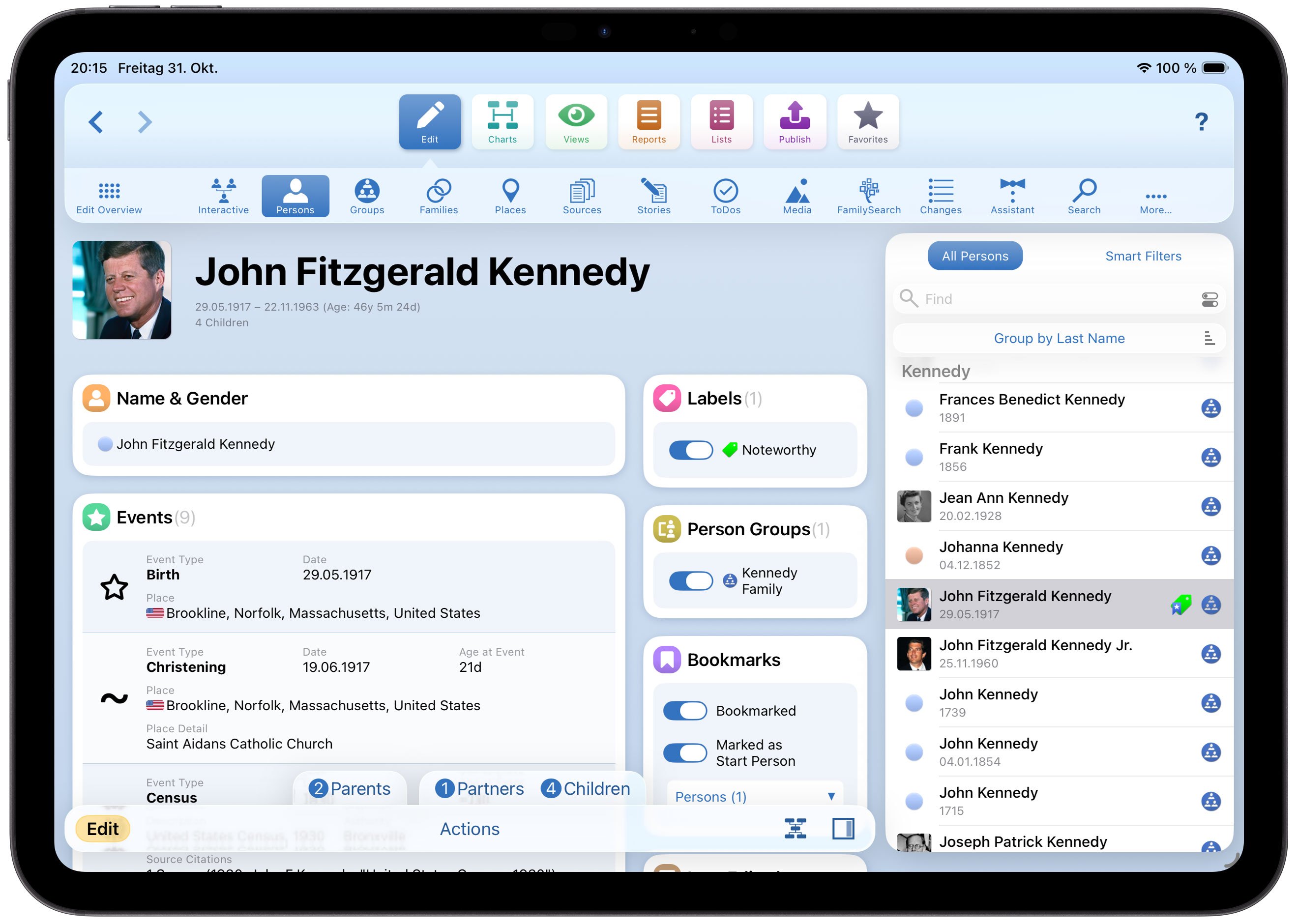
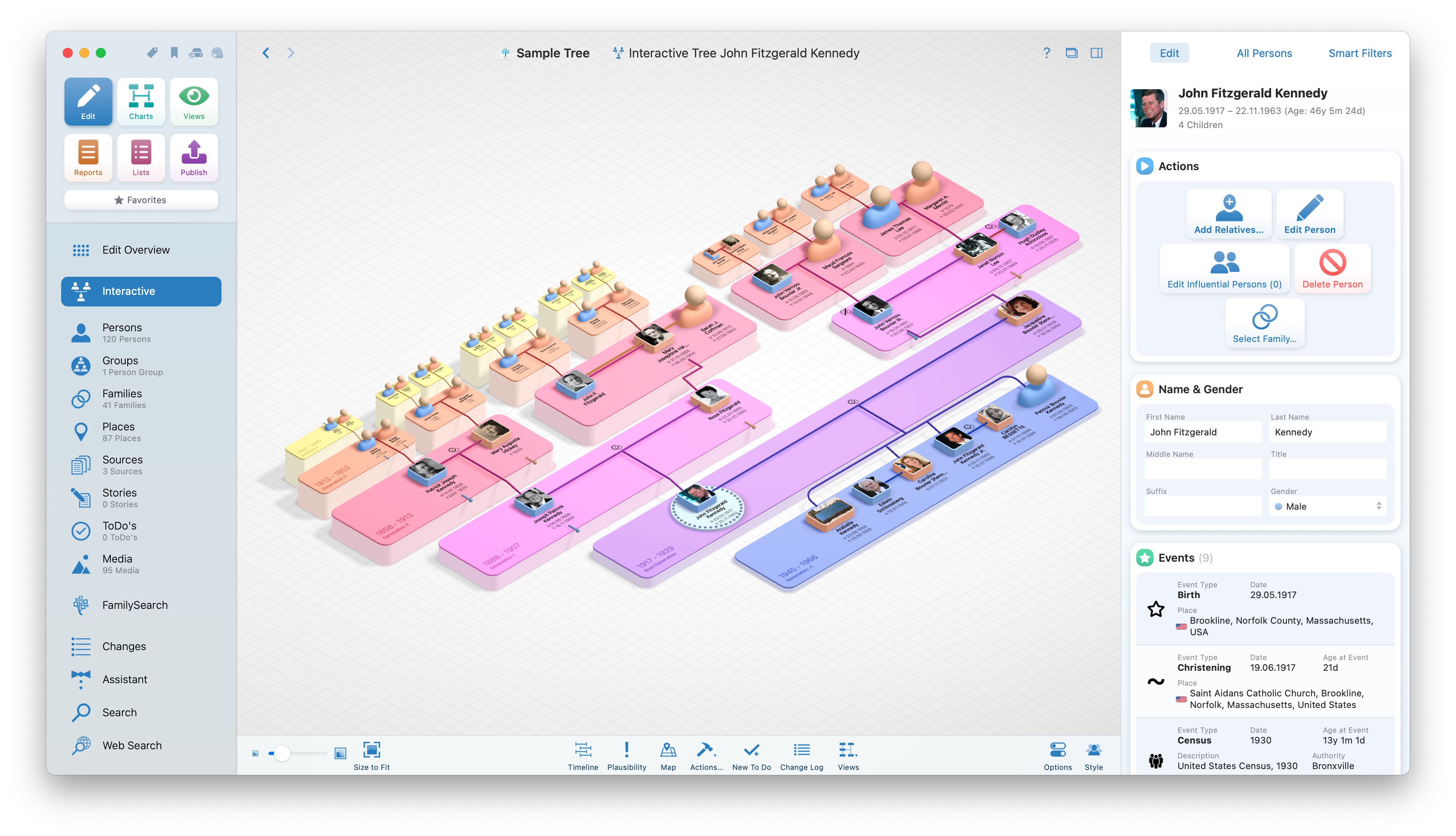
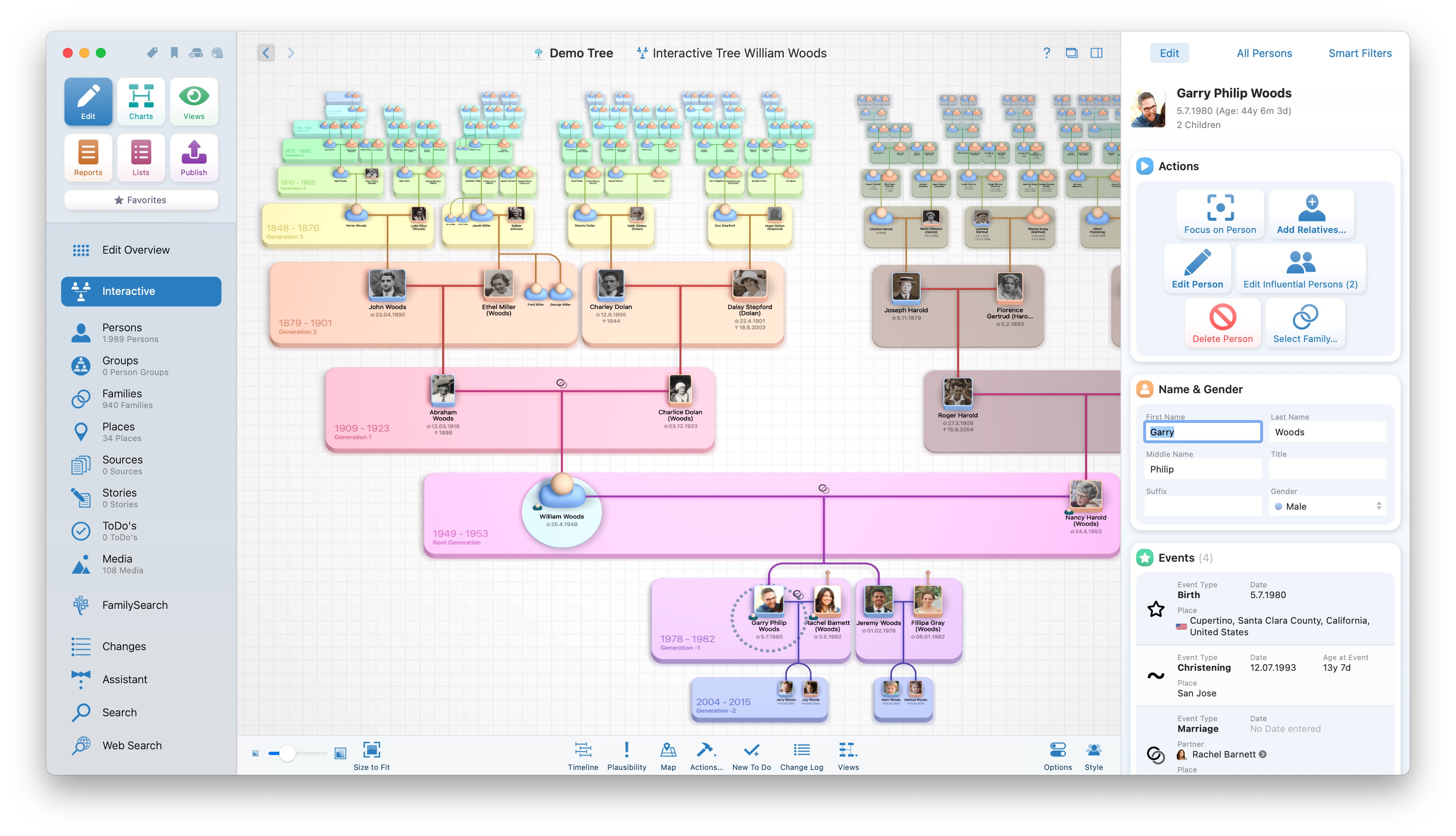
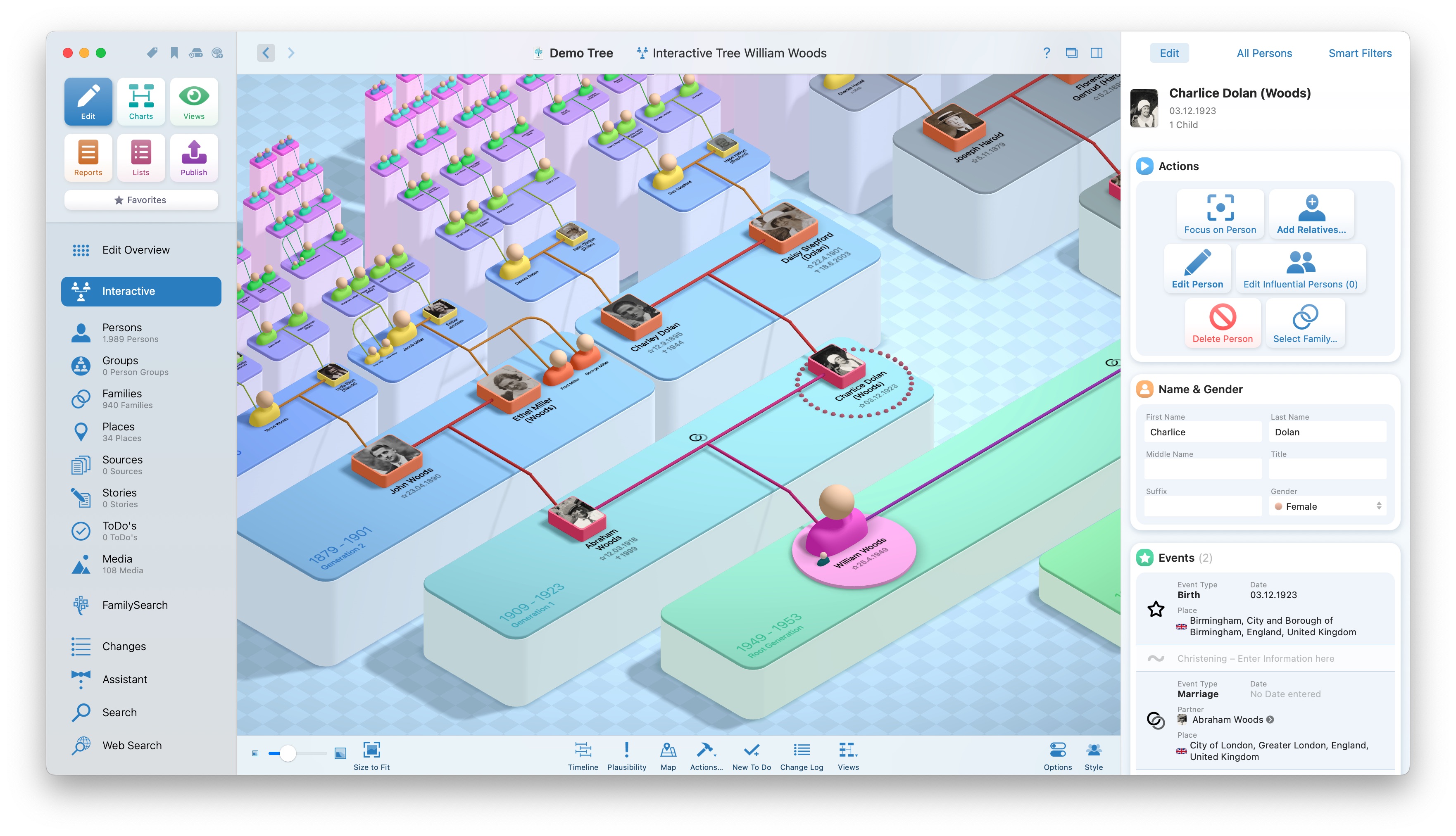
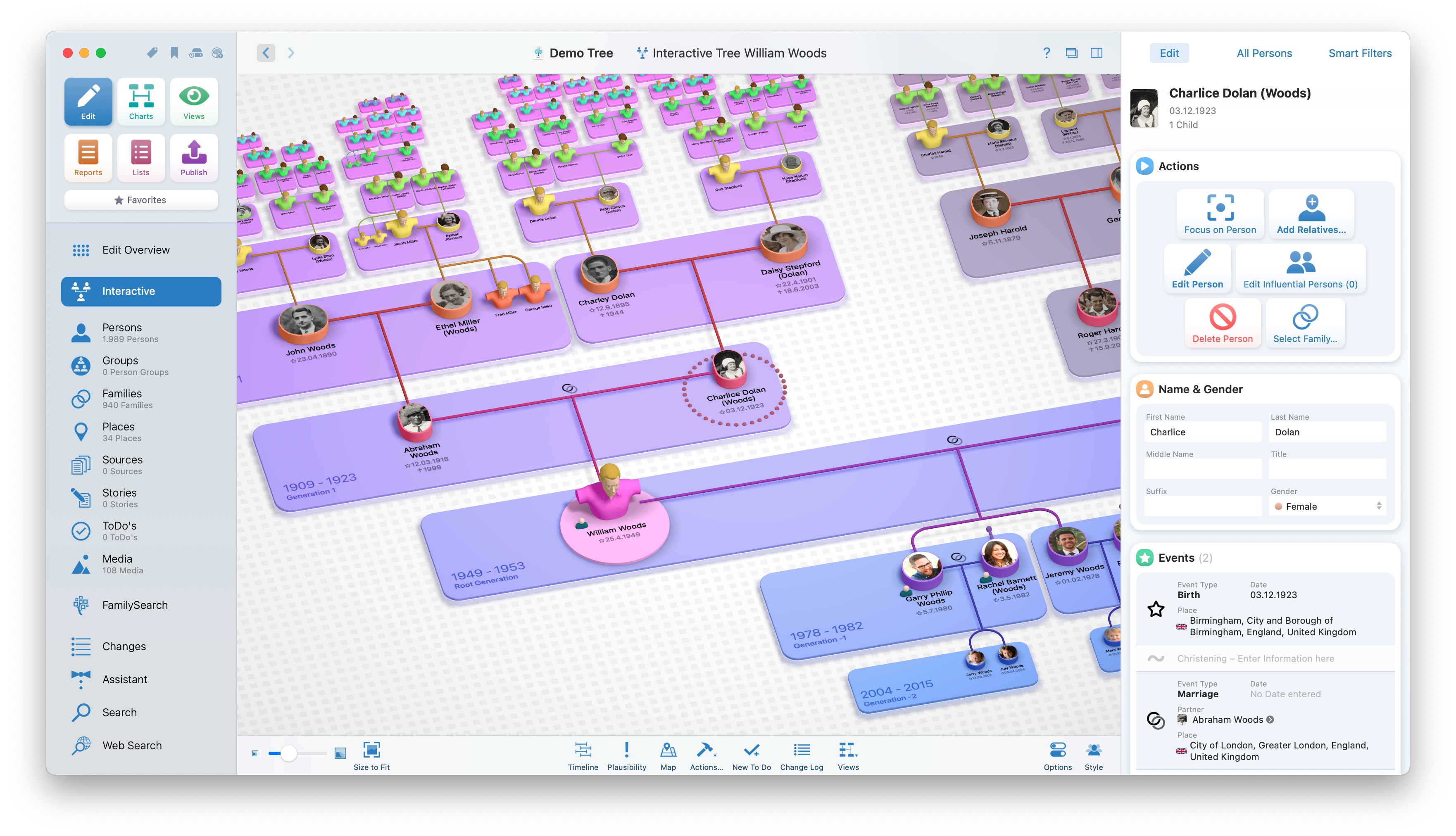
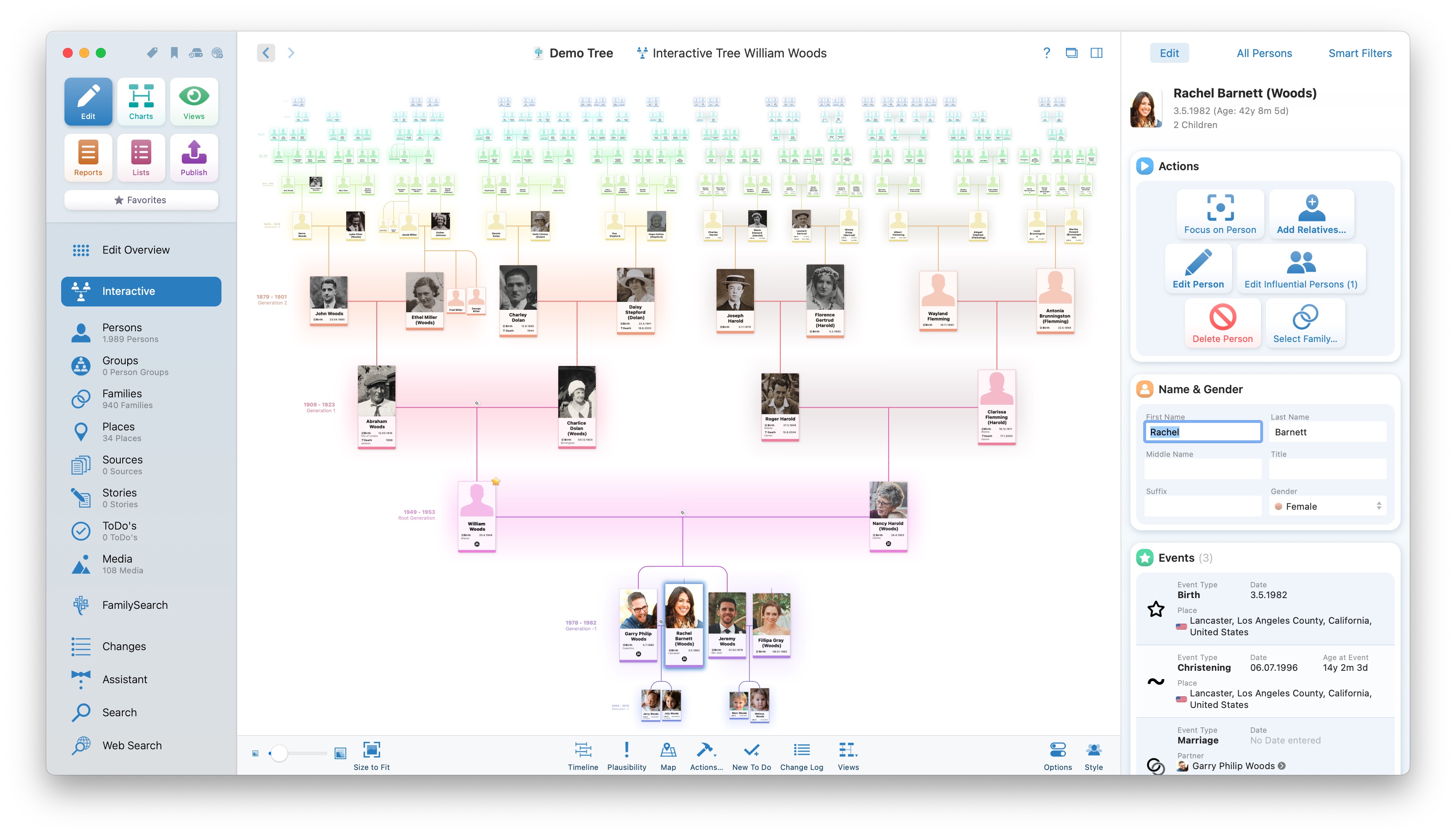
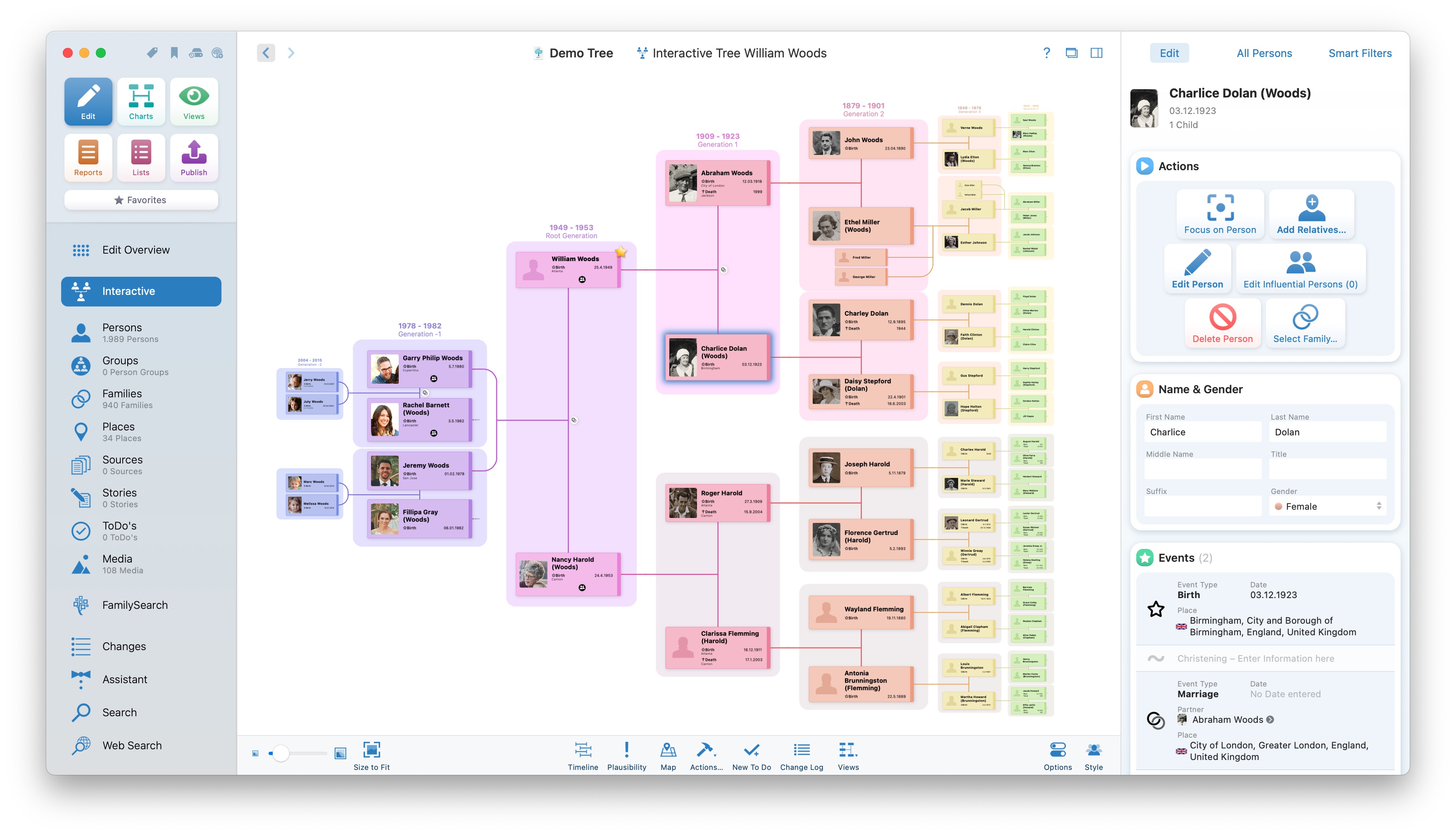
The person list on the right-hand side of MacFamilyTree has always shown you every person in your family tree — or those selected using a Smart Filter. MacFamilyTree 11.3 takes an important step forward by placing the relationship context front and center. In a new mode, you can now directly see the people who are more closely related to the selected person. This brings a person’s closer relatives into focus – for faster navigation and a better overview.

For MacFamilyTree and MobileFamilyTree 11.3, we have also completely redeveloped the way family relationships are determined — for all 15 languages in which the app is available. Even in significantly more complex constellations, you can now see how people are related to one another: while editing, in reports, and especially in the Relationship Chart.
And that is not all. MacFamilyTree and MobileFamilyTree 11.3 offer countless additional improvements. The interface has been carefully adjusted to blend harmoniously with Apple’s current design language. The mini timeline, a useful tool for quickly gaining an overview of important life events, has also been improved significantly.

MacFamilyTree 11.3 is a free update for all customers of version 11.0, 11.1, and 11.2. For new customers, MacFamilyTree 11.3 sells for just US$34.99 instead of US$69.99. Upgrades from version 10 or before are available for just US$24.99 instead of US$49.99. MobileFamilyTree 11.3 currently sells for just US$14.99, and of course updates for all version 11 customers are also free of charge.
DockThings 1.2 has arrived! The update expands the handy dock app for macOS with support for Shortcuts, a new visual style, and lots of useful improvements.
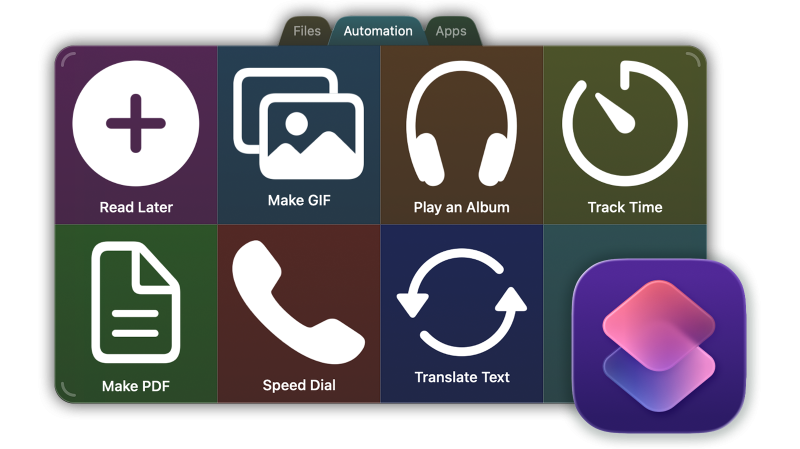
Run Shortcuts directly from DockThings DockThings 1.2 integrates items from Apple’s Shortcuts app directly into existing tiles. Every shortcut available on your Mac appears in the selection and launches with a single click from DockThings. Alongside apps, files, and folders, your docks now provide immediate access to automations and frequently used actions, making everyday tasks on your Mac even faster. As always, each tile may be personalized with custom icons and colors.

Many more improvements The new “Flat & Square” design comes in both opaque and translucent variants. Tabs may now be moved between docks, while dedicated options determine whether file extensions remain visible or hidden. We have also reorganized the settings, placing all important options within easier reach. Black and white icons now adapt automatically to the dock background, ensuring optimal contrast at all times.
As an introductory offer, DockThings is available for just US$9.99 (regularly US$19.99) on the Mac App Store. System requirements: Any Mac running macOS 15 Sequoia or macOS 26 Tahoe.
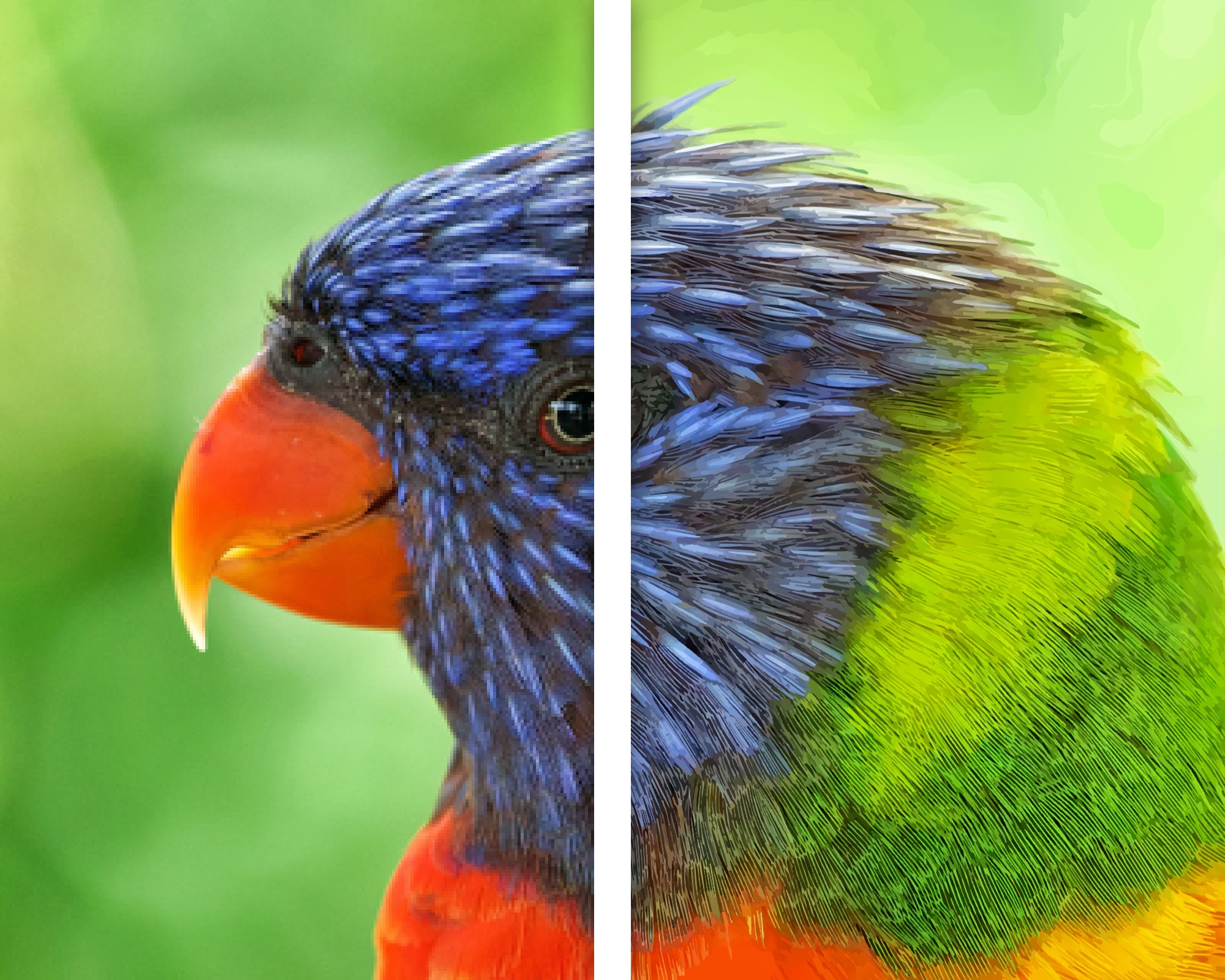
Vectorize 2 is the perfect app for quickly and conveniently turning pixel graphics into resolution-independent, scalable vector artwork – on Mac, iPhone, and iPad. Whether you have a logo that only exists as a small JPG file, a comic drawing, a sketch, or even a complete photo, Vectorize turns pixels into vectors.
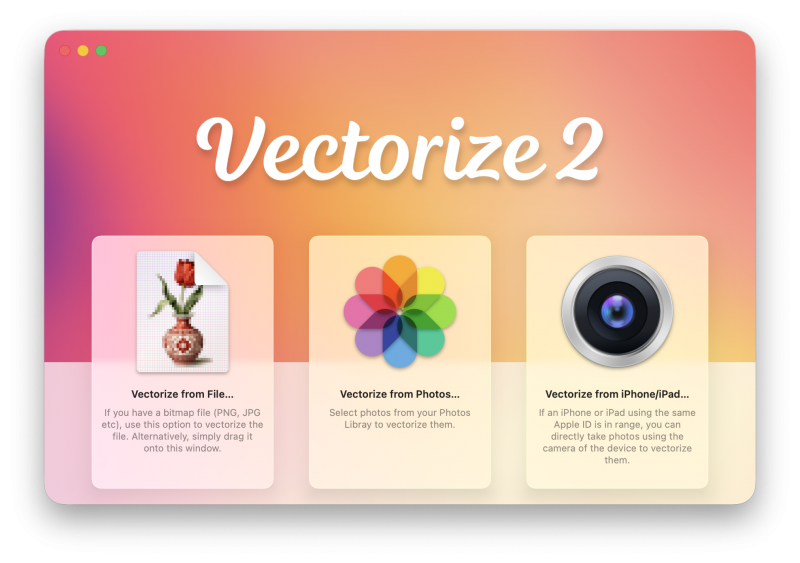
With version 2, we are pleased to introduce a major new release. Thanks to an entirely redesigned vectorization engine, shapes and curves are detected with much greater precision, fine details and color gradients are also captured far more accurately. The interface has undergone major improvements and now uses Apple’s Liquid Glass design language. In addition, we have made the app clearer, more comfortable, and easier to use.
Requirements & Languages
Vectorize 2 is available at an introductory price of just US$9.99, representing a 50 percent discount for both existing and new customers. One purchase includes the Mac, iPhone, and iPad versions – one purchase, all platforms. Vectorize 2 requires macOS 15 Sequoia or macOS 26 Tahoe, or iOS/iPadOS 18 or later. If you have already purchased Logoist 6 for Mac, iPhone, and iPad, you do not need Vectorize 2 as an additional app, as vectorization is already included in our graphic design software.
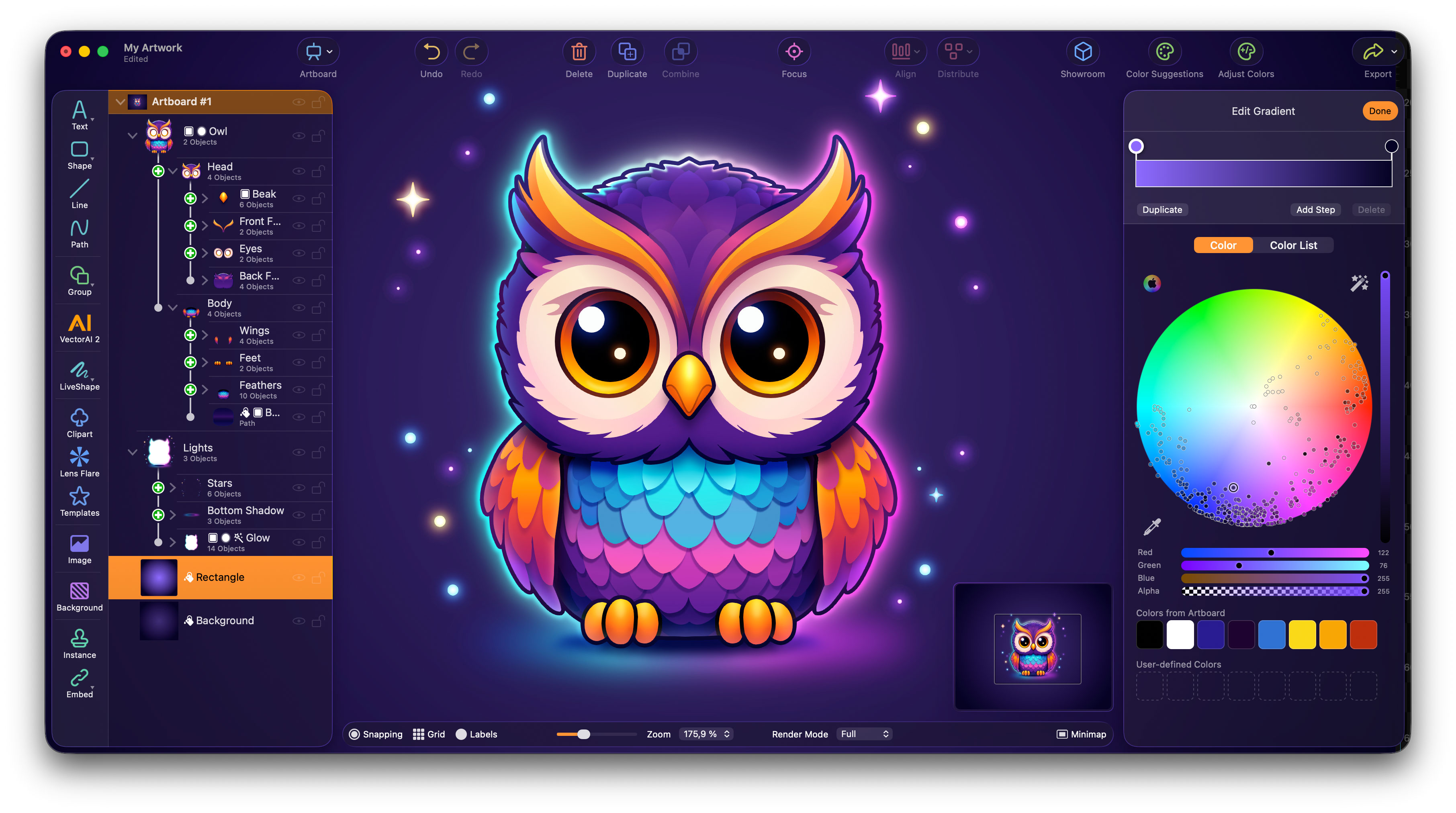
It’s time to welcome Logoist 6 — a major new step forward for the critically acclaimed vector design software! With a completely redesigned interface, the new VectorAI 2 image generator, powerful 3D features, a greatly improved Vectorizer, and many refinements throughout the app, Logoist 6 makes creative work faster, more flexible, and more enjoyable than ever before.
Top New Features in Logoist 6
Please find further information and a demo video on the product page. Logoist 6 is exclusively available on the Mac App Store and iOS App Store. It’s sold at a special introductory price of just US$19.99 instead of US$39.99 – that’s a 50 percent discount for all new customers and users of previous versions! If you buy Logoist for Mac, then Logoist for iPad and iPhone is included – and vice versa.
Artwork created with Logoist 6
Vector and Bitmap images created by VectorAI 2
Just a few weeks ago, our new app DockThings was released and quickly reached top positions in the Mac App Store charts worldwide. DockThings provides fast access to your most important content — whether it’s apps, documents, folders, or websites. Everything you use frequently is kept within instant reach through freely positionable docks. This is the core idea behind DockThings: a valuable assistant for your everyday work on the Mac.
Now, the first major update is already available, of course free for all users of version 1. DockThings 1.1 brings so many improvements and new features that it’s hard to list them all in detail. A big thank you to all users who shared their ideas with us – many of those suggestions have already made their way into DockThings 1.1, resulting in an even more flexible, more personal, and faster app.
More possibilities View folder contents directly in DockThings with a single click, lock or unlock all items in a dock in one step, or quickly add new rows and columns via the contextual menu. DockThings 1.1 offers many new options to tailor the app’s behavior precisely to your needs. DockThings can also now be set to launch automatically when your Mac starts.

More personal Would you like to use your own icons or choose from built-in emojis or SF Symbols instead? Enjoy greater freedom in color customization or adjust text properties within tabs to your liking. Enable tooltips for items whose titles are truncated due to limited space. All of this is now available in DockThings 1.1.
Faster interaction Often, keyboard navigation gets you to your destination even faster than using the mouse. DockThings 1.1 therefore fulfills a frequently requested feature: complete keyboard control within docks, including switching between tabs. Tabs can also be changed using the scroll wheel or trackpad gestures. DockThings adapts even better to your personal workflow — saving you valuable time in everyday use.
As an introductory offer, DockThings is available for just US$9.99 (regularly US$19.99) on the Mac App Store. System requirements: Any Mac running macOS 26 Tahoe.
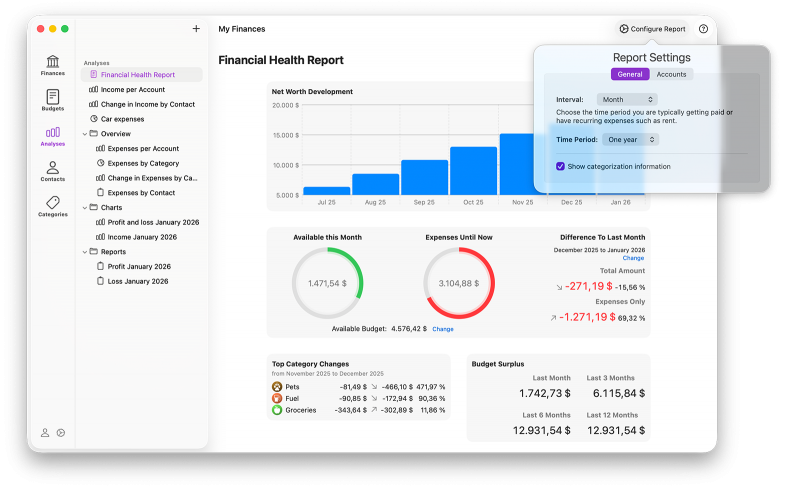
Another important update for the popular software to manage and analyze your personal finances has been released. iFinance 5.5 includes numerous improvements, including the modernized “Liquid Glass” design as well as many additional refinements for better clarity and smoother everyday use.

Account connections of contacts can now be marked as inactive and will no longer appear in autocomplete suggestions—ideal for former or one-time payees. In addition, iFinance 5.5 offers a significantly faster import of large numbers of online transactions.
Also new: The Account Reports are now interactive. For any selected range, the corresponding transactions can be displayed directly—from high-level overview down to individual details, without any context switching. Numerous further improvements ensure noticeably smoother performance, even with large data sets.
You haven’t upgraded to iFinance 5 yet? For a limited time, iFinance 5 is available for just US$19.99 instead of US$39.99 on the App Store On Mac, you’ll need macOS 10.15 Catalina or later – on iPhone and iPad, it’s iOS 14 or later. The purchase always includes all versions for Mac, iPhone, and iPad. Please note that transaction retrieval by connecting to your bank requires a paid subscription.
We are excited to introduce a brand-new app – one that makes working on your Mac easier, faster, and more enjoyable than ever. With DockThings, accessing your most important files, tools, and websites becomes effortless. DockThings puts your essential items within instant reach and transforms the way you work on your Mac.
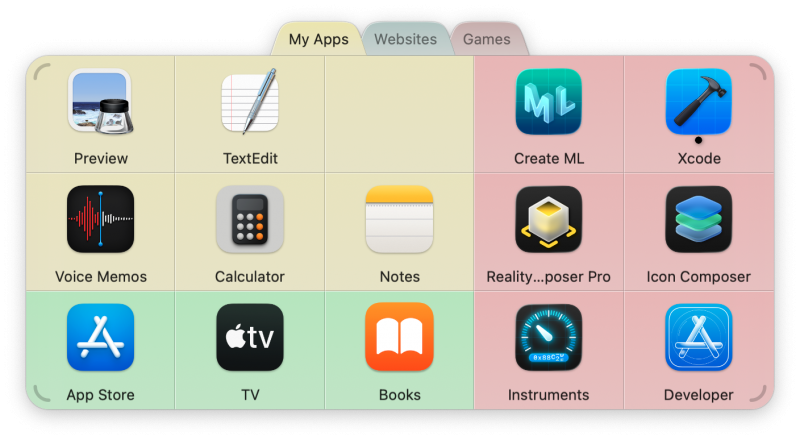
You probably have files, documents, folders, or websites you open again and again — or that are buried deep inside your Mac’s folders. With DockThings, you can reach them faster than ever before. Simply drop your most-used items onto a tile in DockThings and open them instantly with a single click. Please also visit our product page for more details.
As an introductory offer, DockThings is available for just US$9.99 (regularly US$19.99) on the Mac App Store. System requirements: Any Mac running macOS 26 Tahoe.
MacFamilyTree has always stood out for one particular reason: it feels like a truly native Mac application, seamlessly integrated into the system. That’s something you’ll look for in vain in other programs of this kind. You bought your Mac for good reasons — and you can rightfully expect your favorite apps to feel perfectly at home on it.
MacFamilyTree 11.2 and MobileFamilyTree 11.2 take the next step! With great care and attention to detail, we have adopted Apple’s new “Liquid Glass” design language. This gives elements an especially elegant and modern appearance — while ensuring optimal contrast for the best possible readability.
When running on macOS 26 Tahoe or iOS/iPadOS 26, you’ll immediately see the new interface. On macOS 15 or iOS 18, everything will continue to look like before, as MacFamilyTree naturally adapts to the system’s native appearance.
Upgrades from version 10 and earlier are only US$49.99 — and new customers pay only US$69.99. MacFamilyTree 11.2 is a free update for all customers of version 11.0 and 11.1. MobileFamilyTree 11.2 currently sells for just US$29.99, and of course updates for all version 11 customers are also free of charge.
Another major update of our award-winning graphic and vector app Logoist has just been released – free of charge for all customers of versions 5.0 and 5.1. Logoist 5.2 introduces, among other improvements, the brand-new 3D Showroom that lets you view your graphics in realistic conditions. Whether on a coffee mug or as a car decal, you can immediately see how your creations will look in the real world.

The 3D Showroom: Your Logo in Real-World Conditions Whether you’ve created a logo quickly and easily using Logoist’s templates or the 1-2-3 Logo wizard – or you’ve invested hours into a sophisticated design – one question always remains: How does my logo look in everyday use? Can it also be applied to a coffee mug, a car decal, or a large advertising banner? The brand-new 3D Showroom in Logoist gives you exactly that answer: view your creation on virtually any object and literally walk around your design. This way, you’ll gain the best possible impression of how your logo or graphic will actually appear.

Logoist 5 now embraces “Liquid Glass” Apple’s new design language called Liquid Glass defines the look and feel of the entire system interface. Naturally, we’ve also adapted Logoist to this new style, ensuring it blends seamlessly into macOS 26 Tahoe as well as iOS 26 and iPadOS 26. There’s nothing you need to do: on the latest systems, Logoist automatically uses the Liquid Glass appearance, while on earlier systems like iOS 18 or macOS 15 it continues to look just as familiar as before.
Please find further information and a demo video on the product page. Logoist 5 is exclusively available on the Mac App Store and iOS App Store. One purchase, all platforms (Mac, iPhone, iPad). Version 5.2 is a free update for all version 5 users.
Just a few months after the release of the major new version 11, the first feature update is now available. Enjoy numerous new features and improvements, including the new ToDo management to help you decide where to continue your exciting research. The update to MacFamilyTree 11.1 is free for all customers of MacFamilyTree 11. If you want to upgrade from an older version, there’s a special discount offer.
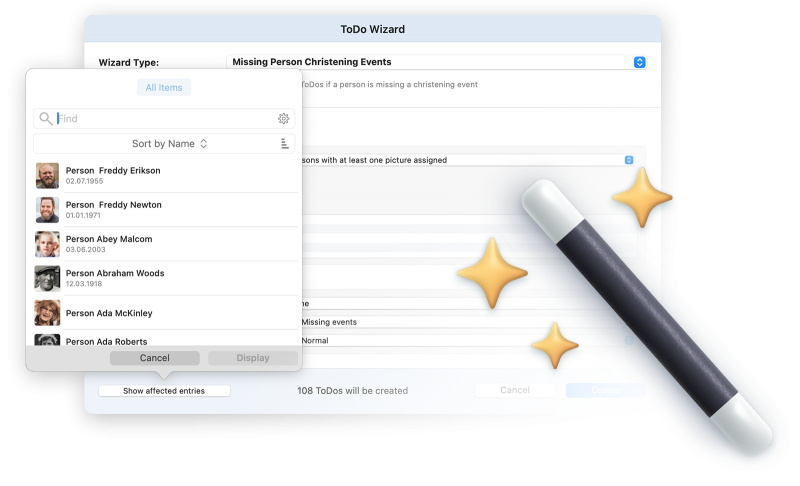
ToDos – Where to Continue?
Manage your tasks more flexibly than ever before: You can now define the type, status, and priority of each ToDo – and even set default values for new tasks. The redesigned interface provides better clarity and helps you identify the next challenge in your family research at any time. Overdue tasks are now automatically highlighted in the sidebar. Get active support while maintaining your family tree: The completely redesigned ToDo Wizard helps you generate relevant tasks automatically – now available for the first time in MobileFamilyTree for iPhone and iPad.
Handling Dates – The Way It Should Be
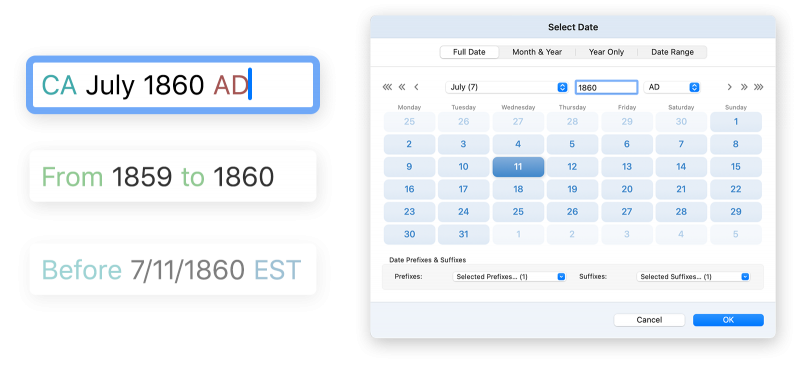
Entering dates is one of the most fundamental tasks in genealogy – and yet MacFamilyTree 11.1 is the first application to truly get it right. Enter dates faster, easier, and more accurately across languages – whether in English, French, German, Spanish or any other supported language. MacFamilyTree 11.1 automatically recognizes month names, prefixes, and suffixes in all languages – even if your system is set to a different one. Entering dates is one of the most fundamental tasks in genealogy – and yet MacFamilyTree 11.1 and MobileFamilyTree 11.1 are the first applications to truly get it right. Enter dates faster, easier, and more accurately across languages – whether in English, French, German, Spanish or any other supported language. MacFamilyTree 11.1 automatically recognizes month names, prefixes, and suffixes in all languages – even if your system is set to a different one.
Improved Web Export and MacFamilyTree.com
Version 11.1 introduces significantly faster FTP uploads, an improved main menu, and a new website theme. Media is now displayed using a lightbox, and sorting of entries has been optimized. As always, publishing your website via our MacFamilyTree.com service is free of charge.
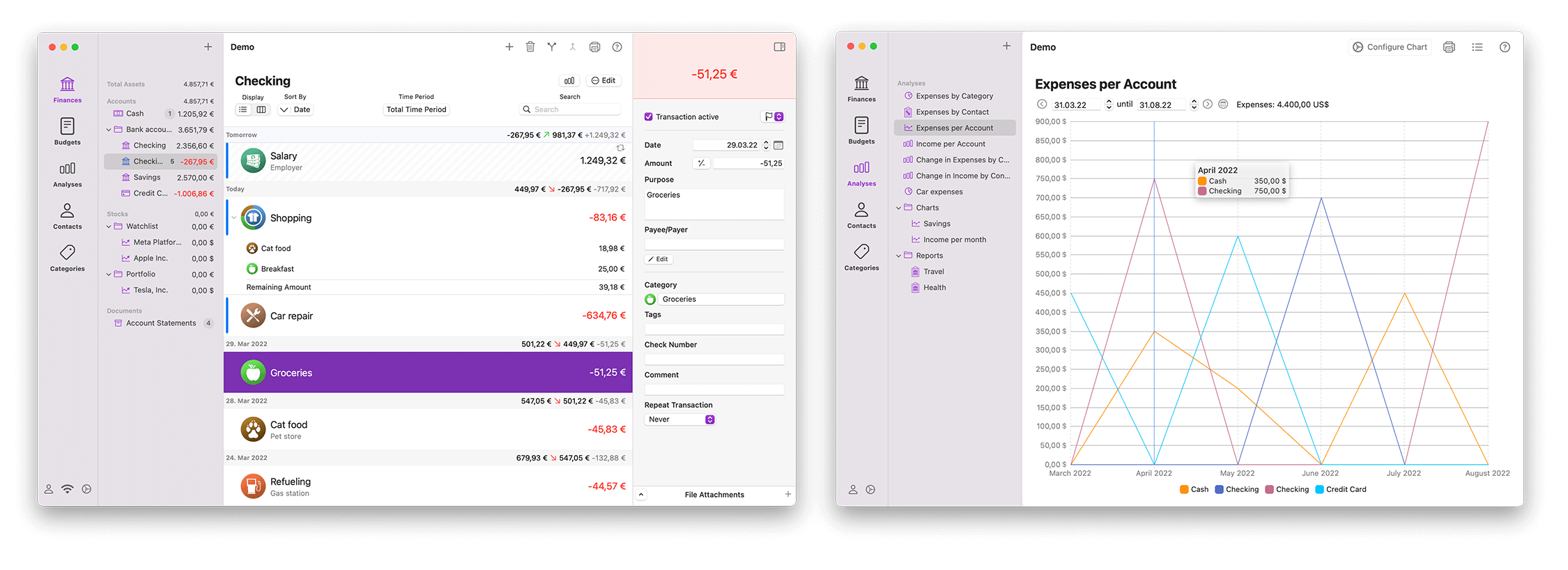
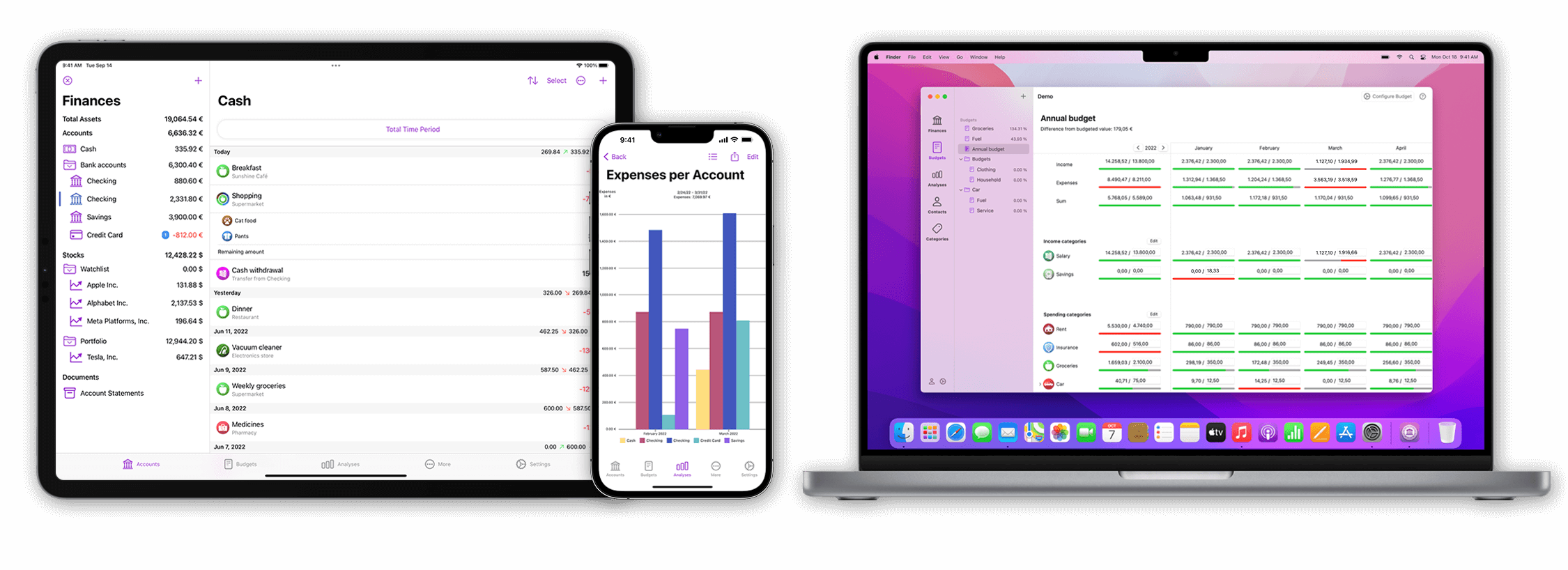
Another significant update to our comprehensive financial management tool, iFinance 5, has just landed. The brand-new iFinance 5.4 is free for all users of versions 5.0 through 5.3, marking the fourth substantial update since its original release in 2022. Please welcome new features like reports with integrated charts, and a unified account information service to retrieve your bank account transactions.
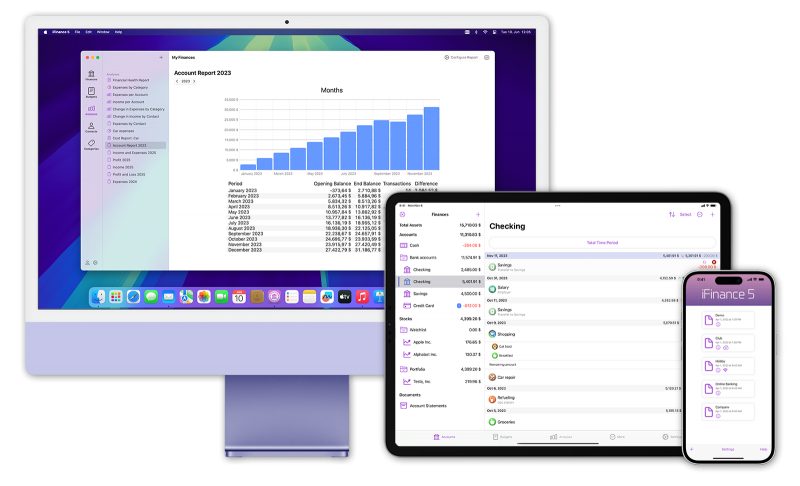
Charts in Reports
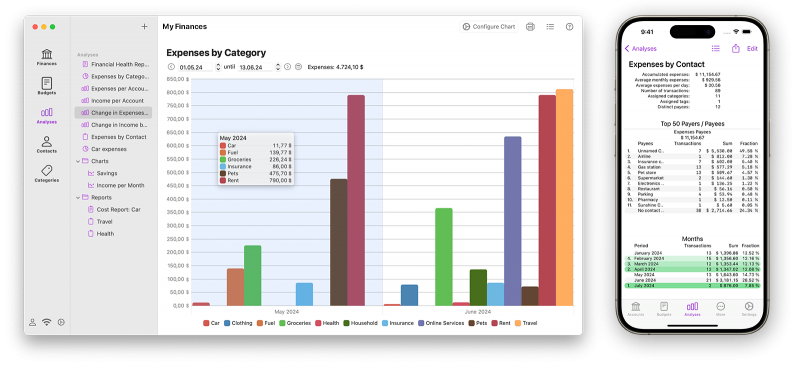
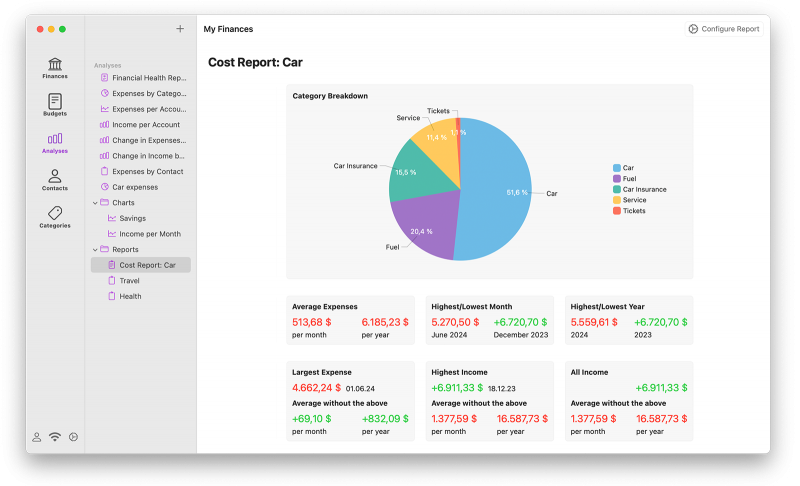
iFinance 5.4 can now display charts directly within reports for the first time, further enhancing the information value and enabling more meaningful insights at a glance. This makes it easier for you to quickly grasp key data and draw conclusions about your financial flows.
Unified Account Information Service
We have unified the Account Information Services for Europe and the US/Canada into a single, streamlined version to deliver a more consistent and improved user experience. If you already relied on Plaid, nothing will change for you, you’ll enjoy the same reliable service to always know what’s happening on your bank account. For other countries, a one-time migration is required – iFinance 5.4 makes it as simple as possible for you. We are also able to support more countries from now on.
And Much More…
We have also improved currency conversion in the Account Balance Report for greater accuracy and clarity – and added several other enhancements. Lots of refinements and bug fixes will make your work with iFinance even more pleasant.
You haven’t upgraded to iFinance 5 yet? Purchase iFinance 5 for only US$39.99 on the App Store. On Mac, you’ll need macOS 10.15 Catalina or later – on iPhone and iPad, it’s iOS 14 or later. The purchase always includes all versions for Mac, iPhone, and iPad. Please note that transaction retrieval by connecting to your bank requires a paid subscription.
Experience your family history more exciting and vivid than ever, and welcome MacFamilyTree 11 (for Mac) and MobileFamilyTree 11 (for iPhone/iPad) – the most comprehensive update in the entire product history so far. Nearly every area of our critically acclaimed apps for exploring your family history has been either re-developed or vastly improved.
What’s new in version 11? You’ll find hundreds of improvements and new features across the apps – but let’s have a look at the most important new features:
MacFamilyTree 11 is available on the Mac App Store for only US$69.99, MobileFamilyTree 10 is available in the iOS App Store for only US$29.99
Please also visit our product pages to find out about MacFamilyTree’s and MobileFamilyTree’s features, as well as system requirements and lots of additional information.
 Numerous Other Improvements
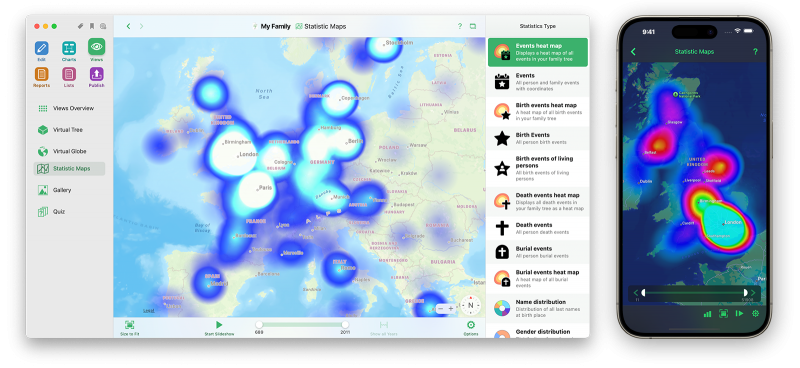
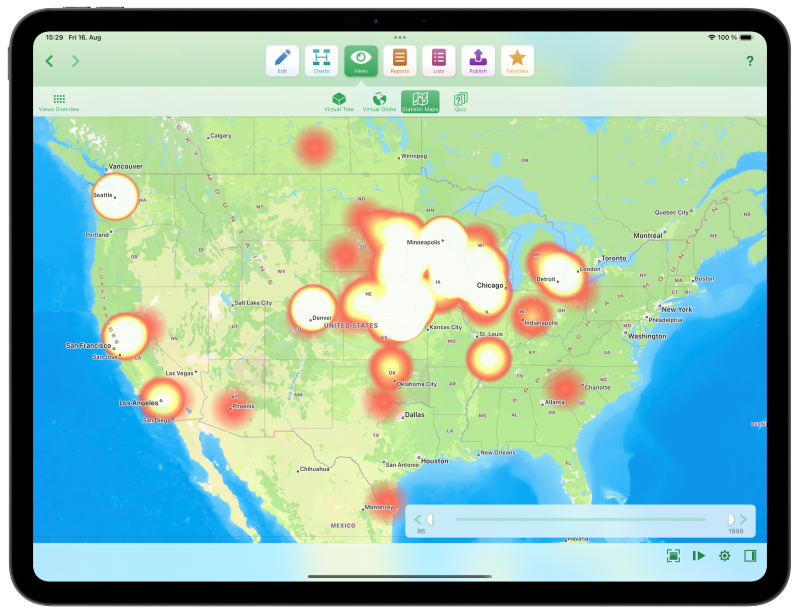
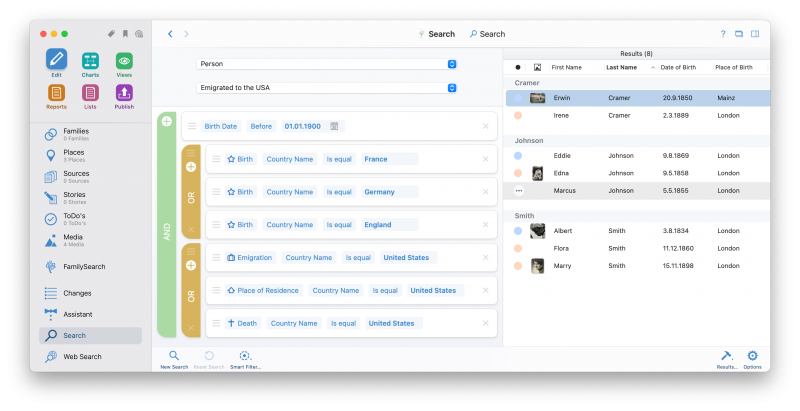
You want to search your tree for “John,” whose surname was either “Kramer” or “Cramer,” born either in 1945 or 1955? That sounds like a simple question – yet so far, no software is able to provide an answer to that on the fly. With MacFamilyTree 10.3 and MobileFamilyTree 10.3, we offer you a completely new and innovative approach to finding information in your tree. How does it work? By replacing “searching” with “filtering”!
Version 10.3 comes as a free update to version 10 customers. For new customers, MacFamilyTree is available for just $69.99 and MobileFamilyTree for just $29.99.


Is there greater praise than being named “App of the Year” by none other than Apple? That’s exactly what happened: MacFamilyTree has won what is probably the most important award in the entire Mac world! Having already earned the “Editor’s Choice” on the Mac App Store this year, an even more prestigious award has now followed.

According to Apple, MacFamilyTree is a particularly inspiring, innovative and high-quality app that has achieved extraordinary things in 25 years of product history and 10 major releases. Of course, we also have to thank you, dear customers – because without your loyalty and support, that journey would never have been possible.

From the first idea to the finished story – FiveActs is the indispensable companion for anyone who wants to write screenplays or stageplays. Brand new in version 1.5: FiveActs now also supports novels, books and other genres.
With the so-called “Idea Cards”, individual ideas can be spun into complete stories while sociograms allow you to express the relationships between characters. There is also a versatile place and character management to assist you. Not only their characteristics, but also the development can be recorded (“Arcs”). Take a look at the demo video and get an impression yourself:
FiveActs requires a Mac with at least macOS 10.15 Catalina, macOS 12 Monterey is fully supported. The program is fully localized in English, German, Spanish and French. Until January, 30th 2022 FiveActs costs only US$34,99 – that’s a 50% discount compared to the normal price of US$69,99.
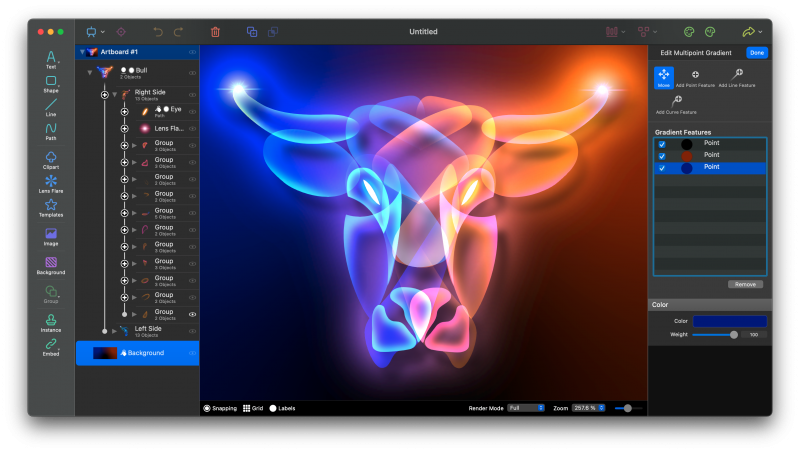
Meet Logoist 4.2, the newest version of our highly acclaimed graphic and vector design software. Our app has been made even more capable and diverse – with significant boosts to performance. A quick summary of some of the most important new features: Lens effects, Quick Color Adjustments, Blend Mode (for glow, shadow, and color effects), and so much more.
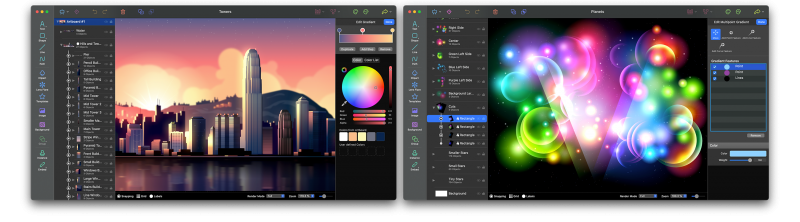
Create impressive color effects, adding depth to complex illustrations. For example, Logoist 4.2 now offers impressive glow effects and deeper shadows, possible through the optional multiplication of filters. Also new: Ranging from small light artifacts all the way to large rays and beams, you can now add lens effects to your graphics in Logoist. X-Ray Mode no longer creates just straight lines, it can also add pastel tones to objects. Logoist 4.2 works up to 50% faster on M1 Macs – and there are several adjustments for macOS Big Sur and Monterey (coming this fall).
Version 4.2 is a free update for all Logoist 4 users. For new customers, Logoist is available for only US$ 39.99.
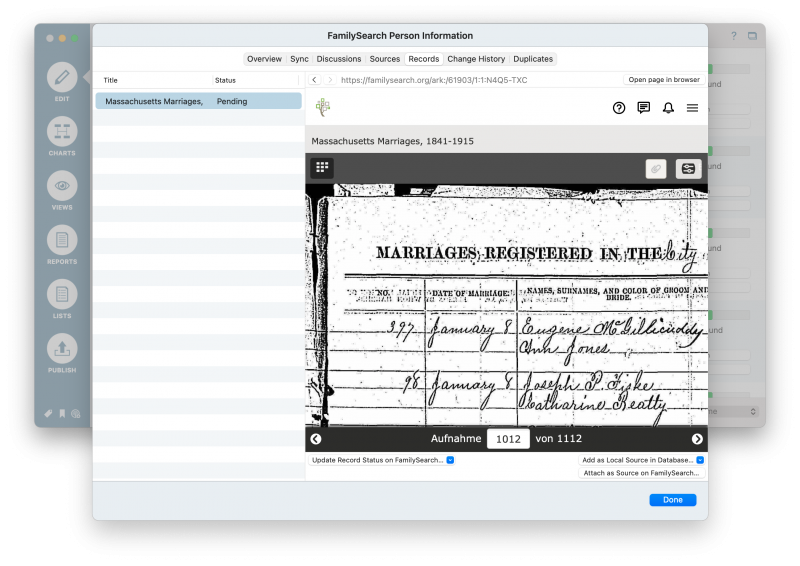
Welcome to the latest big update to MacFamilyTree & MobileFamilyTree – free for all owners of version 9. We’ve introduced a new feature allowing MacFamilyTree to search for photos of your ancestors – you can now discover your family’s history better than ever with the new FamilySearch integration.
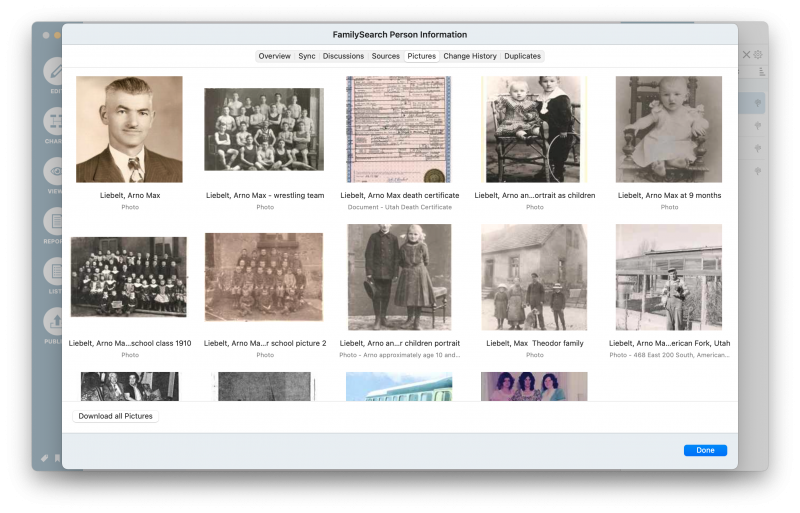
In MacFamilyTree 9.3, we’ve rebuilt the FamilySearch feature from the ground up. That means a new and improved interface, noticeably faster results (which are even saved after closing the program), better and simplified assignments, and we’ve even made the downloading of images possible in order to improve your research experience.
Purchase MacFamilyTree 9.3 for just US$ 59.99 and MobileFamilyTree 9.3 for US$ 29.99. If you already own MacFamilyTree 9 or MobileFamilyTree 9, the upgrade to Version 9.3 is available on the Mac App Store or App Store free of charge.
Let your creativity roam free and become an author! It doesn’t matter if you’re writing a story, theater, or even a stage play – FiveActs is an essential companion. Our brand new program supports you throughout the entire writing process, all the way from idea development to a finished piece. As a genuine Mac application, FiveActs relies on current macOS technologies, providing you with the elegance and performance which you have come to expect.
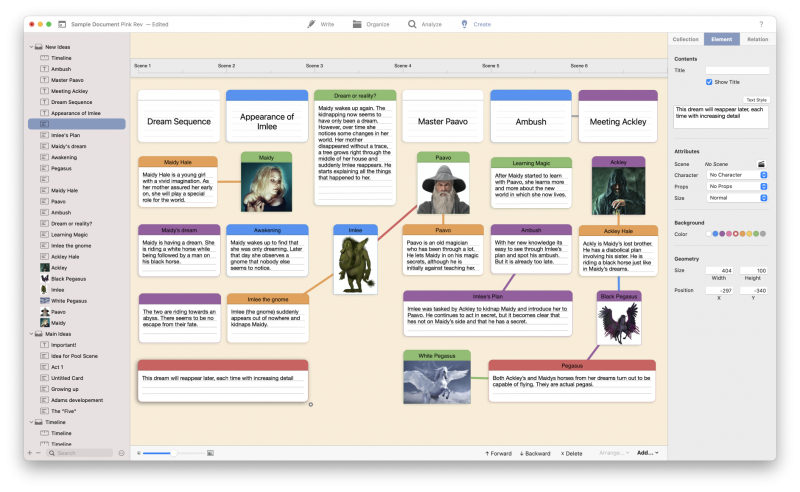
FiveActs lends aspiring writers a new hand – and offers the professionals everything that they’ve come to expect from quality screenwriting/script applications. From automatic formatting, to Idea Cards and Sociograms – and even advanced features such as revision management, FiveActs is the perfect companion for your next theater or film project.

FiveActs requires a Mac running macOS 10.15 Catalina or later. The app is fully localized in four languages, English, German, French Spanish.
These are exciting times! Apple not only released macOS Big Sur, but also introduced their brand-new Mac lineup with Apple’s own M1 processors. We are happy to announce: All our apps run perfectly on macOS Big Sur – and native versions of MacFamilyTree, iFinance, Logoist, Screenium and Vectorize are already available.
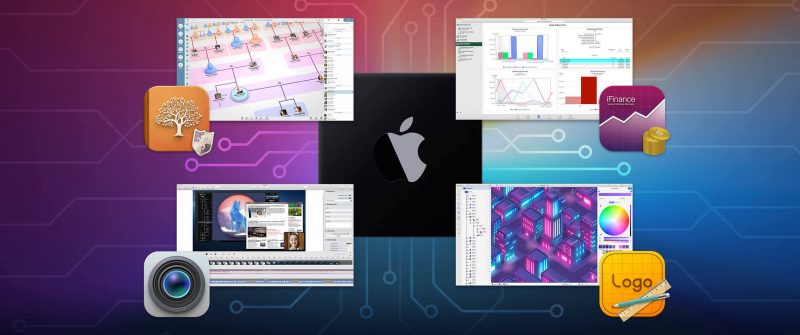
MacFamilyTree 9.2, iFinance 4.6, Logoist 4.1, Screenium 3.3 and Vectorize 1.1 are free updates for all customers of the respective major versions. We are thrilled to see how smooth our apps run on macOS Big Sur and can’t wait to hear your feedback. We hope you love the design and speed as much as we do!


We at Synium have just released a huge update to MacFamilyTree and MobileFamilyTree. If you are a user of MacFamilyTree 9, you’ll be sure to appreciate that this update comes to you free of charge. Have you launched the Mac App Store yet? When you do, you’ll notice that Apple is impressed by the latest release and features MacFamilyTree 9.1 big time.
Version 9.1 offers an impressive and seemingly magical new feature, colorization: create color images from your precious black & white photographs with a single click — with the help of our Artificial Intelligence. MacFamilyTree’s Colorizer automatically recognizes grass, sky, and faces and then adds the appropriate colors to your black & white images.
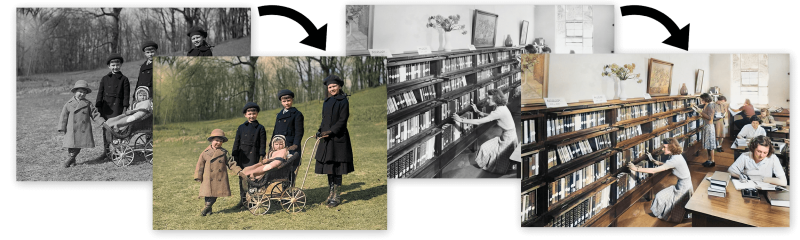
But that’s not all! There are even more amazing new features waiting for you. For example — the Image Enhancer: with the help of Machine Learning MacFamilyTree removes image noise and compression artifacts, improving the quality of low-resolution images and the readability of scanned documents.
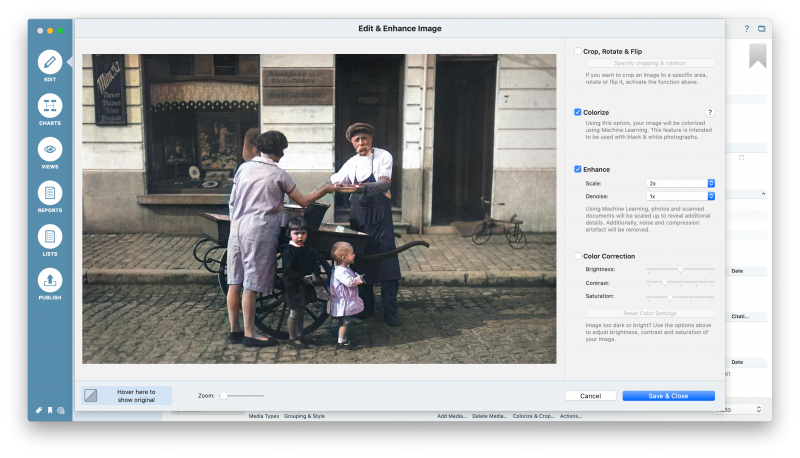
MacFamilyTree 9.1 for Mac is available on the Mac App Store and MobileFamilyTree 9.1 for iPhone and iPad can be found on the iOS App Store. Version 9.1 is free for all owners of version 9. New users can purchase MacFamilyTree for only US$59.99 and MobileFamilyTree for only US$29.99
Logoist 4 has just been launched – welcome a brand new version of our popular graphic and vector design app! Developed for both professional designers and graphic artists as well as beginners, Logoist 4 provides impressive features but still incredible ease of use. Go and get your copy of Logoist 4 for just US$39.99 at the Mac App Store.
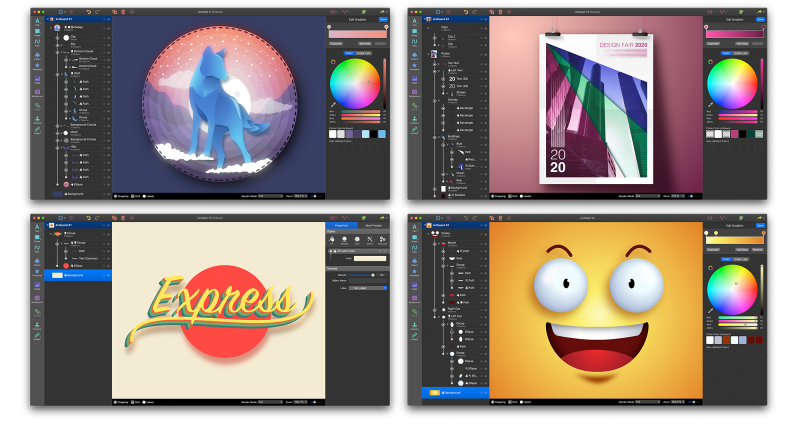
Here are a few examples for great new features Logoist 4 provides: The „Vectorizer“ turns images into vector graphics while the Image Enhancer removes noise and compression artifacts – both assisted by Machine Learning and Artificial Intelligence. „Artboard“ let you create any number of workspaces within a given document, a new focus mode allows you to hide all objects except the one you are currently editing. Multipoint gradients, many new filters, generators, presets as well as dramatically improved performance are further major improvements of Logoist 4.

Logoist 4 comes fully localized in eight languages and requires macOS 10.14 Mojave or later. Please also have a look at the Demo Video and our Product Page. Purchase Logoist 4 today for just US$39.99.
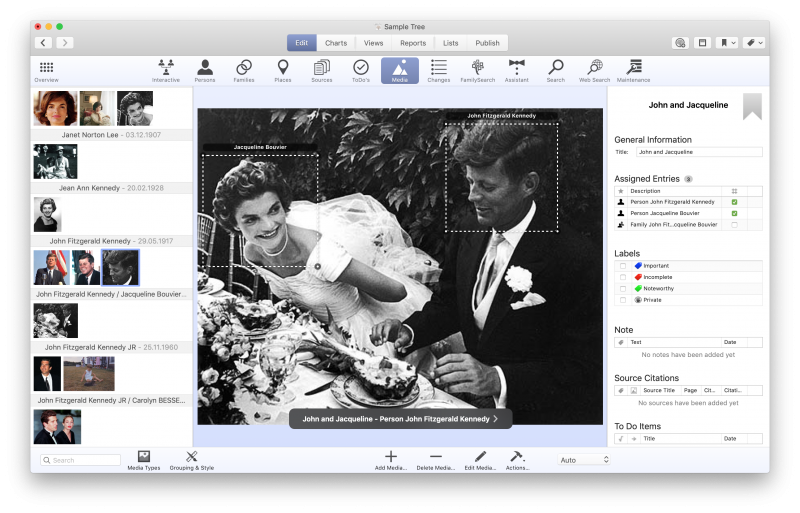
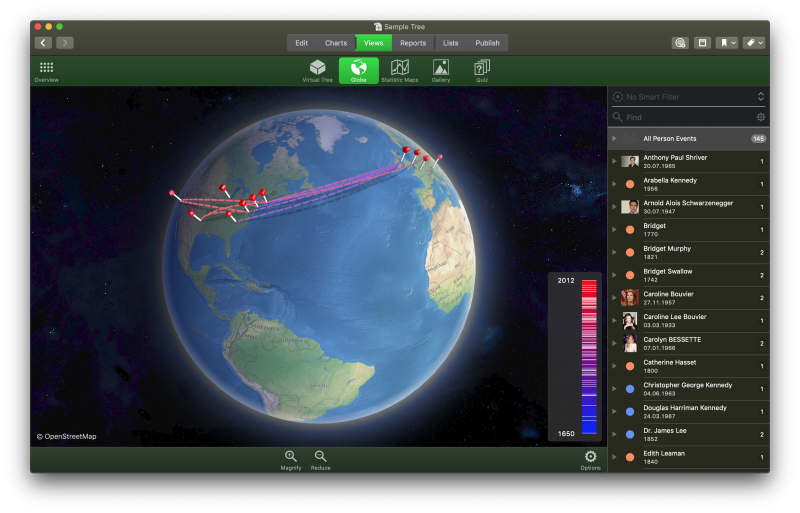
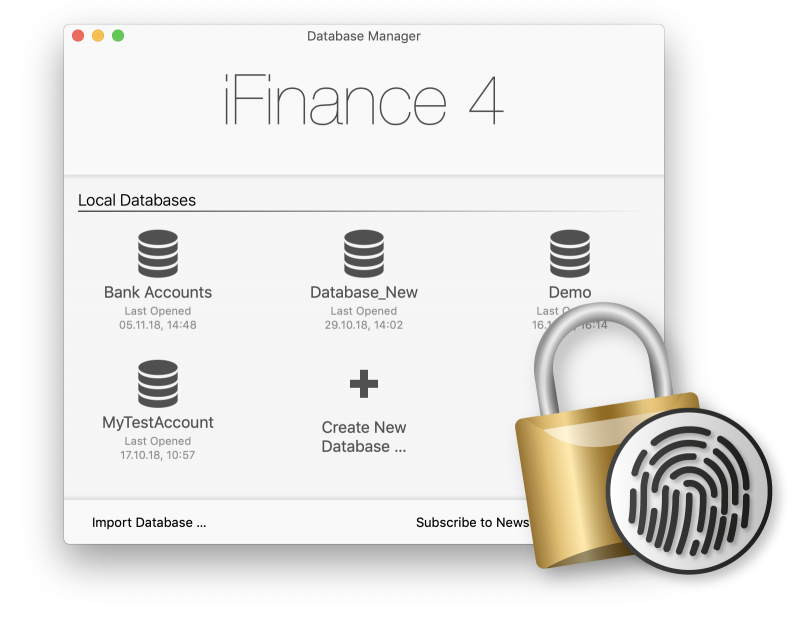
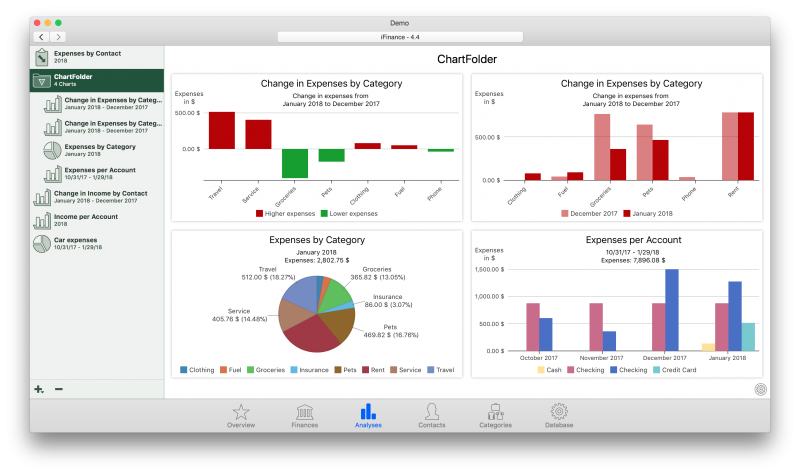
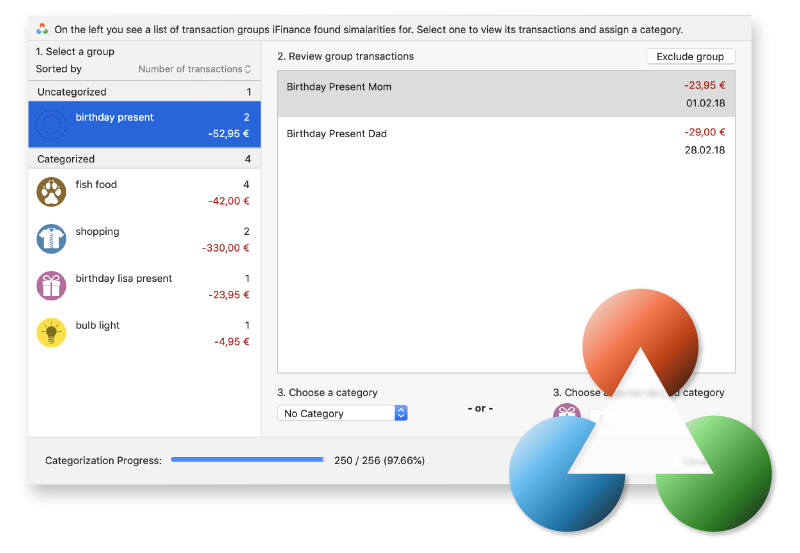 Another handy new feature: In order to protect your database from third-party access , iFinance for Mac now also supports Touch ID (already a longstanding feature in iFinance for iPad and iPhone!
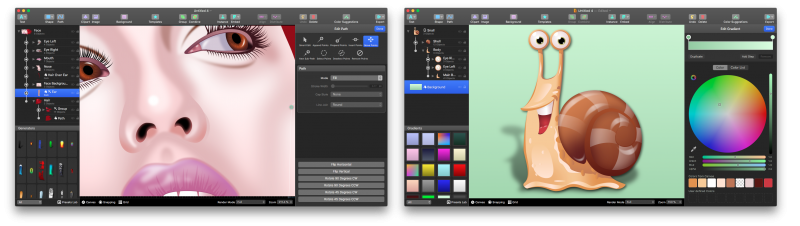
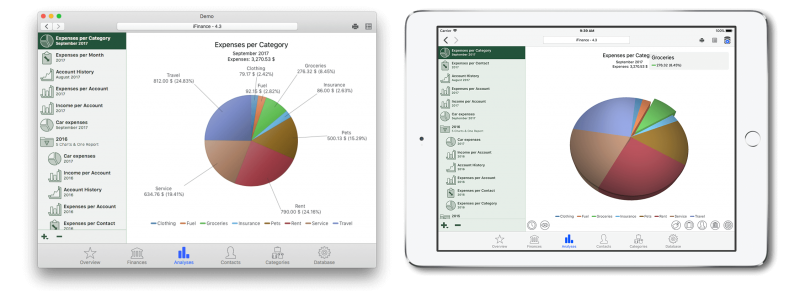
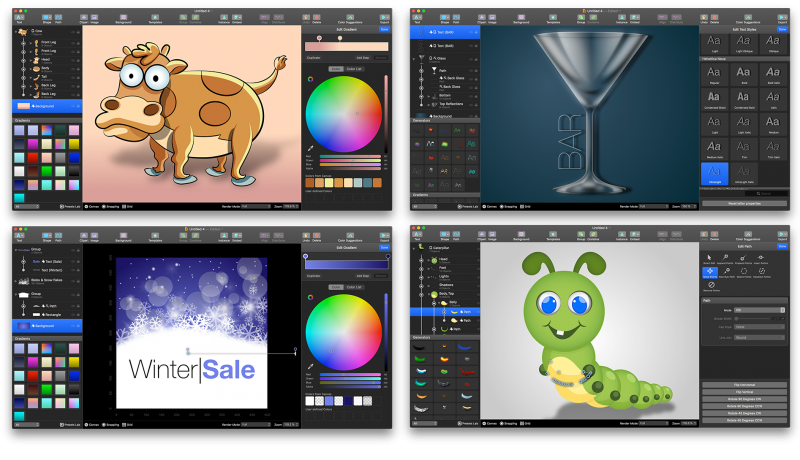 Have a look at these beautiful sample graphics, all created completely in Logoist 3. Go and get your copy of Logoist 3 for just US$29.99 at the Mac App Store. Logoist 3 comes fully localized in nine languages and requires macOS 10.12 Sierra. 10.13 High Sierra is completely supported, of course.

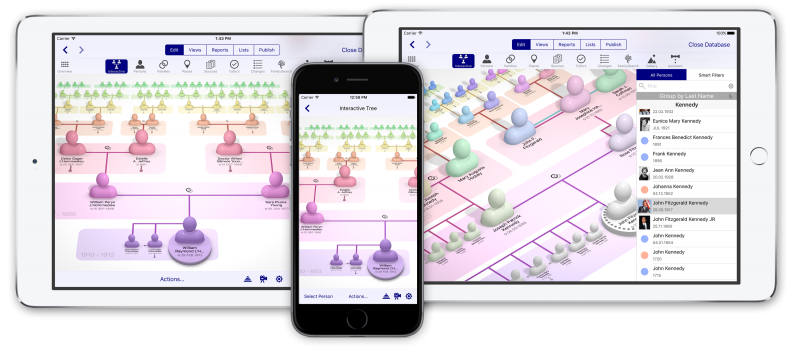
MacFamilyTree has been available for almost 20 years now. During this time, we kept receiving one frequent request from our customers: How can I work on my family tree and genealogical research with other family members? We have great news for you, because MacFamilyTree 8.1 and MobileFamilyTree 8.1 open up a new era in digital genealogy.
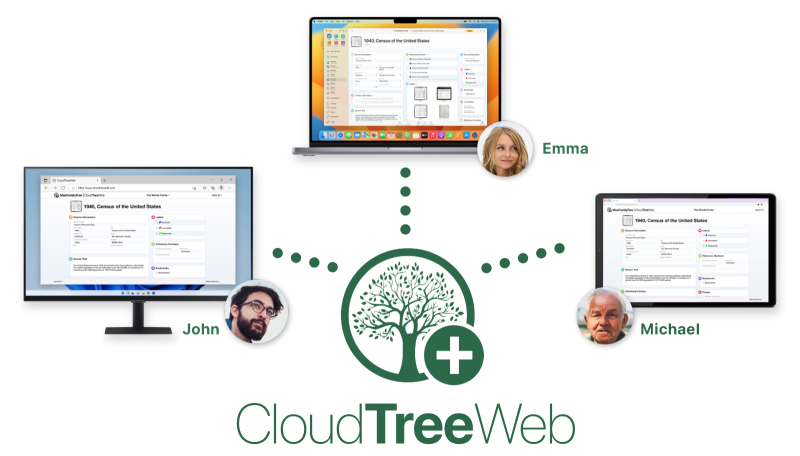
MacFamilyTree and MobileFamilyTree 8.1 for iPhone and iPad come with the brand new CloudTree feature – it is now possible for the first time to work on the same family tree with any number of MacFamilyTree and MobileFamilyTree users in real time, without any additional cost. All changes to your tree will be transferred and are available to all other users invited by you within a few seconds. Apple is known for its highest-level data protection standards. CloudTree operates in compliance with these very standards.

Only you decide what happens to your data
Apple is known for its high data protection standards. MacFamilyTree’s CloudTree Sync feature operates under the same strict standards. Access to your family tree is restricted to yourself and only you decide who gets to see your data. Other people will only be able to view your family tree if you’ve sent them an invitation.
Real-time collaboration
Invite other users to work on the same family tree with you. Any changes will be synchronized and available on other users’ devices in a matter of seconds. Looking at the change history, you’ll be able to quickly identify which changes were made by which user. If you prefer, you can make your family tree available as a read-only version instead. Please note: Sync with other iCloud users is currently restricted to 5000 entries per “entry type”. An entry type can be a person, a family, a place, a note, etc. You may sync 5000 entries for EACH of these types.
Sync via CloudTree – and still have all your information stored locally
Although all entries are synced via CloudTree, all your information is still available locally on your Mac, iPhone or iPad, allowing you to continue your genealogical research when your device is offline. CloudTree will automatically sync any changes once you reconnect to the Internet.
Sync in record time
Instead of having to sync the complete document, CloudTree allows you to sync only the changes you’ve made to it. While this may sound like an obvious feature to many users, it is not. In the past, iCloud had to upload and download the complete file. However, going forward, if you enter a person event, CloudTree will sync only this one item. Get ready for a dramatically accelerated syncing experience requiring very little data transfer. This allows you to easily sync your data over mobile networks as well.
Creating a revolution in digital genealogy
There are countless providers and services for publishing and synchronizing genealogical information. However, CloudTree Sync&Share’s unique range of features remains unrivaled. No other service provides such speedy synchronization across any number of devices – directly from within the app, at no additional cost, and in line with the highest data protection standards.
Free update for Version 8 customers
If you’ve bought MacFamilyTree 8.0 or MobileFamilyTree 8.0, the update to Version 8.1 is free. Please open the Mac App Store on your Mac or the App Store on your iPhone or iPad to download the update for free from the Updates tab.
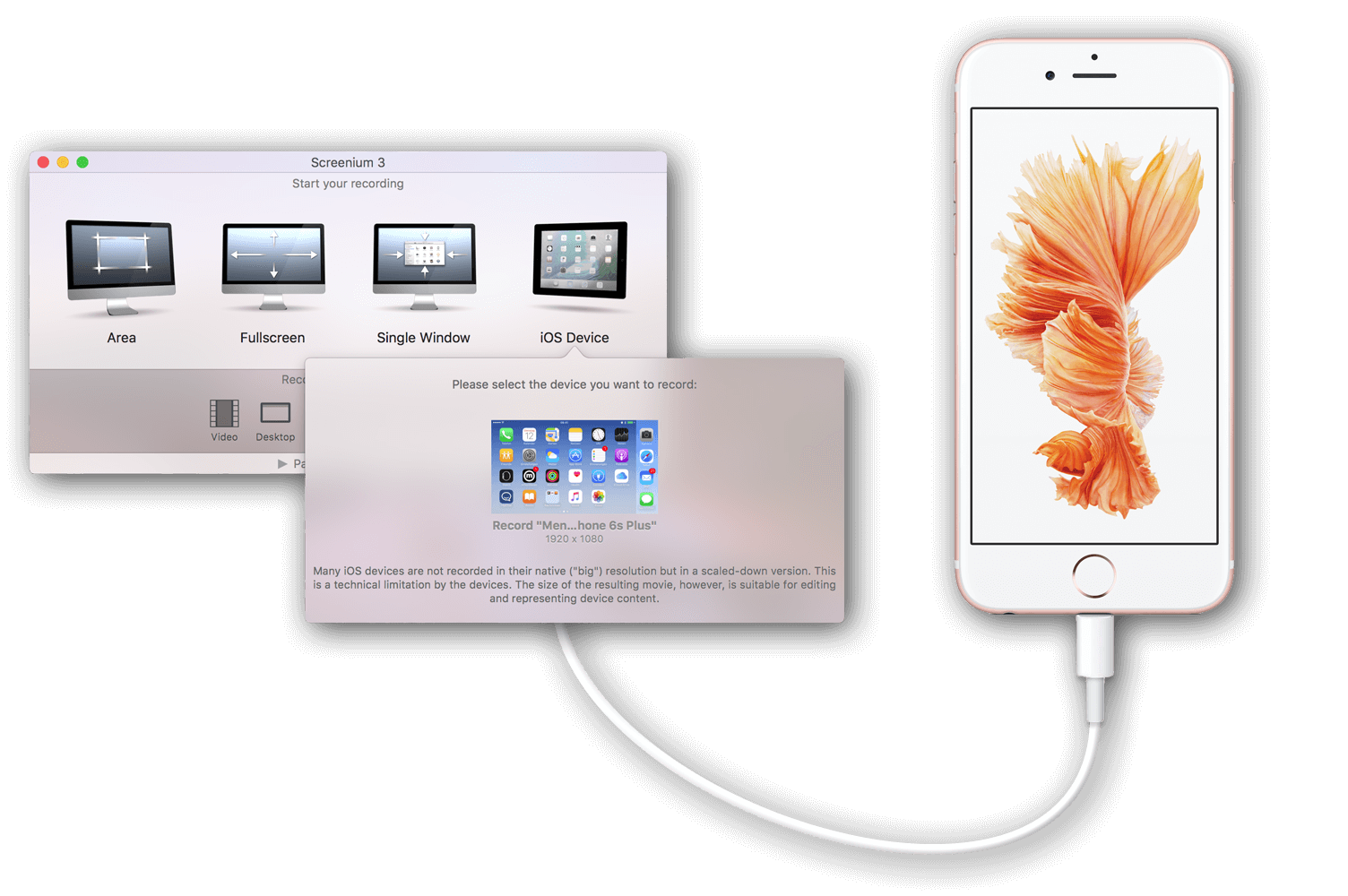
Screenium 3 has always been the fastest screen recording tool on for OS X. Screenium 3 lets you record at 60 frames per second, offering optimum performance even on ultra-high resolution Retina, 4K or 5K displays. But we did not stop here.
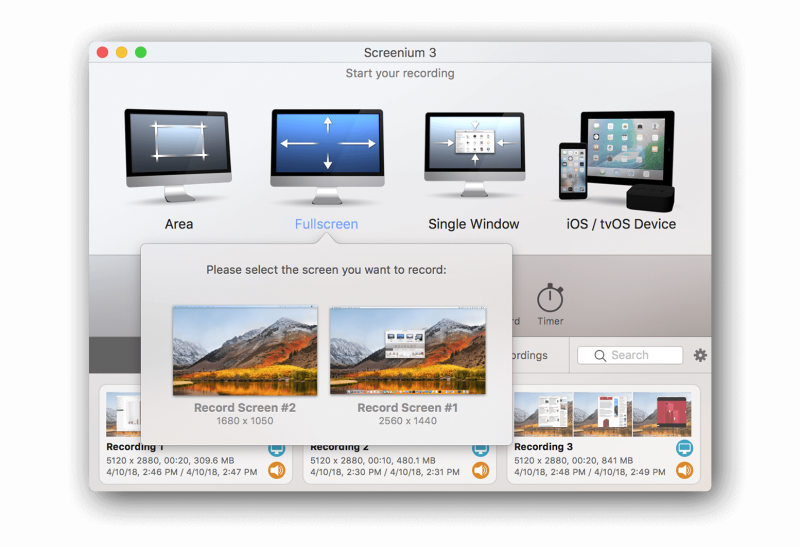
Screenium 3.1 ads a major new feature: Record the contents of your iOS and tvOS devices in the same brilliant quality you’re used to. On top of that, Screenium 3 is the only screen recording solution that will play your device’s audio while capturing.
Screenium 3.1 is a free update for all customers of Screenium 3 and available at the Mac App Store. For new customers, Screenium 3.1 is just US$49.99.
Have you heard the news? Ancestry has discontinued Family Tree Maker for both Windows and Mac. There won’t be any further updates or any new versions. As a fellow genealogist you will be definitely asked by your friends and family to recommend a great genealogy app for Mac and iOS.
We’d be very happy if you could spread the word that MacFamilyTree for Mac and MobileFamilyTree for iOS are the finest apps available to discover your family history, to export great charts and reports or family tree books and websites on our free hosting service macfamilytree.com.
If you are switching from Family Tree Maker to MacFamilyTree, please have a look at our migration guide.
A big day for screen recording and screencasting: Screenium 3 has just been released. Record exactly what you see on the screen and turn it into a screencast in next to no time. Screenium 3 lets you record at 60 frames per second, offering optimum performance for your tutorials, gameplay recordings or any other screen content you wish to record.
Screenium’s powerful video editor comes with a comprehensive tool kit that helps you create the most sophisticated screencasts. You won’t need any additional software to edit screencasts like a professional or produce impressive films.
Check out Screenium 3, download our free demo version or purchase it directly at the Mac App Store for just US$49.99. Screenium 3 requires OS X 10.9 or later and is available exclusively at the Mac App Store.