50% Discount – only for a short time!
Vectorize 2 – Convert Bitmaps Into Vectors
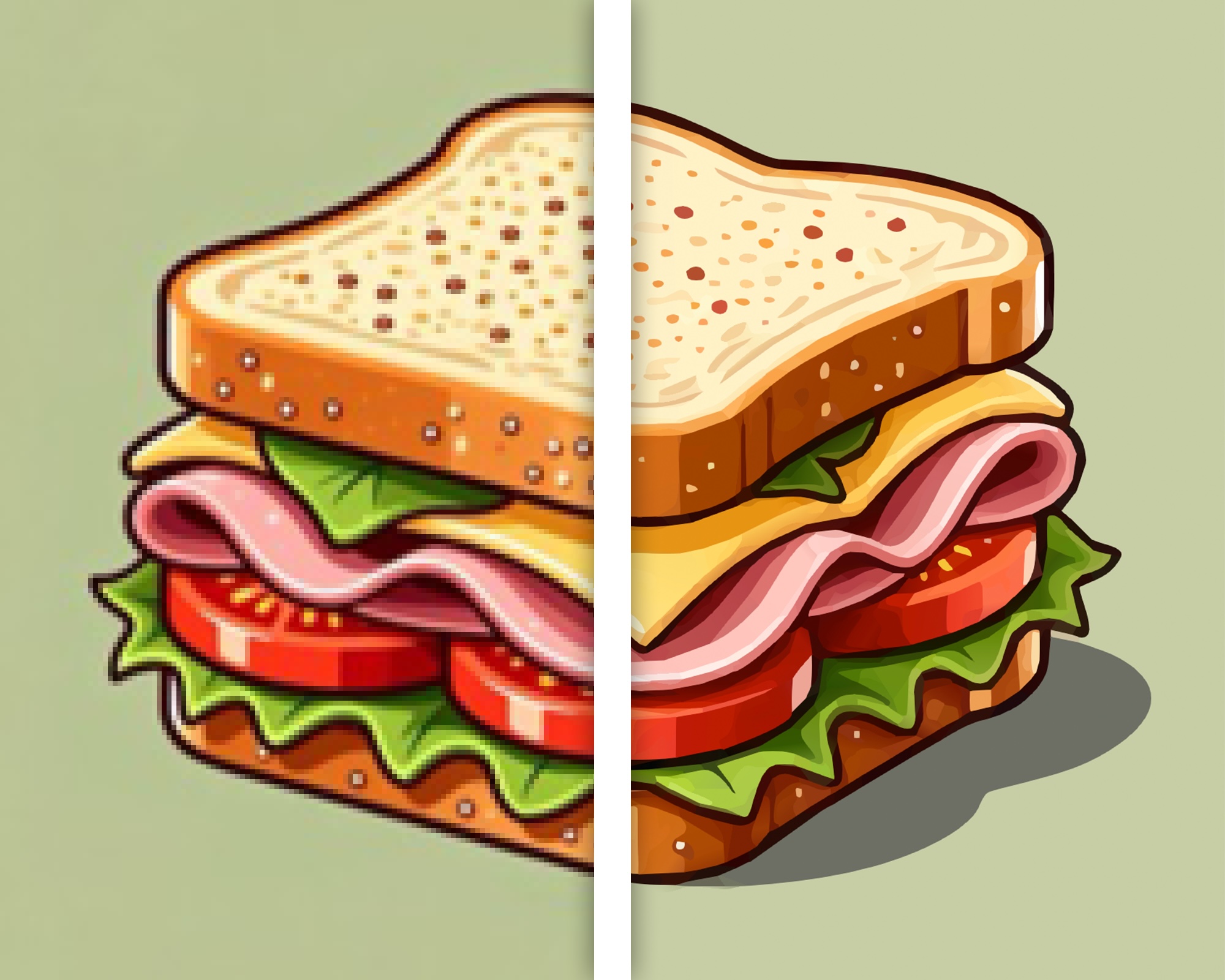
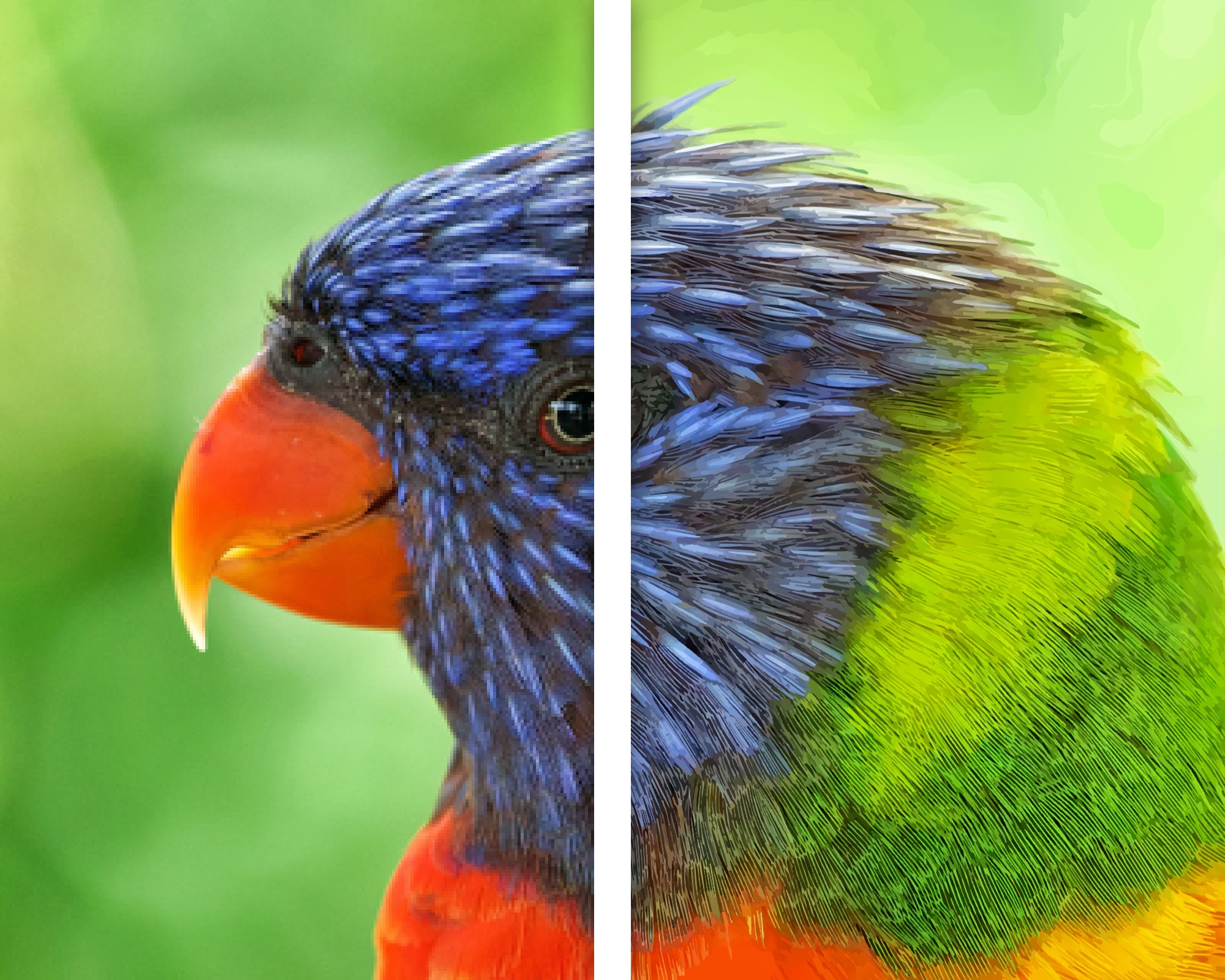
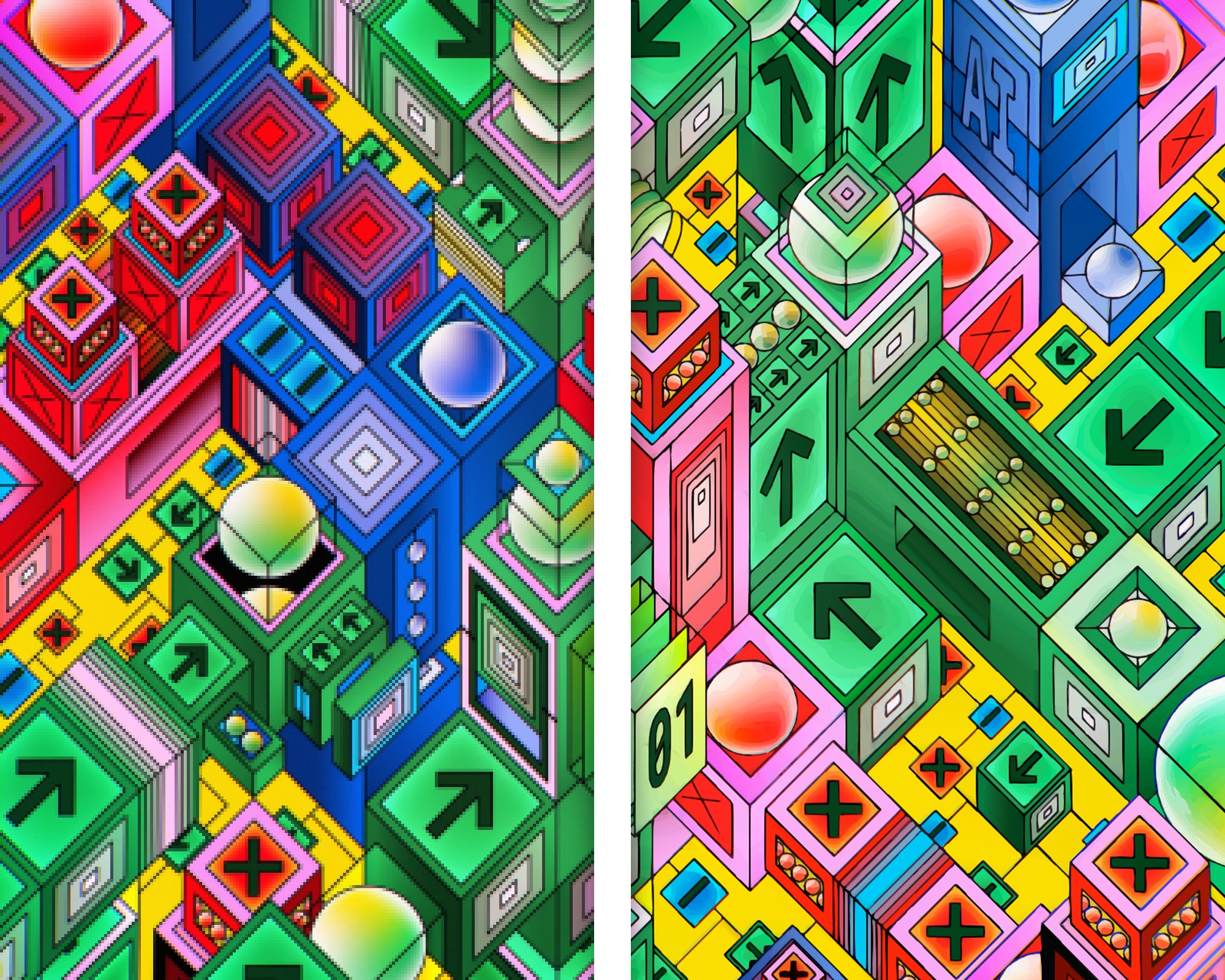
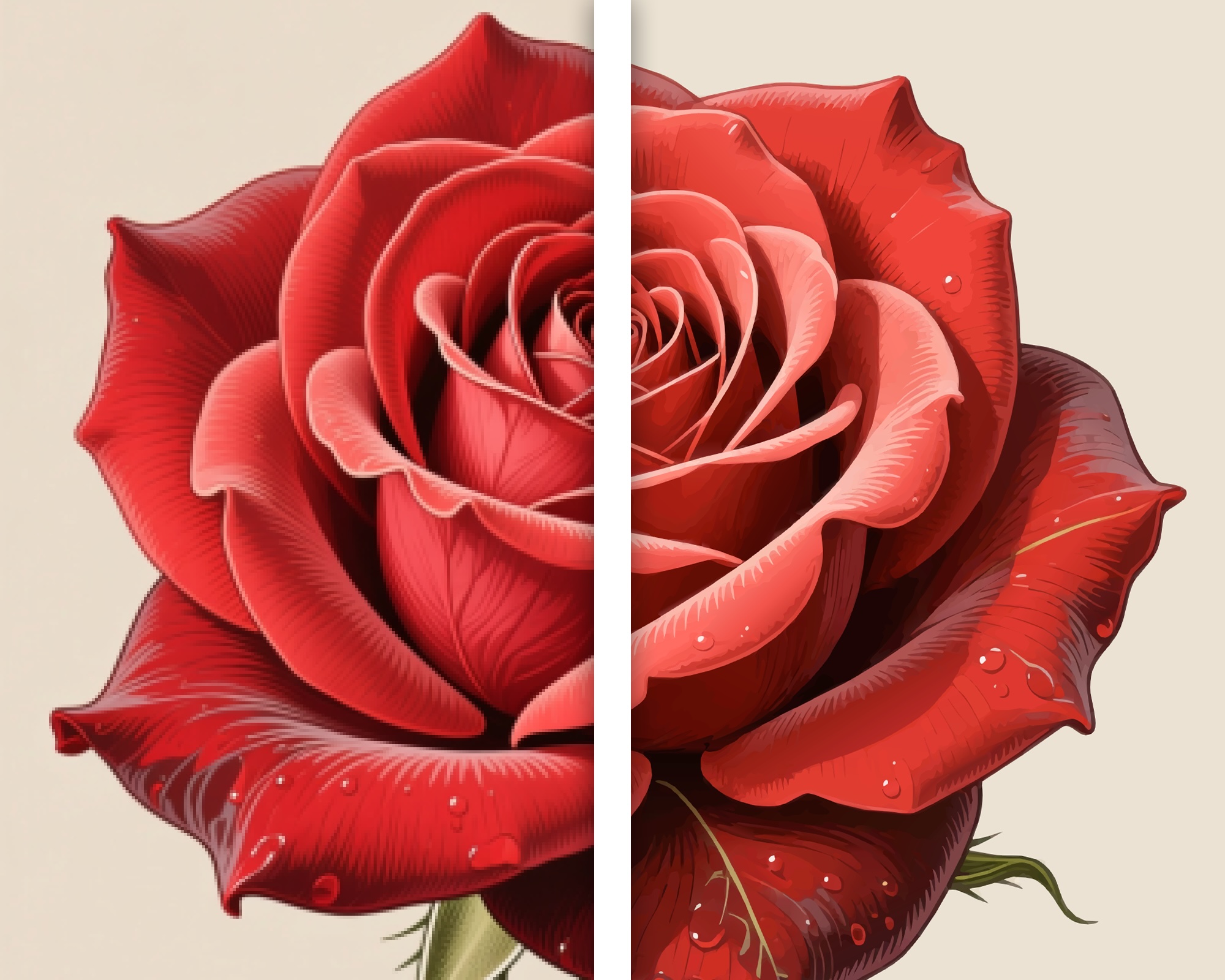
Vectorize 2 is the ideal tool for quickly and conveniently turning pixel graphics into resolution-independent, fully scalable vector artwork. Whether you have a logo that only exists as a small JPG file, a comic drawing, a sketch, or even a complete photo, Vectorize 2 for Mac, iPhone and iPad turns your pixels into vectors. We are now happy to announce a major new version of Vectorize, built on an entirely new vectorization engine.
Import, Convert, Export
Converting a pixel-based graphic such as a photo or drawing into a resolution-independent vector graphic is remarkably simple. Just choose a file or use your iPhone to take a picture, and let Vectorize 2 do the rest. Then adjust the level of detail and decide whether you would like to add contours or edge smoothing. After that, the finished result is only one click away: export your graphic as a PDF, SVG, or Logoist file for further editing.
Core Features of Vectorize 2
- Supported Export Formats: PDF, SVG, Logoist
- Supported Import Formats: JPG, PNG, TIFF, HEIC, GIF
- Fields of Application: Vectorize photos, logos, drawings, graphics, and more in order to upscale at will
- Platforms: Mac, iPhone, iPad (one purchase, all platforms)
Vectorize 2 offers a lot more than before
With Vectorize 2, turning images into resolution-independent vector artwork is more accurate than ever. Shapes and curves are detected with much higher precision, fine details are preserved more faithfully, and color gradients are translated with greatly improved accuracy. In some cases, the app can even understand how a background color gradient continues behind an object. This leads to cleaner, more convincing, and more natural-looking results.
The interface has also seen major improvements and now shines in Apple’s new “Liquid Glass” design language. In addition, we have made the app even more comfortable and easier to use.
Images Converted With Vectorize 2
System Requirements & Languages
A purchase of Vectorize 2 contains the Mac, iPhone, and iPad versions. One purchase, all platforms. Vectorize 2 requires requires macOS 15 Sequoia, macOS 26 Tahoe or macOS 27 Golden Gate, and iOS/iPadOS 18 or later on iPhone and iPad. The app is available in these languages:

English

German

Spanish
French

Italian

Dutch

Polish
Russian

 Buy Vectorize 2