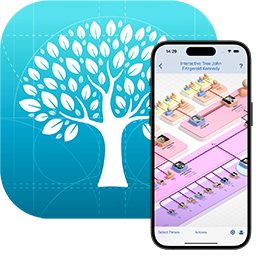
MacFamilyTree 10 is exclusively available on the Mac App Store.
macOS 10.15 Catalina, macOS 11 Big Sur, macOS 12 Monterey, macOS 13 Ventura or macOS 14 Sonoma is required to use MacFamilyTree 10. Fully optimized for M1-, M2- and M3-based Macs.
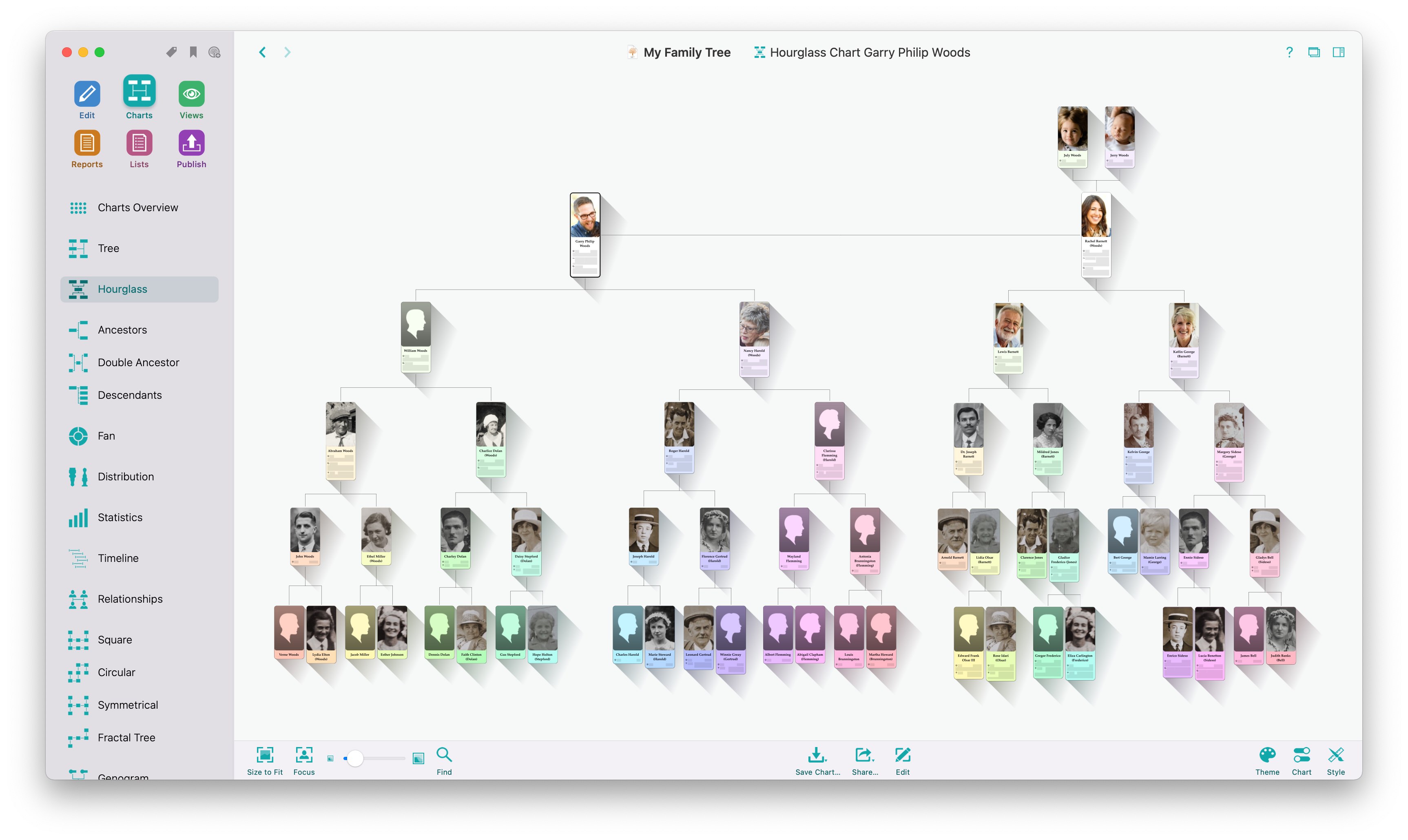
Discover and experience your personal family history, explore your origins, your ancestors, and how your family has evolved over the course of time. MacFamilyTree 10 offers you a wide range of options to capture and visualize your family history. Search the free FamilySearch archive, which contains billions of genealogical entries, and continue your research on the go, using MobileFamilyTree (available separately) for iPhone, iPad, and iPod touch.
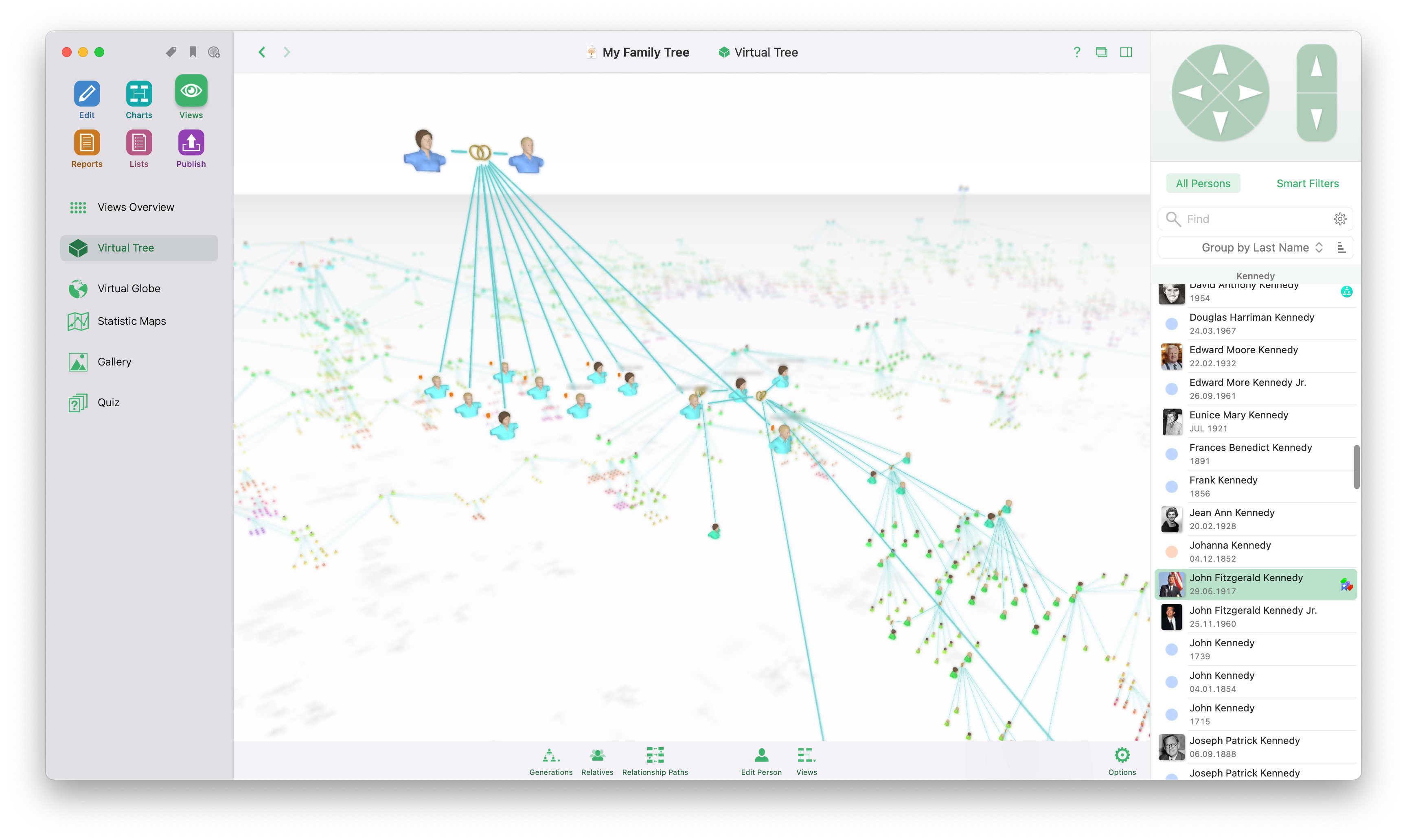
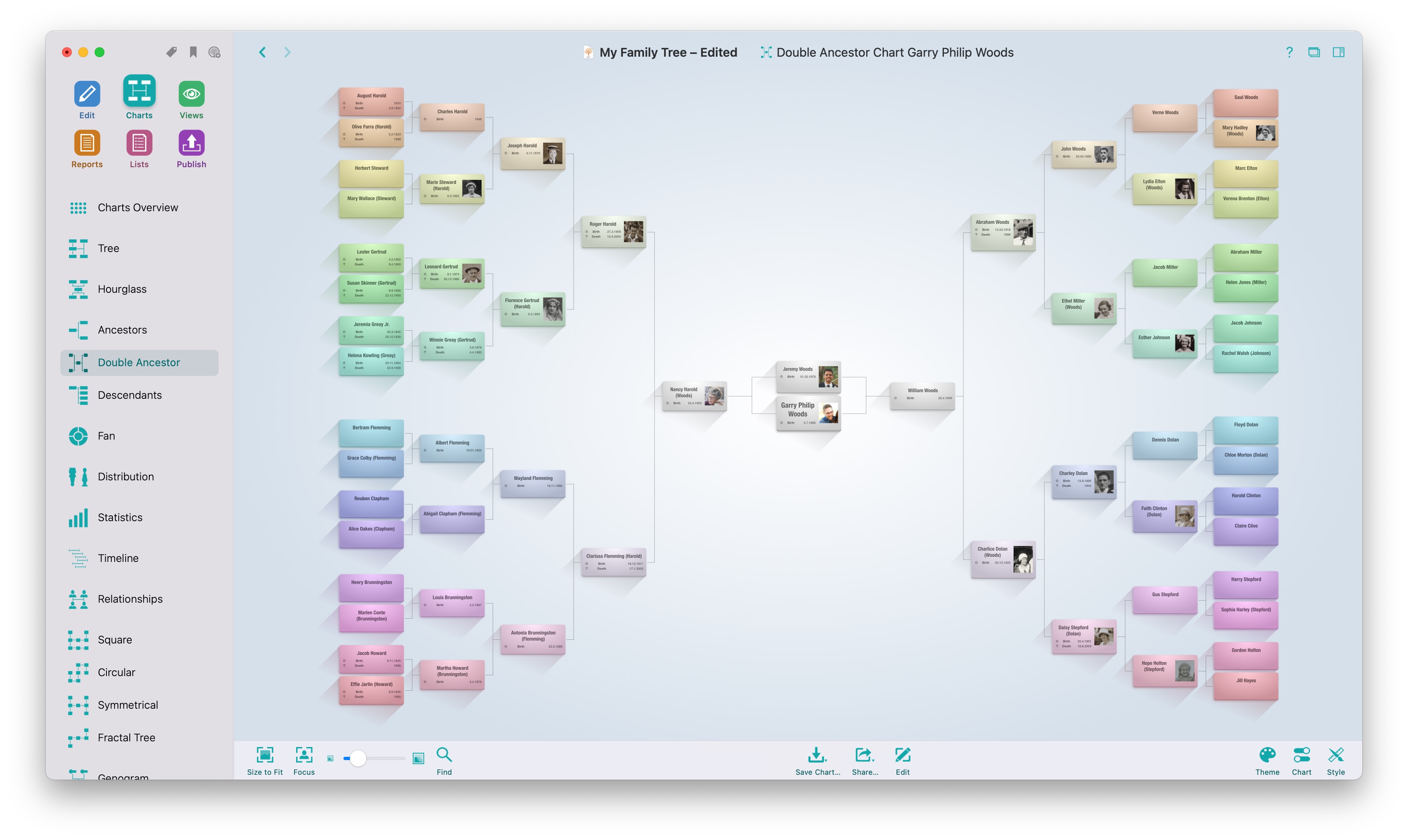
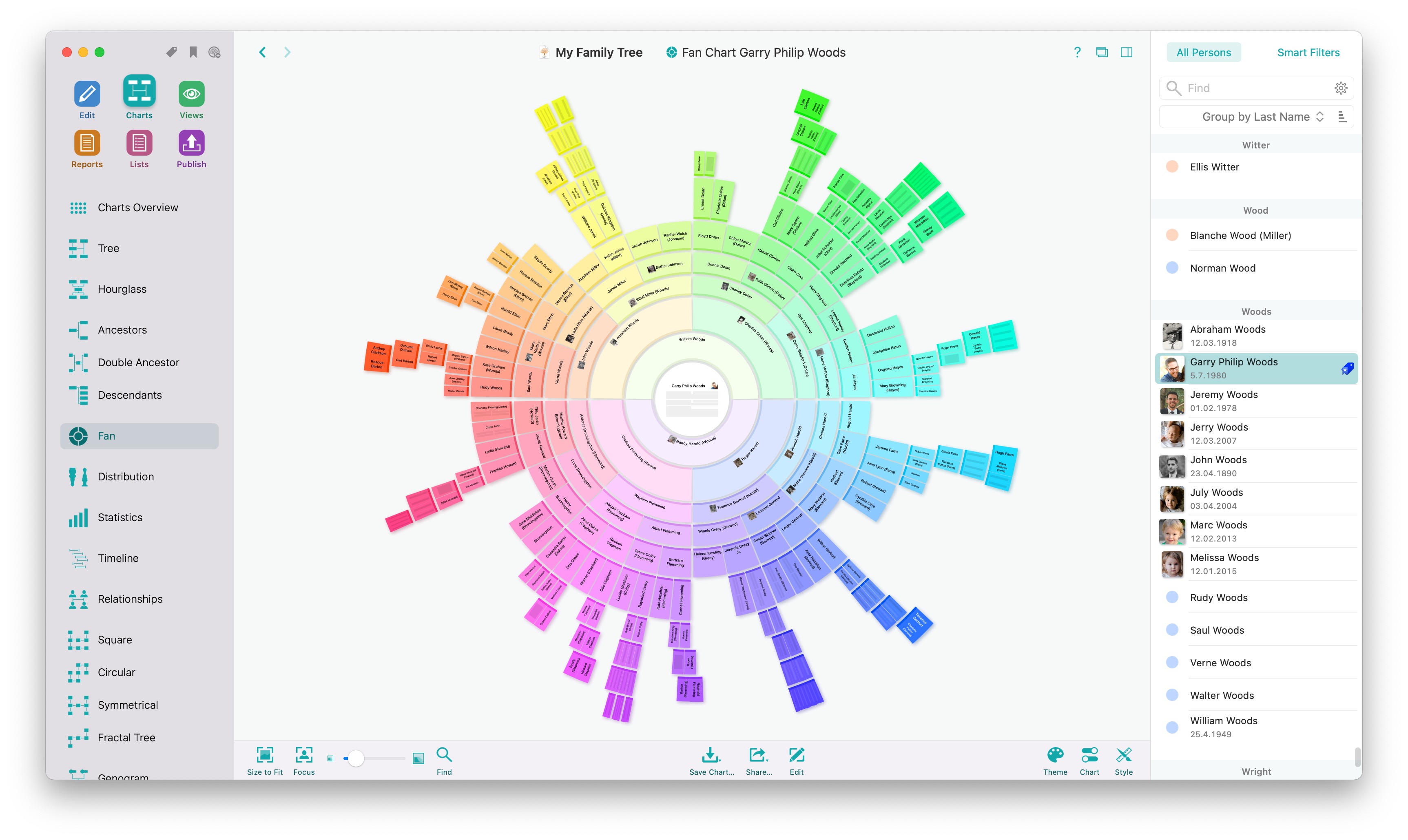
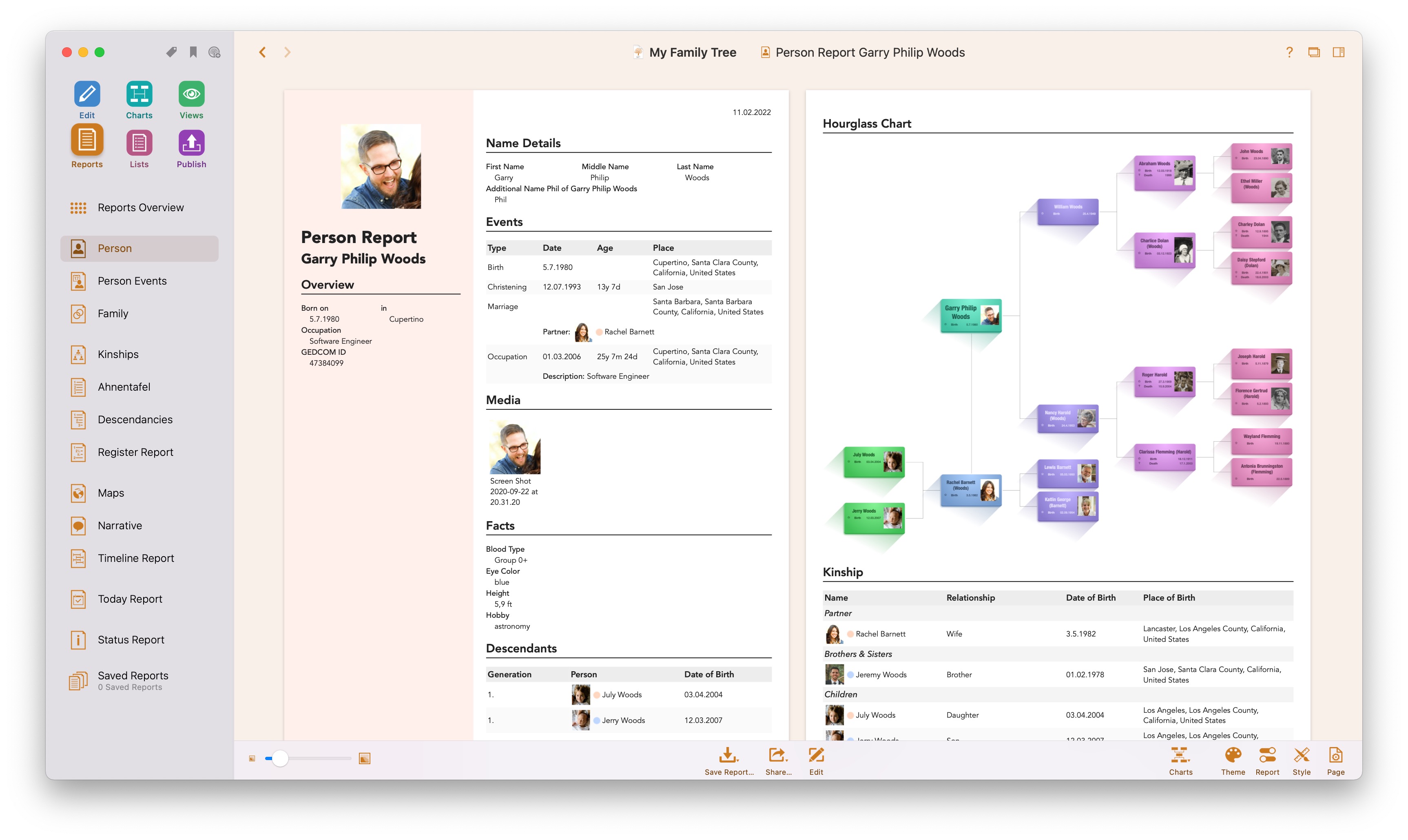
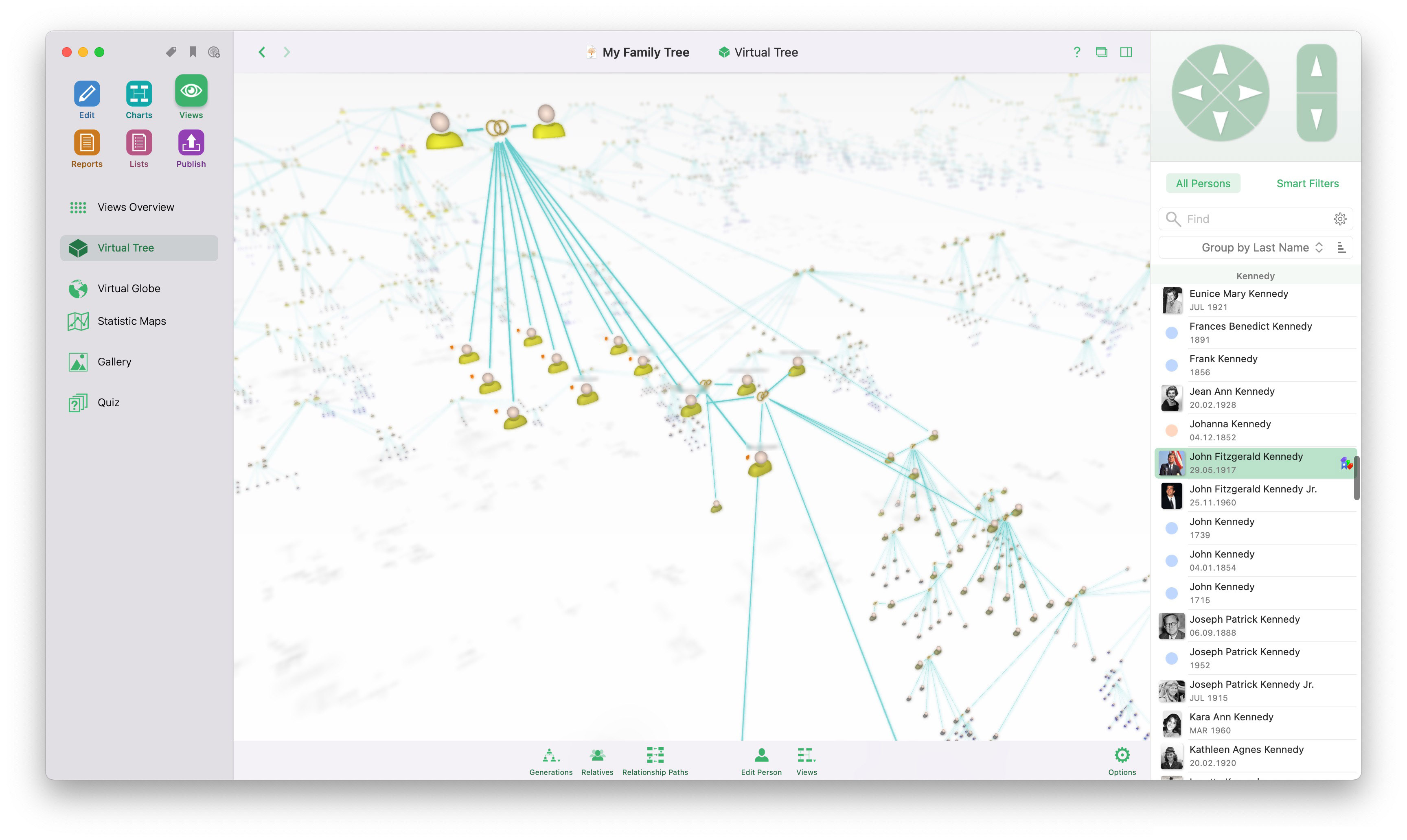
No matter how you want to document your findings, MacFamilyTree 10 is the perfect genealogy companion for you. Display your relationships in reports, visually appealing charts, the innovative Virtual Tree 3D view, or invite other users to contribute to your family tree in real time by using the free "CloudTree Sync&Share" feature.
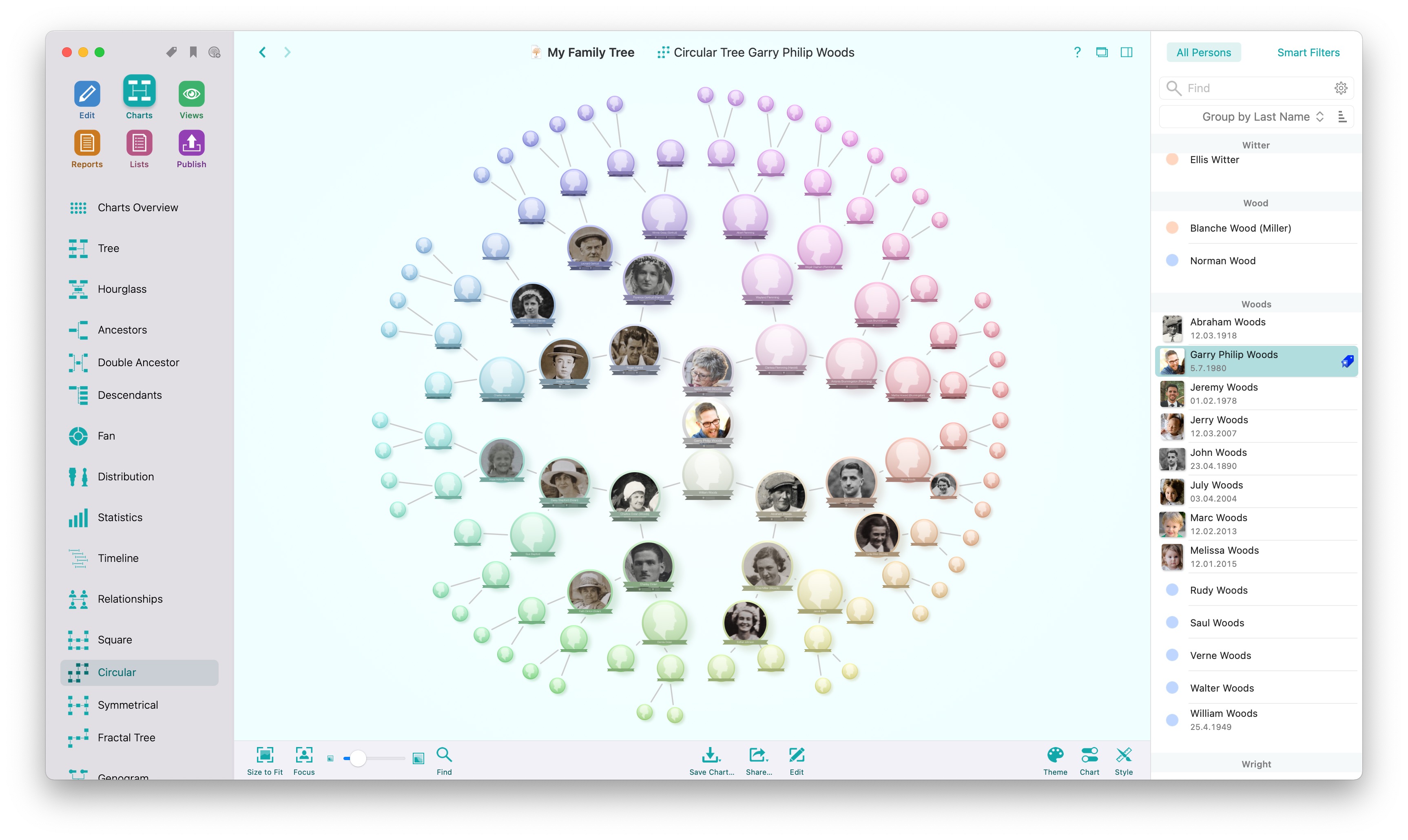
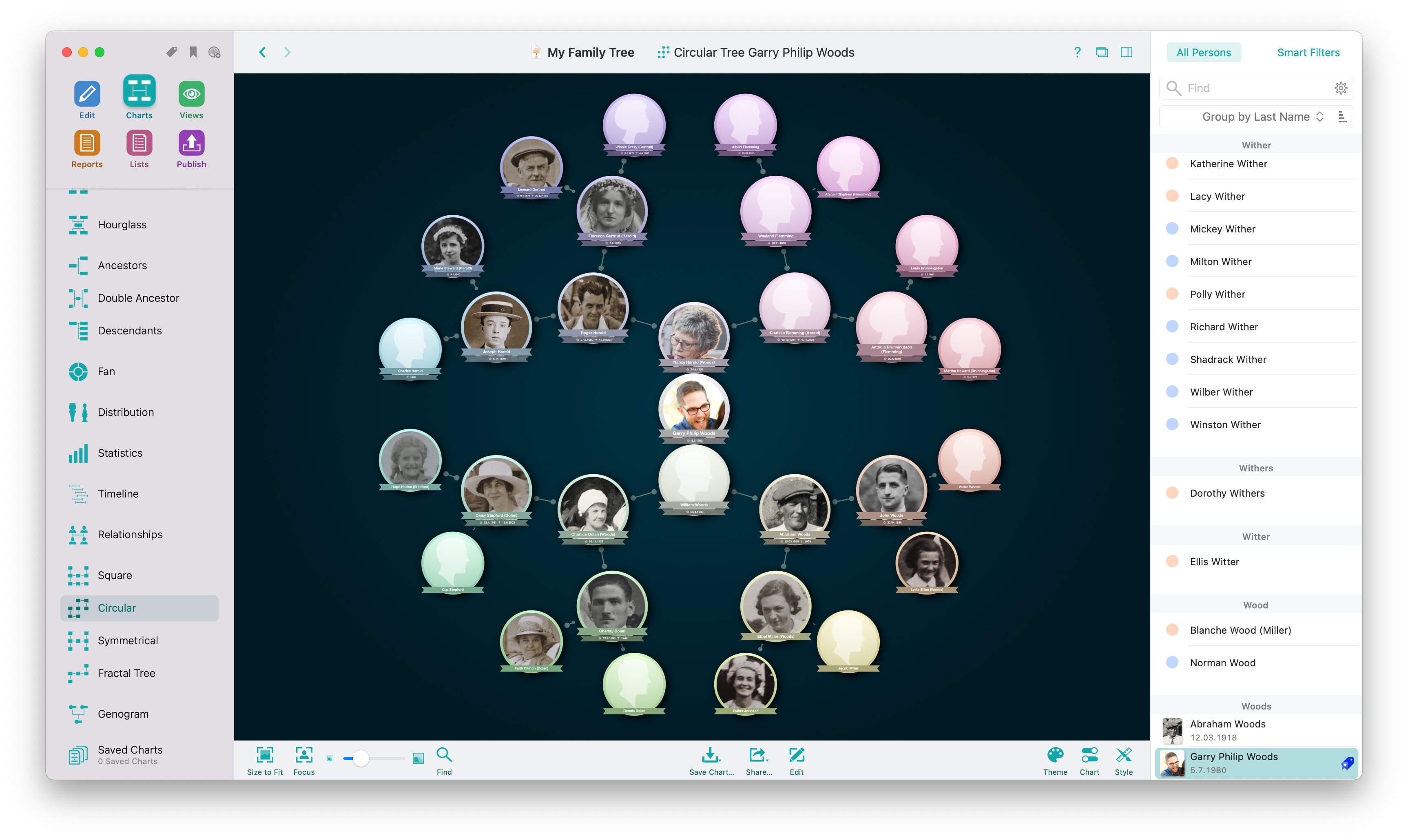
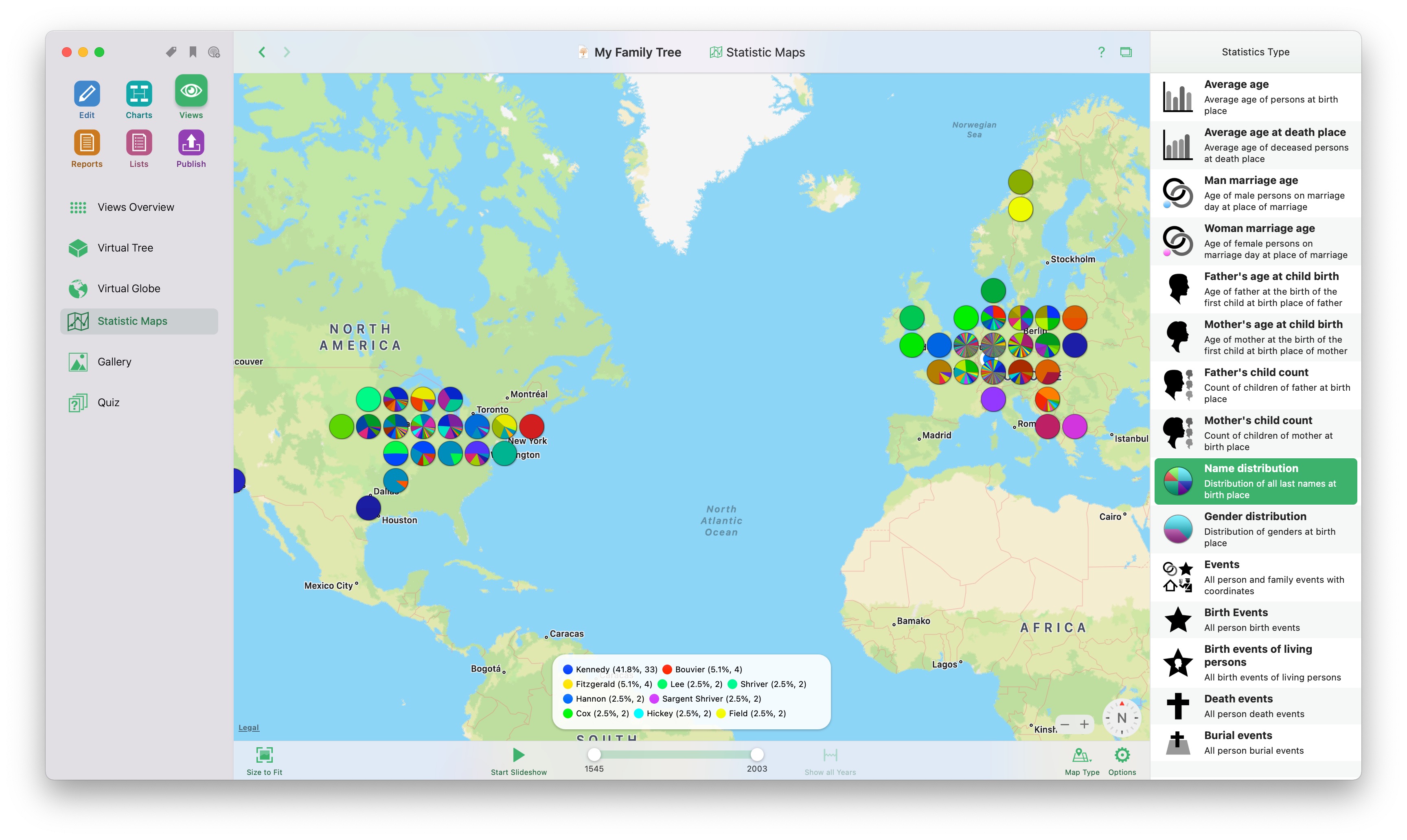
MacFamilyTree offers support and assistance across all aspects of genealogy – from research to data entry, evaluation, and visualization. Add media such as photos and videos, document places where significant events have occurred, and have fun with the way MacFamilyTree turns facts and figures into captivating history lessons. Browse through MacFamilyTree’s wide range of diagrams, view reports, or explore your family history on the Virtual Globe and you’ll find it easy to see why it’s the perfect tool for your genealogy needs. Learn More…
Edit and Enter
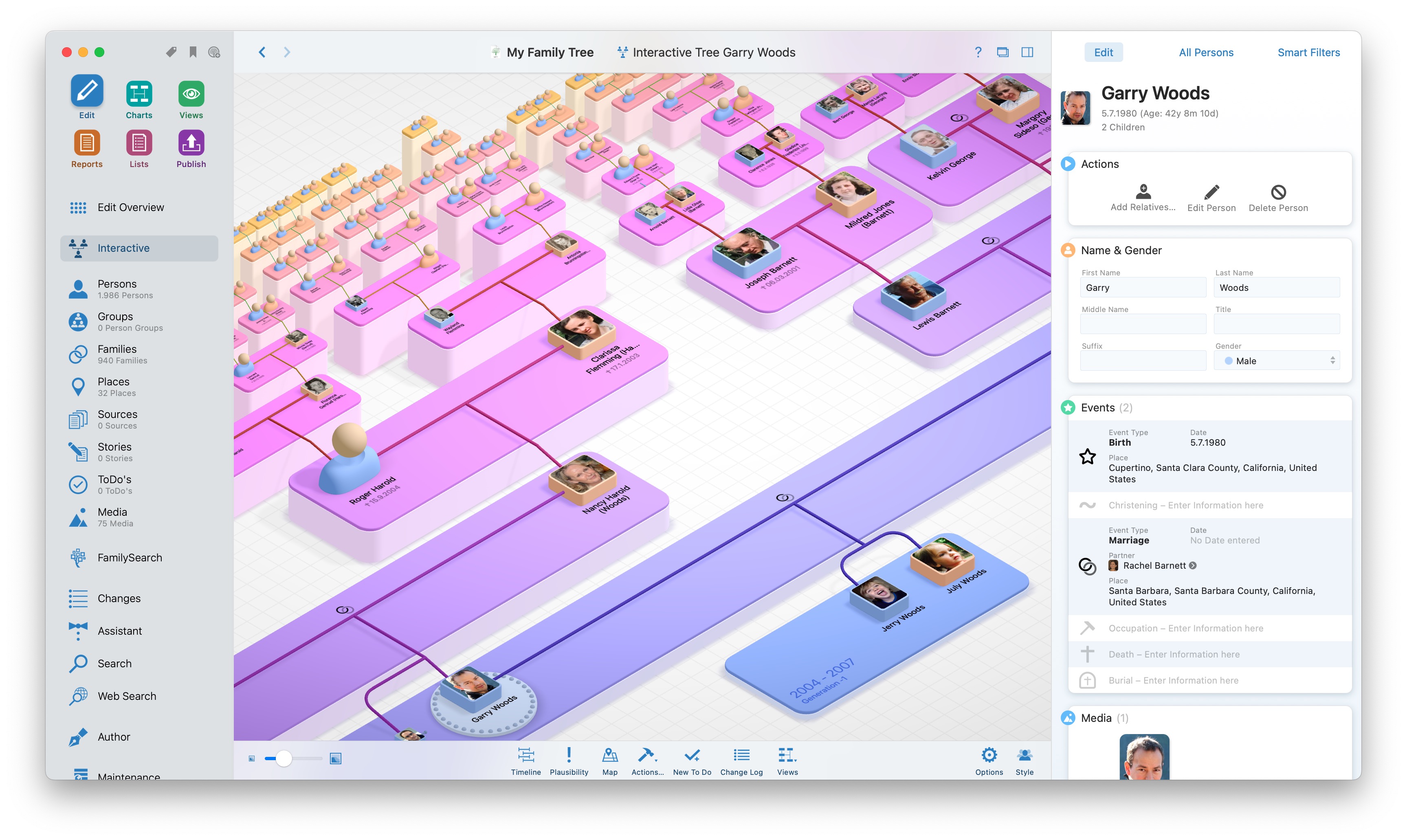
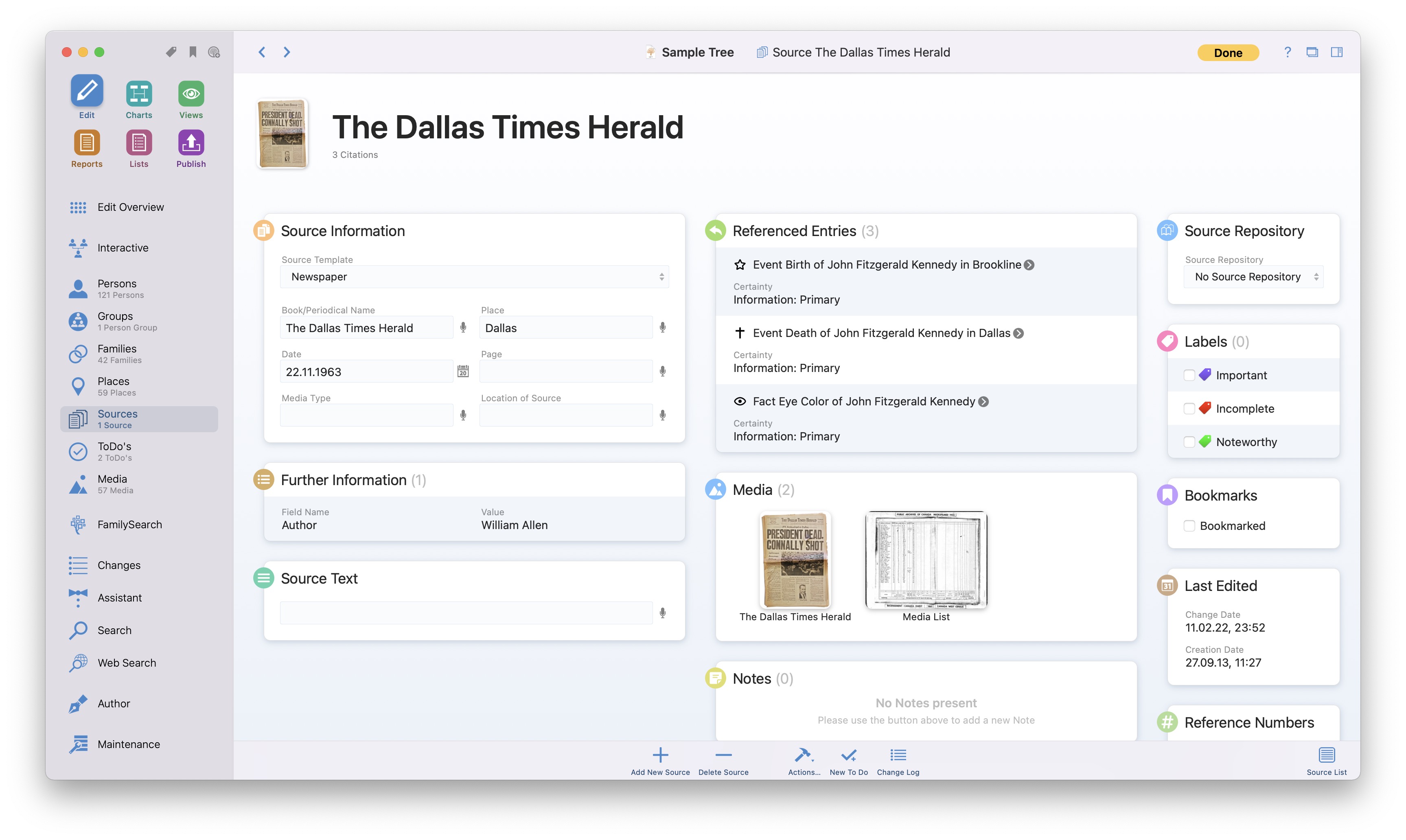
There are a variety of ways to feed your family tree with information. Import GEDCOM or MacFamilyTree files, go on a free journey of discovery via the integrated FamilySearch function - or enter directly what you have learned from personal memory, conversations with relatives, or from old documents. MacFamilyTree 10 offers you a completely new edit section, which combines the best of two worlds: You can see all important facts about persons or families at a glance, or comfortably add further details.
CloudTree Sync & Share: Sync your trees – or collaborate with other users
Since the early days of MacFamilyTree, we have consistently received one specific request from our customers: How can I collaborate on my family tree with other family members? CloudTree Sync&Share opened up a new era in digital genealogy – and MacFamilyTree 10 as well as MobileFamilyTree 10 raise the bar even further. It’s faster and more powerful than ever.
Work on the same family tree with an unlimited number of MacFamilyTree and MobileFamilyTree users in real time, at no additional cost. All changes to your tree will be transferred and are available to all other users invited by you within a few seconds. Apple is known for placing the utmost priority on data protection. CloudTree operates in compliance with these very standards since it relies on Apple’s iCloud infrastructure. Learn more…
Exclusively Developed for Mac
Fast, reliable, smooth - and truly a feast for the eyes: You'll notice right away that MacFamilyTree is a native Mac application, exclusively and perfectly tailored for Mac. Developed specifically for macOS, MacFamilyTree harnesses the advanced and powerful core technologies of Apple's latest operating systems. You bought a Mac for good reasons – so you rightly expect software that's at home on the Mac.
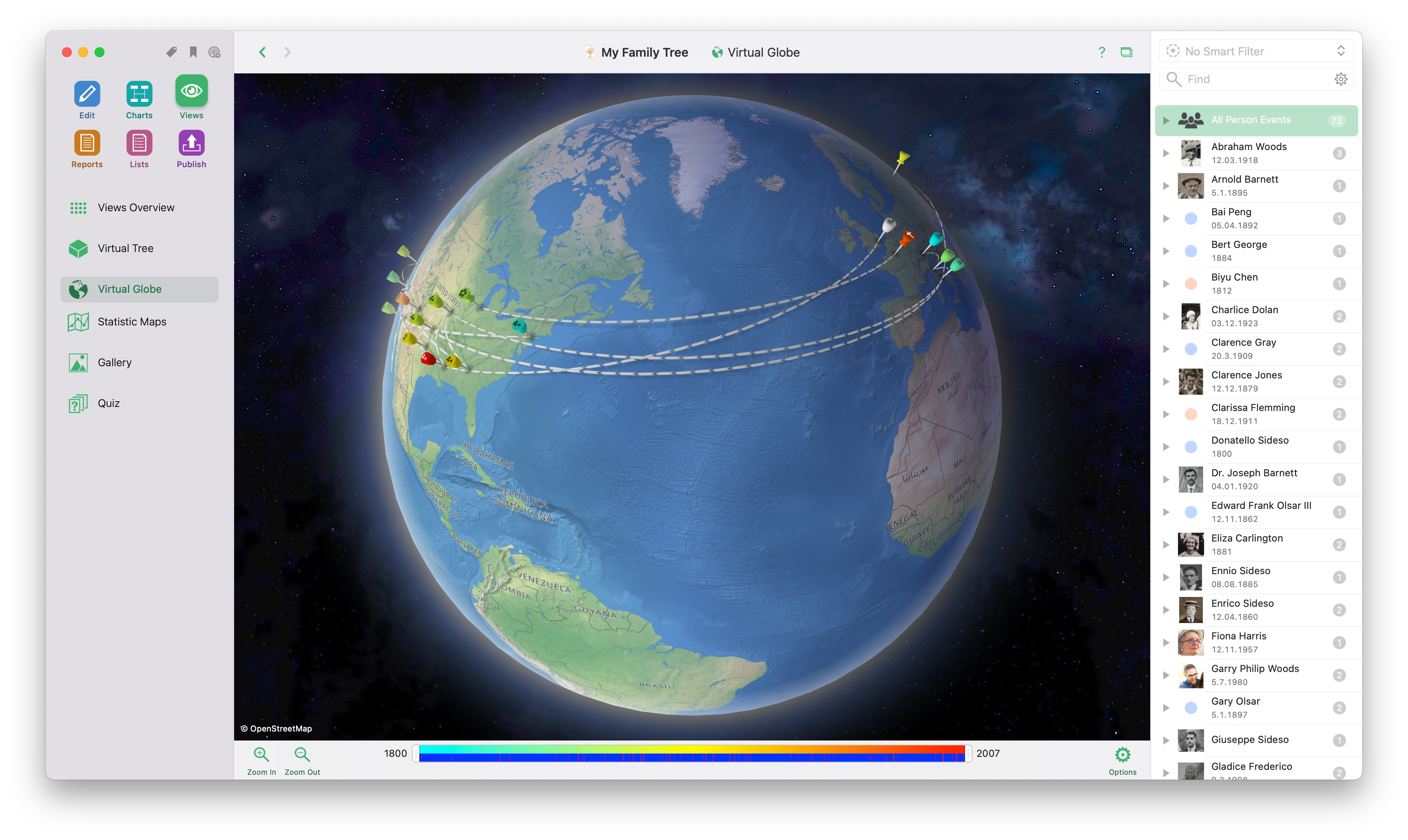
Thanks to utilizing the latest Apple technologies, the interface feels buttery smooth despite the many animations and interactive elements. The impressive display of the Interactive Family Tree, the Virtual Tree or the Virtual Globe is only possible by using everything the Mac platform has to offer. Genealogy that generations of chroniclers have only dreamed of!
Apple: MacFamilyTree is App of the Year
Is there greater praise than being named “App of the Year” by none other than Apple? That’s exactly what happened: MacFamilyTree has won what is probably the most important award in the entire Mac world! After having already earned the “Editor’s Choice” award on the Mac App Store this year, an even more prestigious award has now followed.
According to Apple, MacFamilyTree is a particularly inspiring, innovative and high-quality app that has achieved extraordinary things in its 25 years of product history and 10 major releases. Of course, we also have to thank you, dear customers – because without your loyalty and support, that journey would never have been possible.
25 Years of MacFamilyTree
MacFamilyTree celebrated its 25th birthday this winter! We've released ten full versions and an almost infinite amount of smaller updates since then. Take a look with us at the interesting history of MacFamilyTree since the release of the very first version in 1998. There's an image of each version so you can see how the user interface has evolved over the past 25 years.
Languages & System Requirements
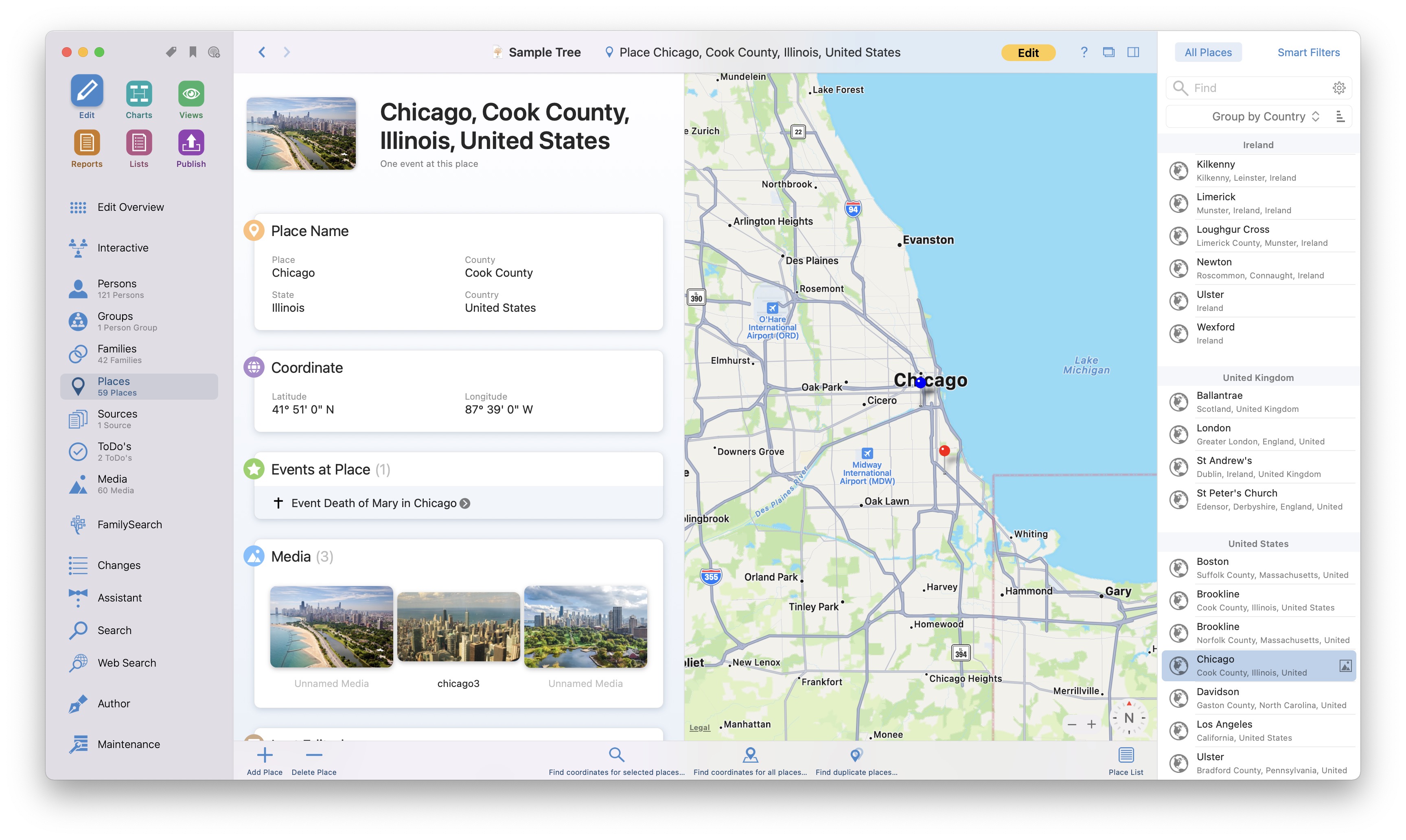
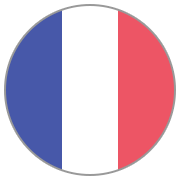
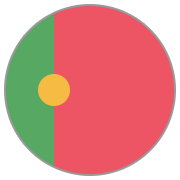
MacFamilyTree is available in 16 languages. The user interface, including all buttons, labels and menu entries, automatically adapts to the language settings in your Mac's System Preferences. Currently, the following languages are available:
English
German
Danish
French
Chinese
Finish
Italian
Dutch
Portuguese
Russian
Spanish
Swedish
Hungarian
Polish
Norwegian
Czech
MacFamilyTree 10 requires macOS 10.15 Catalina or higher (macOS Big Sur, macOS Monterey, macOS Ventura and macOS Sonoma are fully supported). For synching between different devices an iCloud account is required. MacFamilyTree is available exclusively on the Mac App Store. MacFamilyTree is fully optimized for M1-, M2- and M3-based Macs.
What customers say
★★★★★
I've been using this software for over a decade. It is always improving. What is most important to me is that it not a windows app that they've ported to Mac. It looks and feels like a Mac app.
John Lilly on the LamontC
★★★★★
Using for over ten years now. Simply the best app if you have a Mac. Improvements and enhancements keep coming, and integration gets better all the time. I highly recommend.
TAO on the Mac App Store
★★★★★
A lot of care and thought has gone into this software, which is well designed and easy to use. It also make it easy to share family trees with other family members. This is the best genealogy app.
Persimmon Pete on the Mac App Store
★★★★★
MacFamilyTree is the ultimate solution for your genealogy needs. Fast, intuitive, and chalk full of features you will see nowhere else. It actually makes genealogy work a pleasure. Five stars, easy.
tmarzetta on the Mac App Store
★★★★★
I looked at different apps before deciding on MacFamily Tree - the graphs, reports and charts looked interesting so decided to buy it. I've two relatives who sent me their ancestry files - in less than a minute I imported the data! I'm blown away by how fast it is, and how superb and detailed the reports are.
serkes on the Mac App Store
★★★★★
This app is worth its weight in gold just for the photo colorizing feature! The reports are incredibly useful if you like to keep a paper trail of your work. When traveling to visit family in Europe, it has been nice to have an offline version of the family tree to carry with me.
DinoPat123 on the Mac App Store
★★★★★
This is simply the best genealogy program. Easy to use and visually stunning. Forget the rest, buy this.
firebooby01 on the Mac App Store
★★★★★
Great Family Tree program - in my opinion the best available. Fantastic graphics and reporting. Very easy to use.
JB19629 on the Mac App Store
★★★★★
This is a great tool to capture all the information about you ancestry including photos and narrative. The best part is that it is simple and easy to use. You can even publish your family tree on a free web page that can be secured with a password. You won't regret your decision to purchase this software.


 Discover and experience your personal family history, explore your origins, your ancestors, and how your family has evolved over the course of time. MacFamilyTree 10 offers you a wide range of options to capture and visualize your family history. Search the free FamilySearch archive, which contains billions of genealogical entries, and continue your research on the go, using MobileFamilyTree (available separately) for iPhone, iPad, and iPod touch.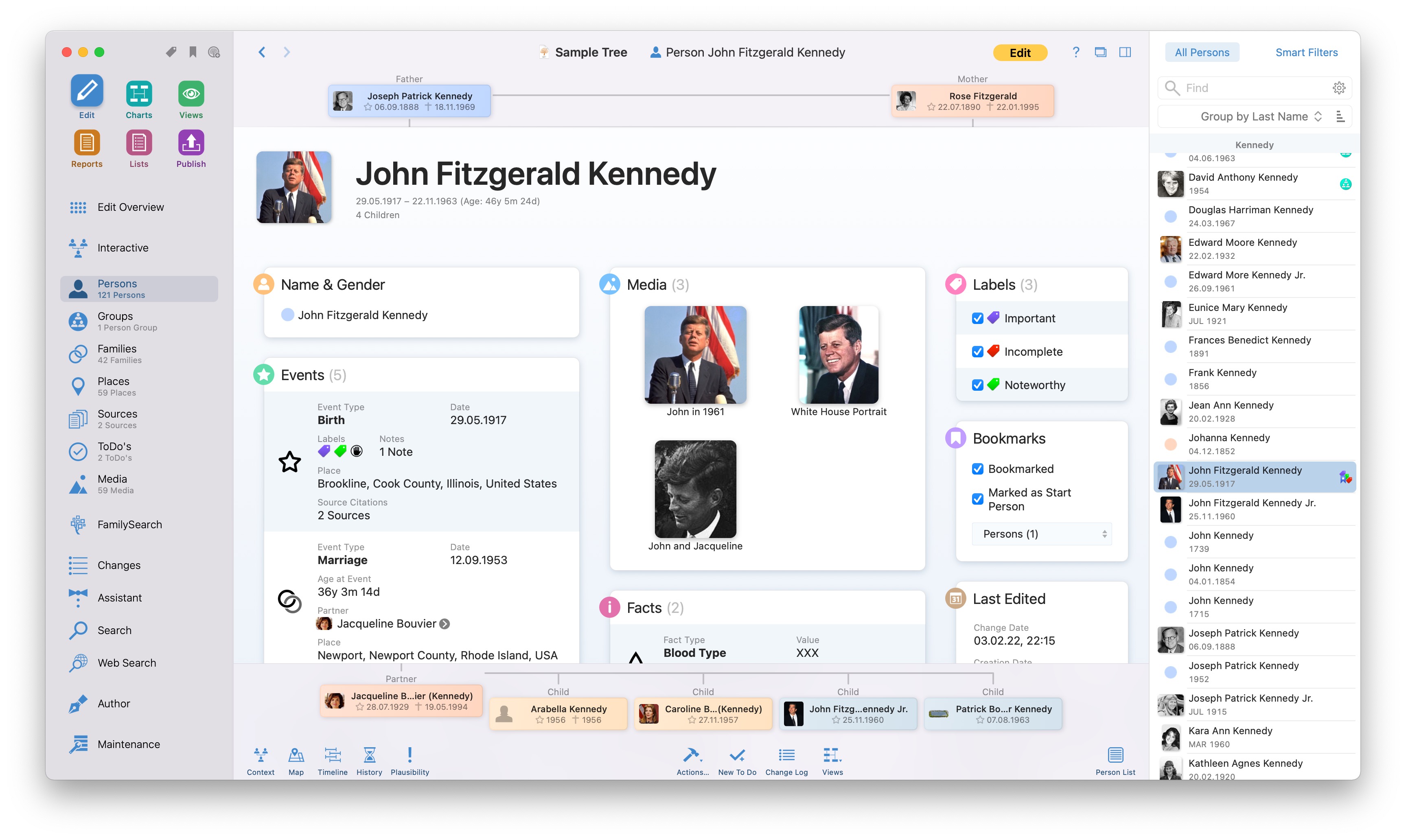

 Is there greater praise than being named “App of the Year” by none other than Apple? That’s exactly what happened: MacFamilyTree has won what is probably the most important award in the entire Mac world! After having already earned the “Editor’s Choice” award on the Mac App Store this year, an even more prestigious award has now followed.












 Download Demo
 Buy MacFamilyTree 10