Apps
News
Support
Downloads
Company
Press
Current Version: 6.0.1
Version History
The demo version is fully functional, but all pictures are watermarked, saving pictures is disabled and VectorAI 2 is not available.
Download Demo for Mac
Version 6.0.1
Logoist 6 is exclusively available on the App Store.
On the Mac, macOS 15 Sequoia or macOS 26 Tahoe is required to use Logoist 6. On iPad or iPhone, iOS 18 and iOS 26 is required.
Buy Logoist 6 for Mac & iOS
US$
39.99
19.99
on the App Store
50% discount
- only for a short time!
One-Time Purchase includes Mac, iPhone, and iPad version
Overview
Top Features
Styles, Effects and Presets
New in Logoist 6
Gallery
Tutorials & FAQs
Buy
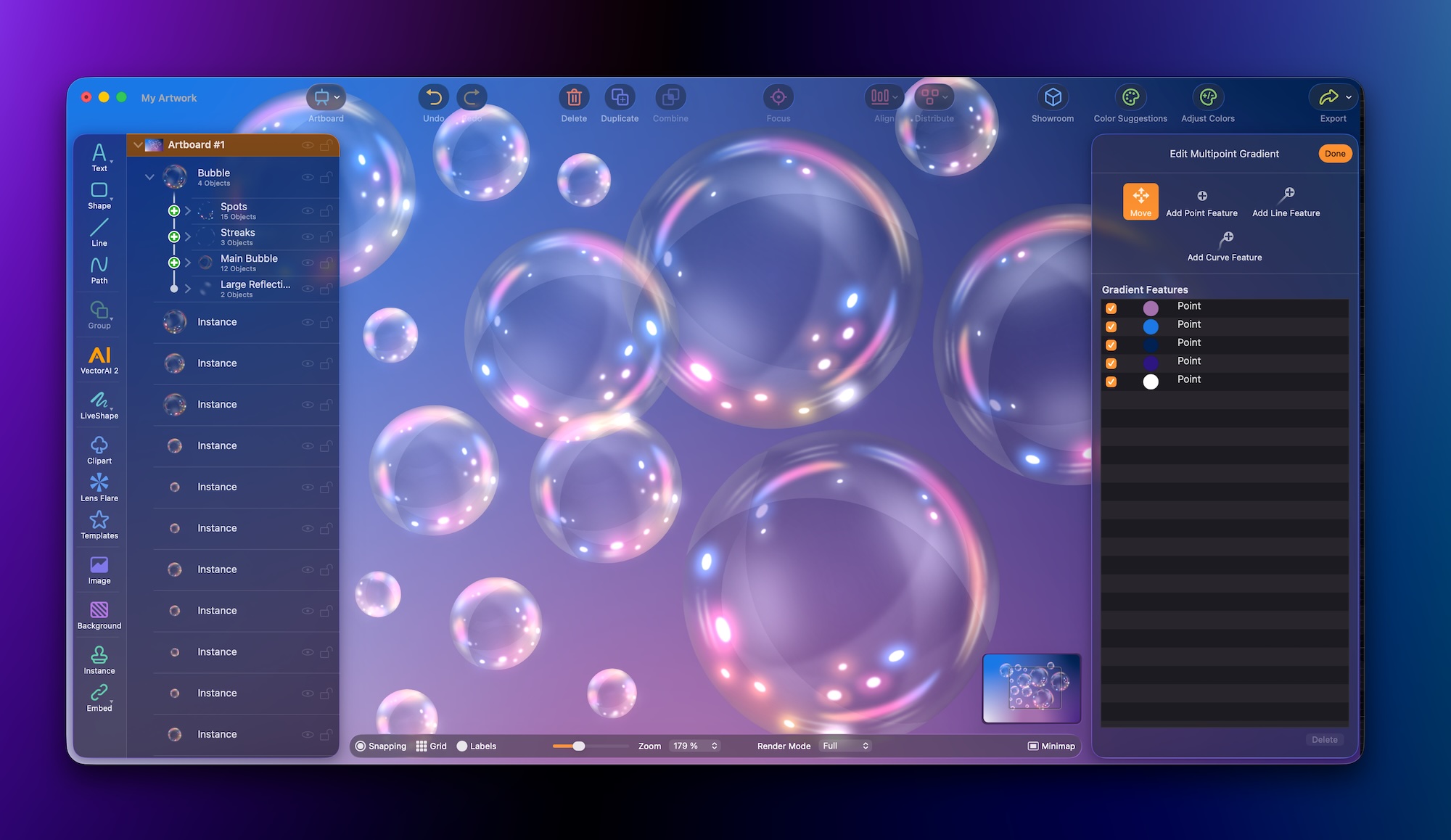
New User Interface
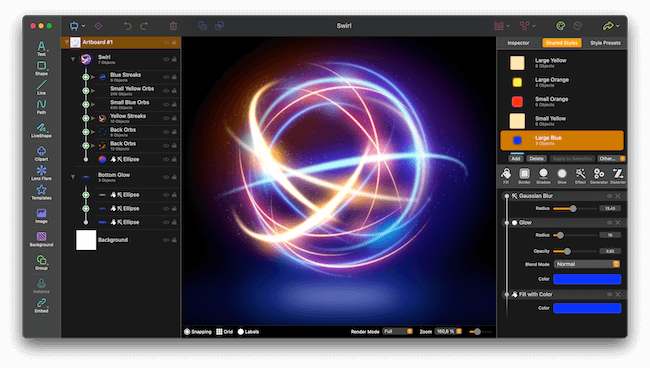
Completely redesigned, using Apple’s new Liquid Glass design language
The left and right sidebars now float above the canvas for a more unified look
Clear and consistent icons throughout the app
Newly developed Inspector with a new look and expandable sections
Adjust values, such as an object’s position, by dragging the small icon available in most text fields in the Inspector
Fully configurable palette layout on macOS
Better use of space on iPad and iPhone
New option to automatically expand groups whenever an object is selected on the canvas
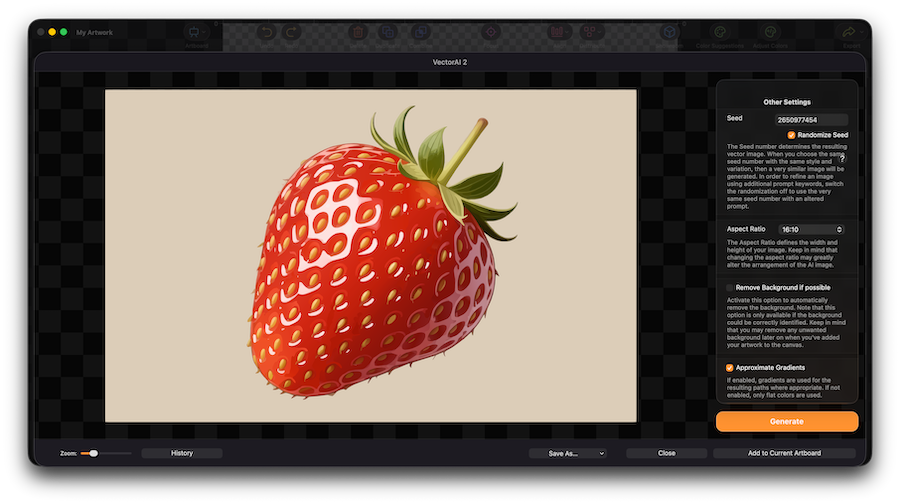
VectorAI 2
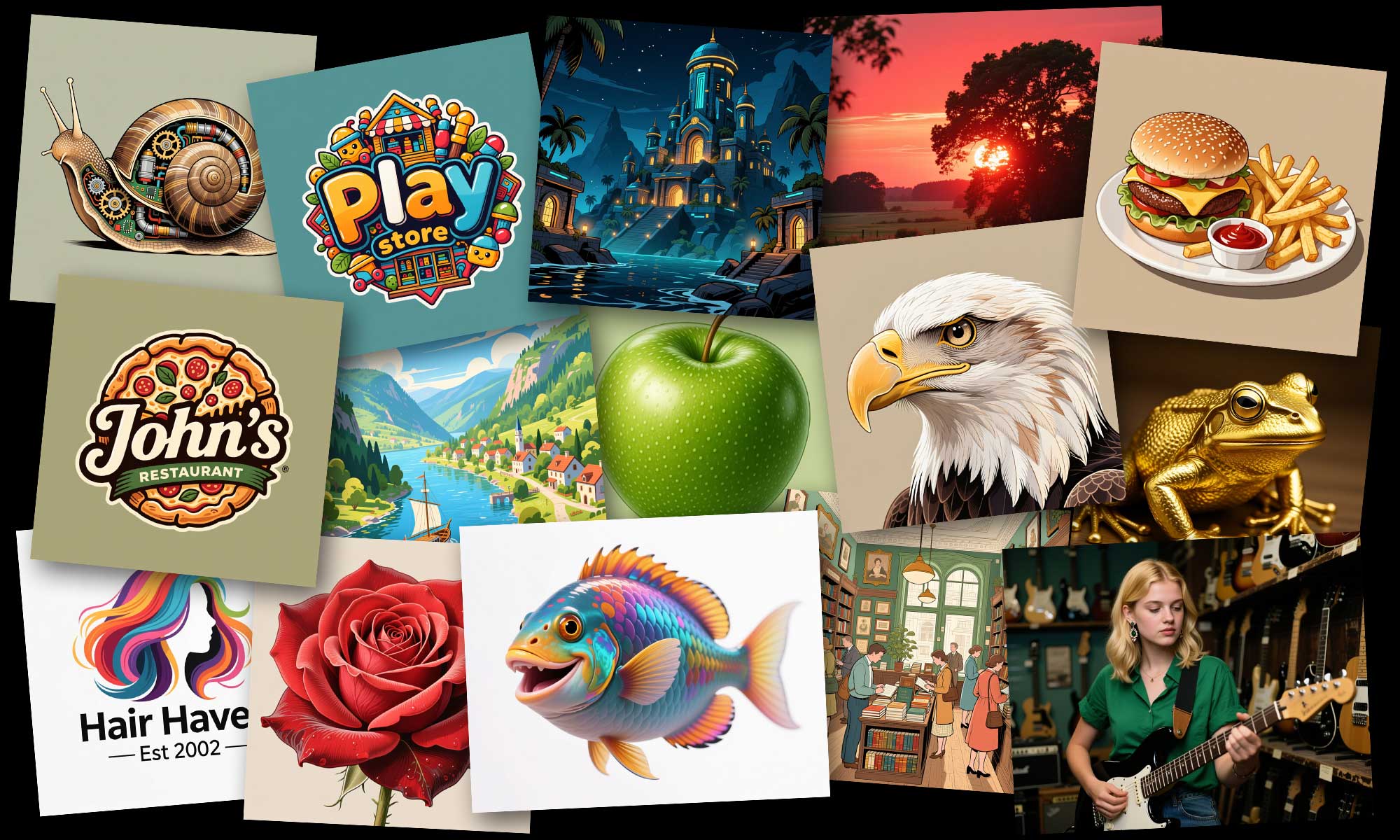
Completely new AI model for sophisticated vector and image creation
Creates vector- or pixel-based artwork, for example icons and clipart as vector art or a photo of a sunset as pixel-based art
Even demanding descriptions are processed accurately
Supports complex text rendering, for example when specifying the title of a book visible in the image
Much faster image and vector generation compared with the previous version
Runs on all Macs, iPads, and iPhones that are compatible with Logoist 6
Choose from different aspect ratios for your image, such as 4:3, 1:1, or 16:10
Works in all languages supported by Logoist 6
VectorAI 2 includes dozens of vector and image styles to choose from
All styles include many example prompts to help you get started
Significantly Improved Vectorizer
Turn images into resolution-independent vector artwork
Much greater precision and detail
Bézier curves are now approximated far more accurately using fewer points, even for small details in an image
Color gradients are captured with much greater accuracy
The new Vectorizer can also recognize enclosed paths and adjust the hierarchy accordingly
Turn Shapes into 3D
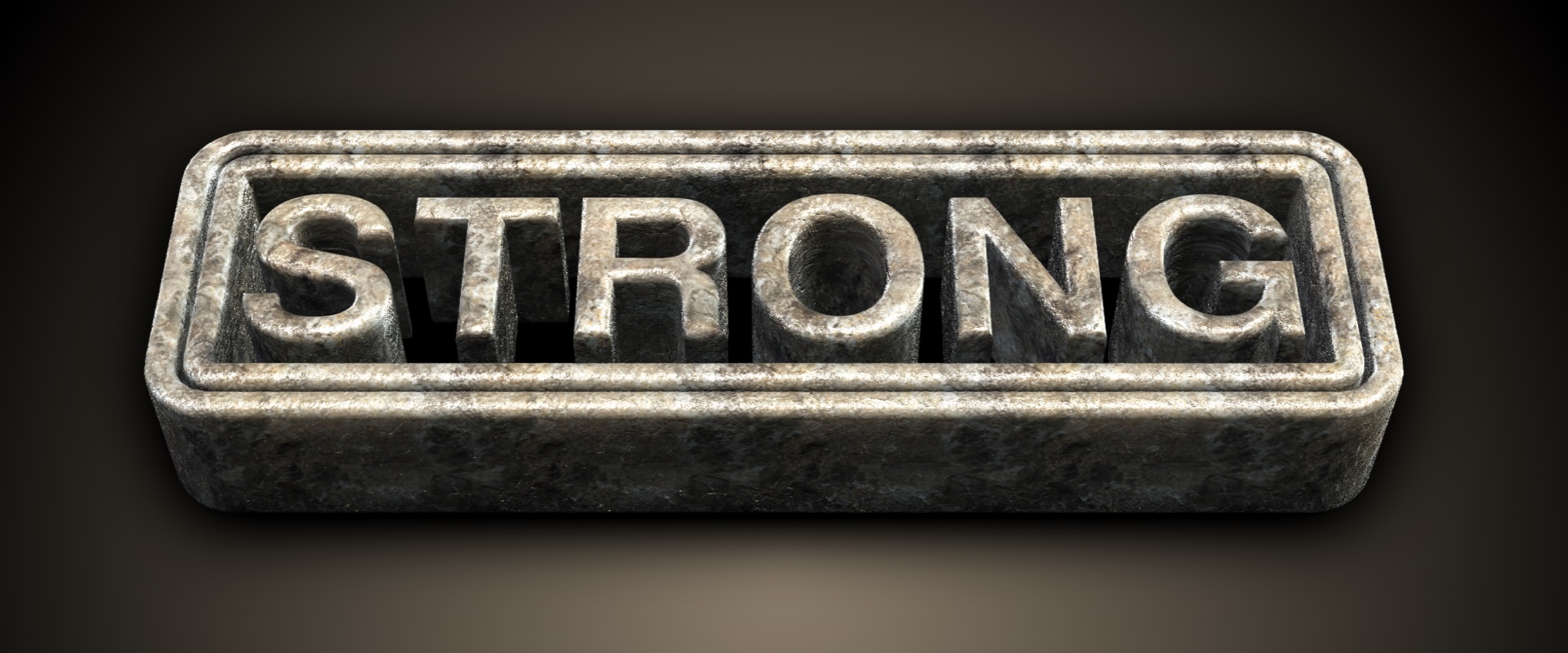
Turn text, shapes, and cliparts into 3D art
Works with all vector artwork created in Logoist, not just simple text or shapes
Freely rotatable
Highly configurable materials, including sheen, anisotropy, transparency, roughness, metallicity, or clear coat
Configurable chamfers and borders
Many included environment maps for HDR reflections
Choose from many included bump maps for surface imperfections
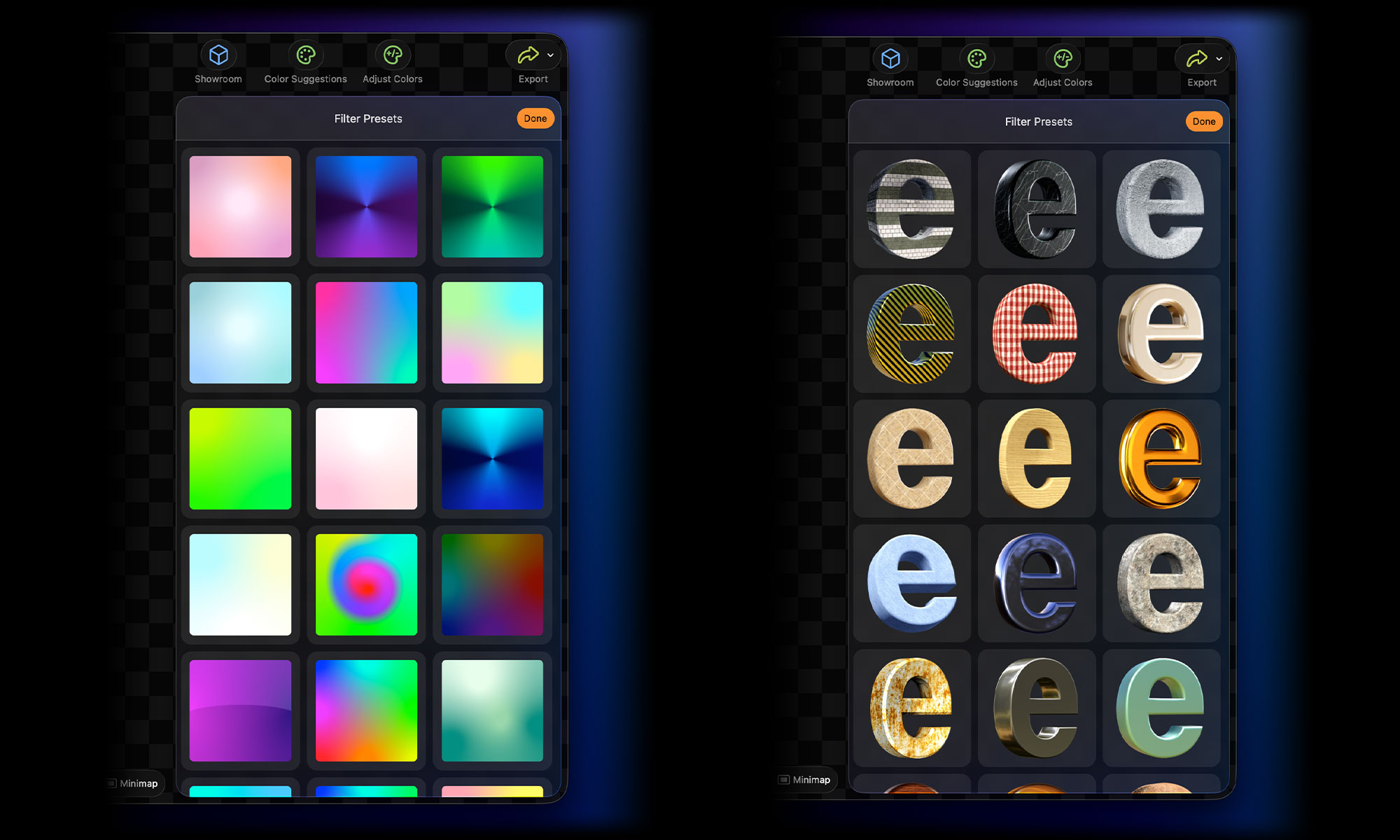
Includes many presets
Every change is previewed in real time on the canvas
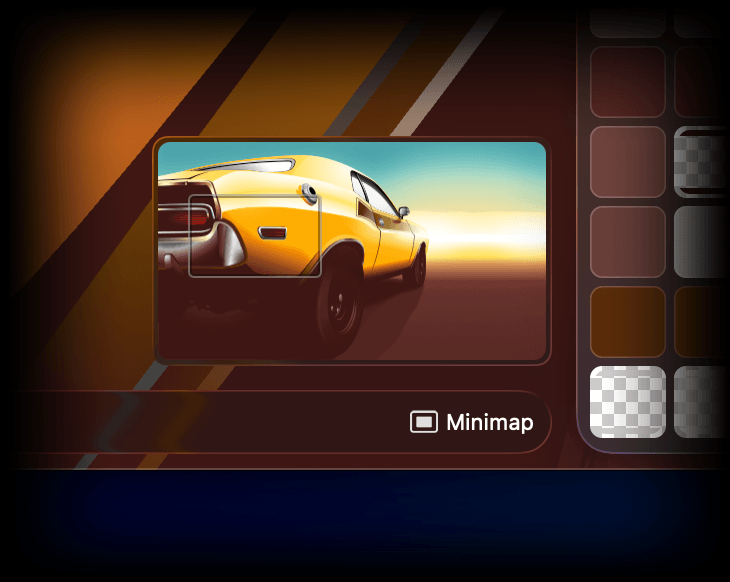
New Minimap
Easier navigation and better overview
Especially useful for larger projects
Configurable size
Choose whether the minimap should always be visible or only when the canvas is too large to fit on screen
Available on Mac and iPad
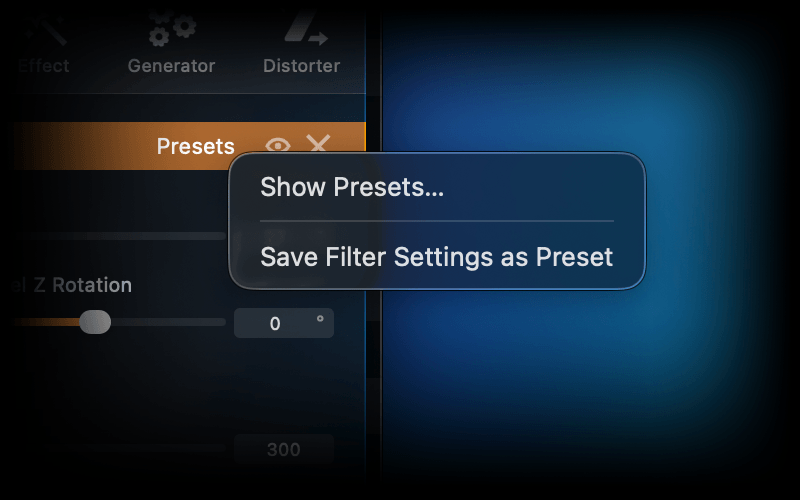
Save Filters as Presets
Filters can now be saved individually as presets and reused at any time
Especially useful when the same shadows, gradients, or other effects are needed again and again
Saved filter presets are automatically available in all your documents and artboards
Huge collection of built-in presets for all filters
Quickly accessible through a button above each filter
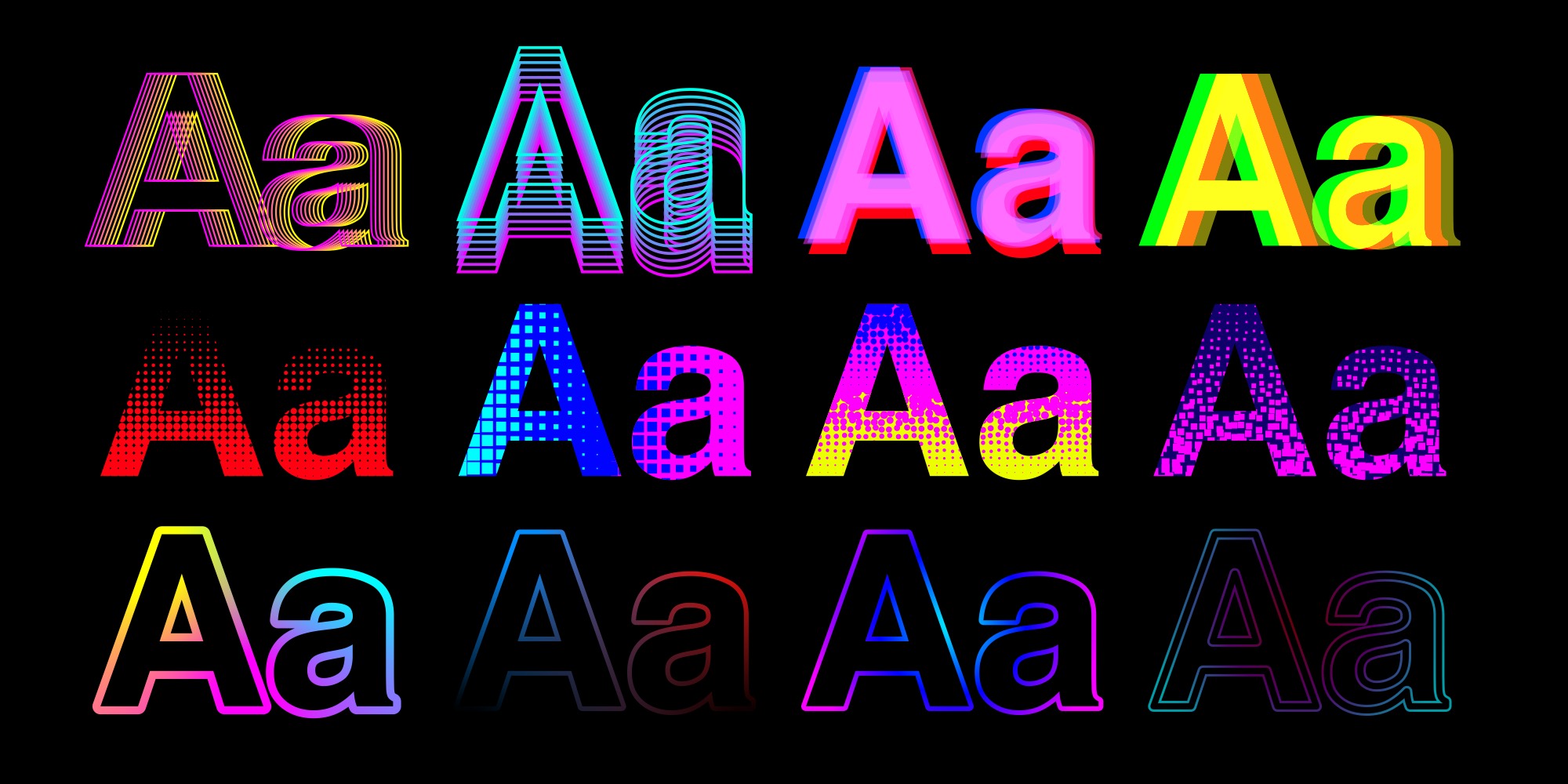
New Effects, Patterns
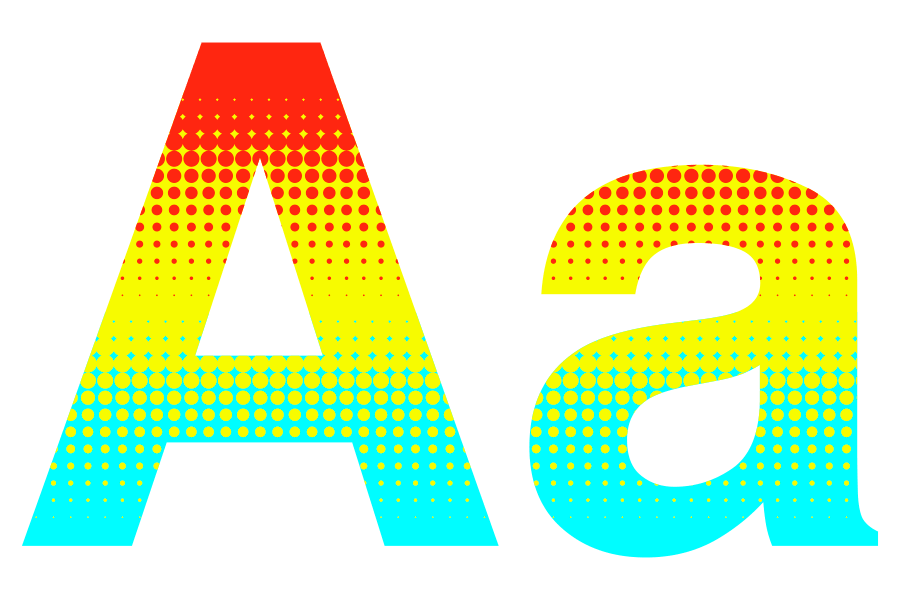
New Halftone Gradient Filter with configurable dot style
New Out-Of-Focus Filter
See-Through Blur Filters now support tinting and offer much better rendering quality
Configurable alignment for the Separate Outlines Filter
Borders now support Multipoint and Radial Gradients
Glow Filters may now be used to just display the glow, not the object itself
Specify custom blend modes when using Motion Blur or Zoom Blur filters
Many new pattern presets added
The Pattern Filter now supports hue, brightness, and saturation controls
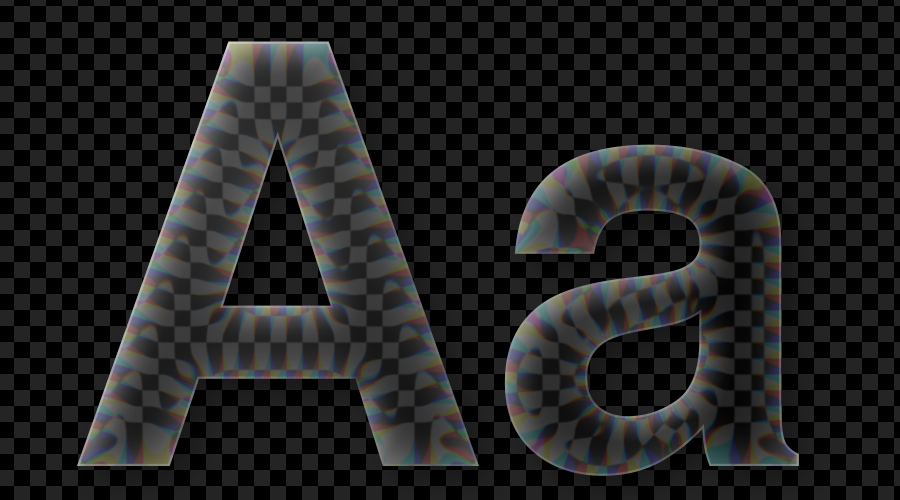
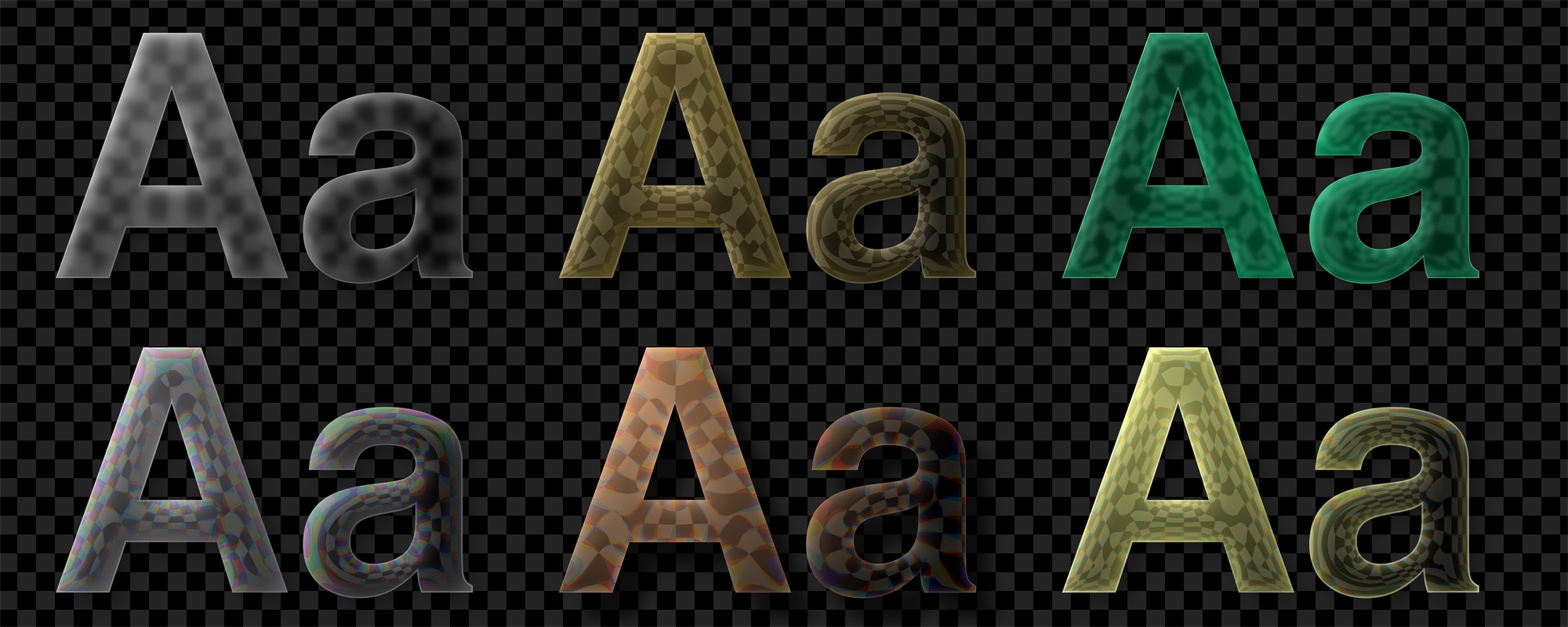
New Glass Effects
Completely new Glass Effect Filter
Realistic glass effect, applicable to all vector graphics in Logoist 6
Highly configurable, with adjustable bevel radius, refraction, and blur
Supports chromatic aberration along the edges
Shadows with adjustable permeability
Performance
Major improvements throughout the app
Much faster rendering with an optimized Apple Metal pipeline
Optimized boolean operations
Faster export of larger images and PDFs
Optimized gradient and pattern filters
Reduced memory usage, especially on iPad and iPhone
Buy Logoist 6 today on the App Store for Mac, iPad and iPhone
US$
39.99
19.99



 Download Demo for Mac
 Buy Logoist 6 for Mac & iOS