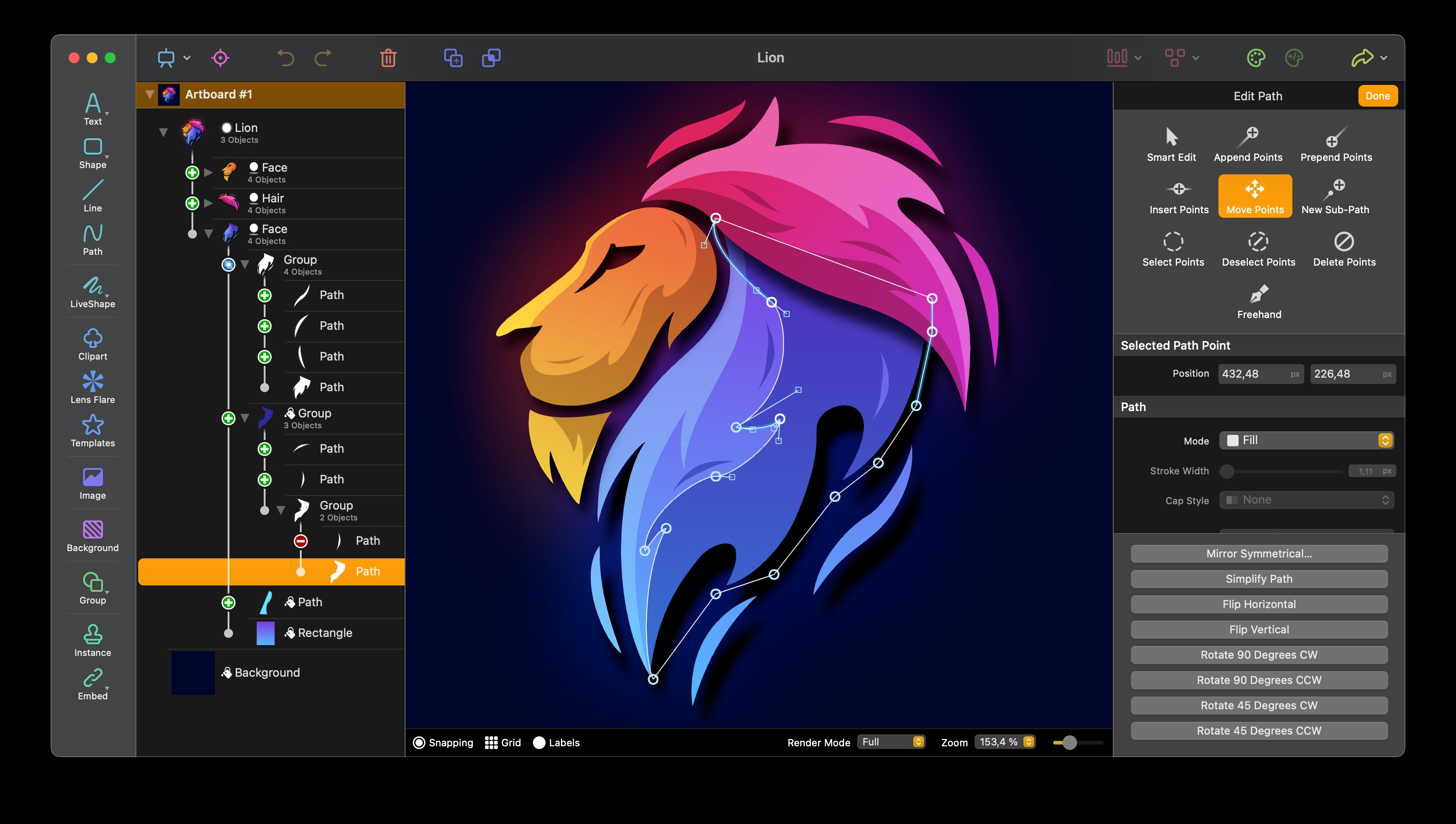
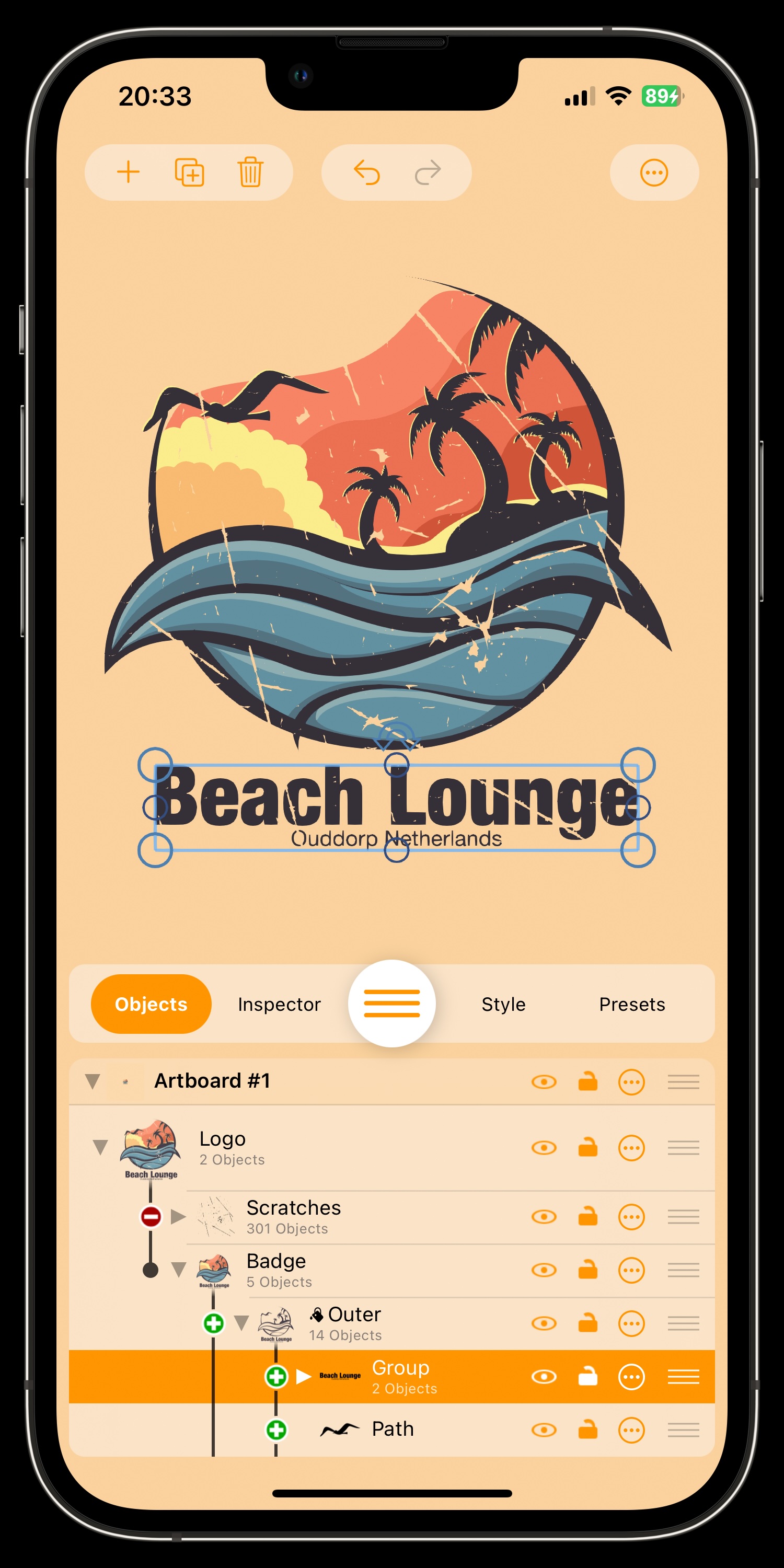
The most important fact first: Logoist 6 is capable of everything you expect of a vector graphics application – but easier and more comfortable to use than the industry standard. As a modern app designed specifically for macOS, iPadOS and iOS, Logoist supports every function of a vector drawing program including paths, gradients, versatile text tools, SVG-Importing and exporting, as well as elaborate shapes and a built-in Clip-Art Library. Logoist is the tool of choice for those looking to undertake a new project in the field of graphic design: from website graphics to logos, posters, invitation cards, business cards, and even complex illustrations – Logoist serves as a reliable and powerful companion at every step.
Core Features of Logoist 6
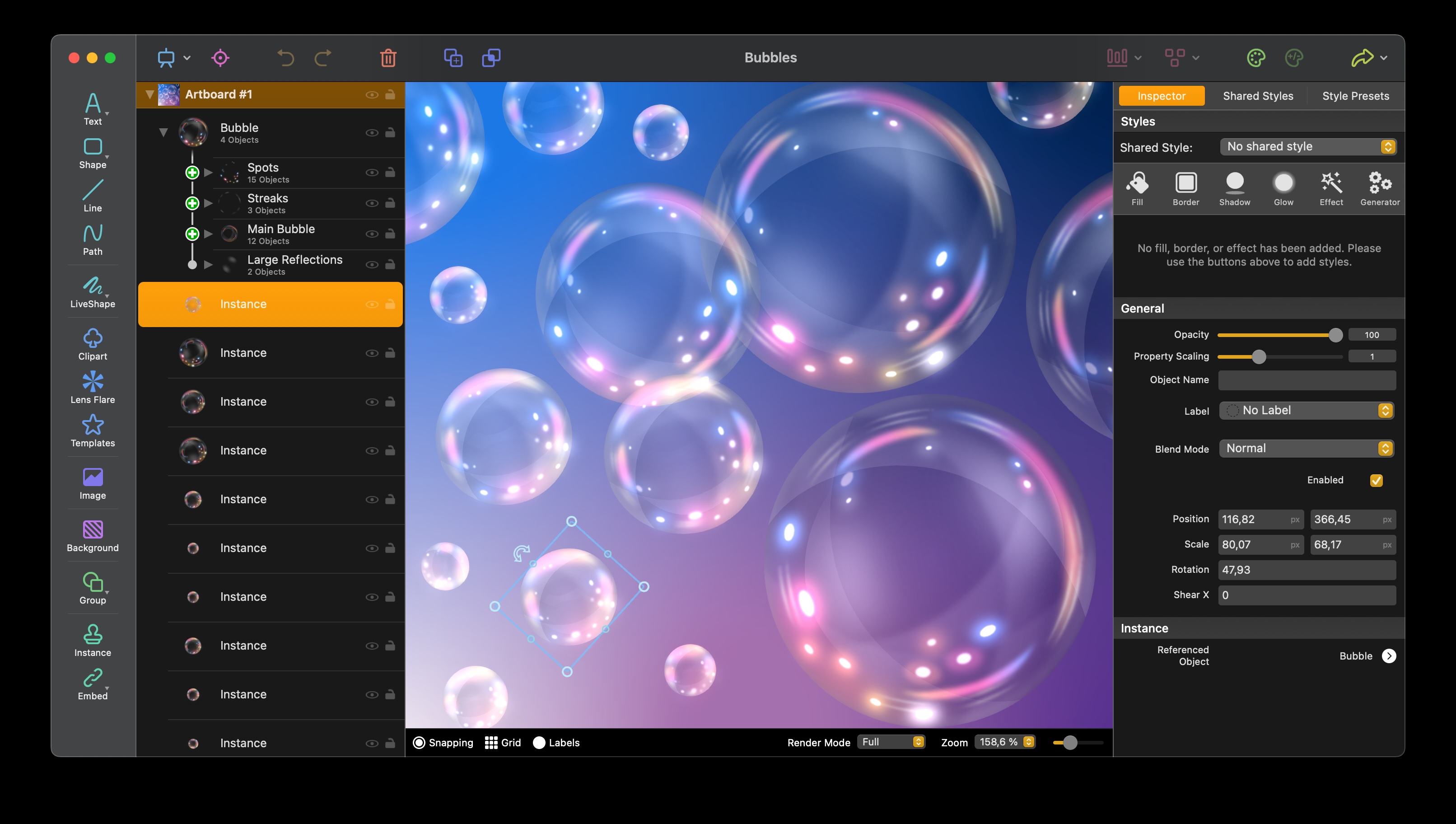
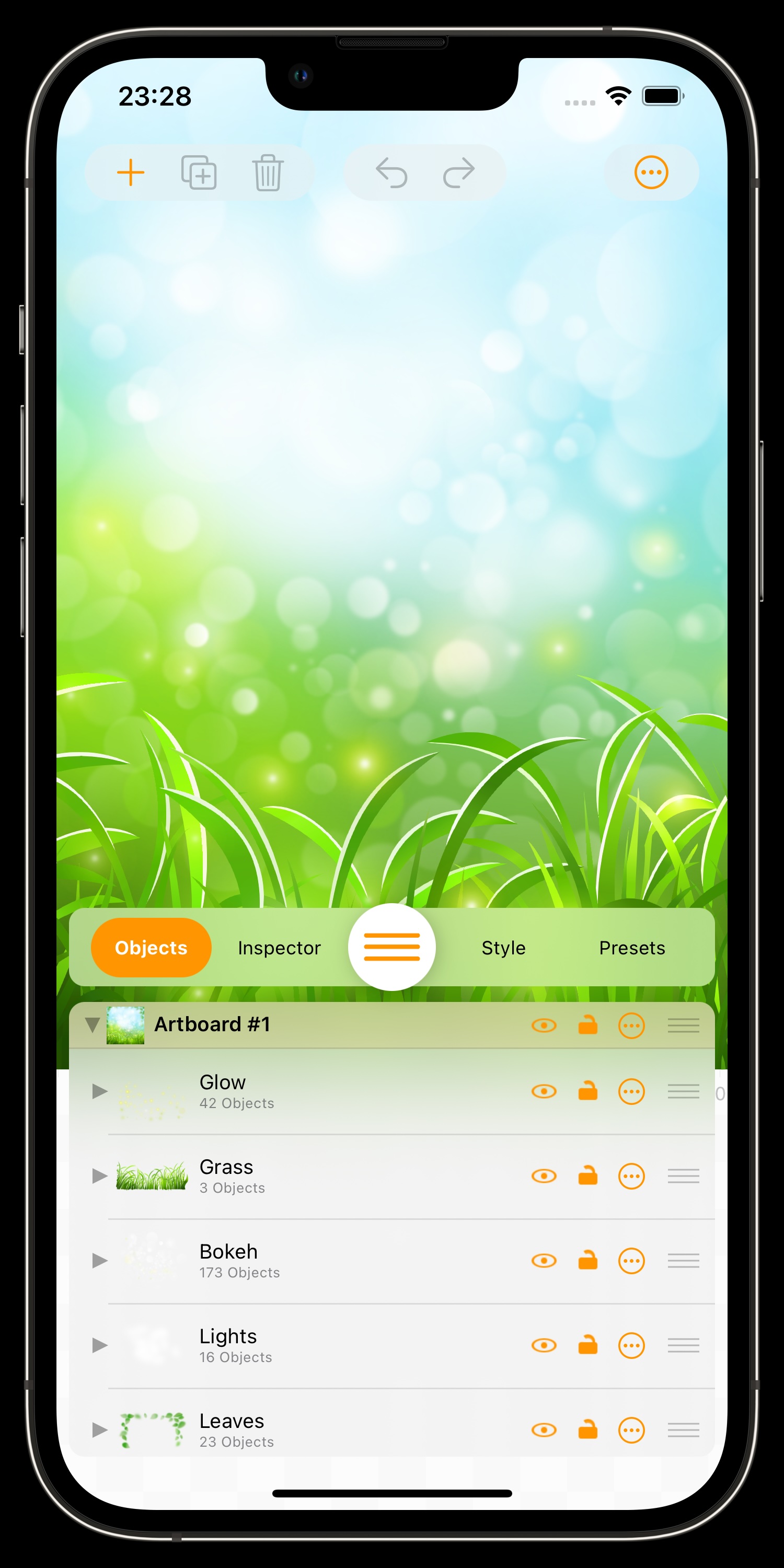
Combine vector and bitmap graphics for stunning effects such as glossy surfaces, depth-of-field, and bokeh effects
Artificial Intelligence: Automatically create impressive vector graphics and images with VectorAI 2
Preset styles: Over 100 configurable style presets at your fingertips
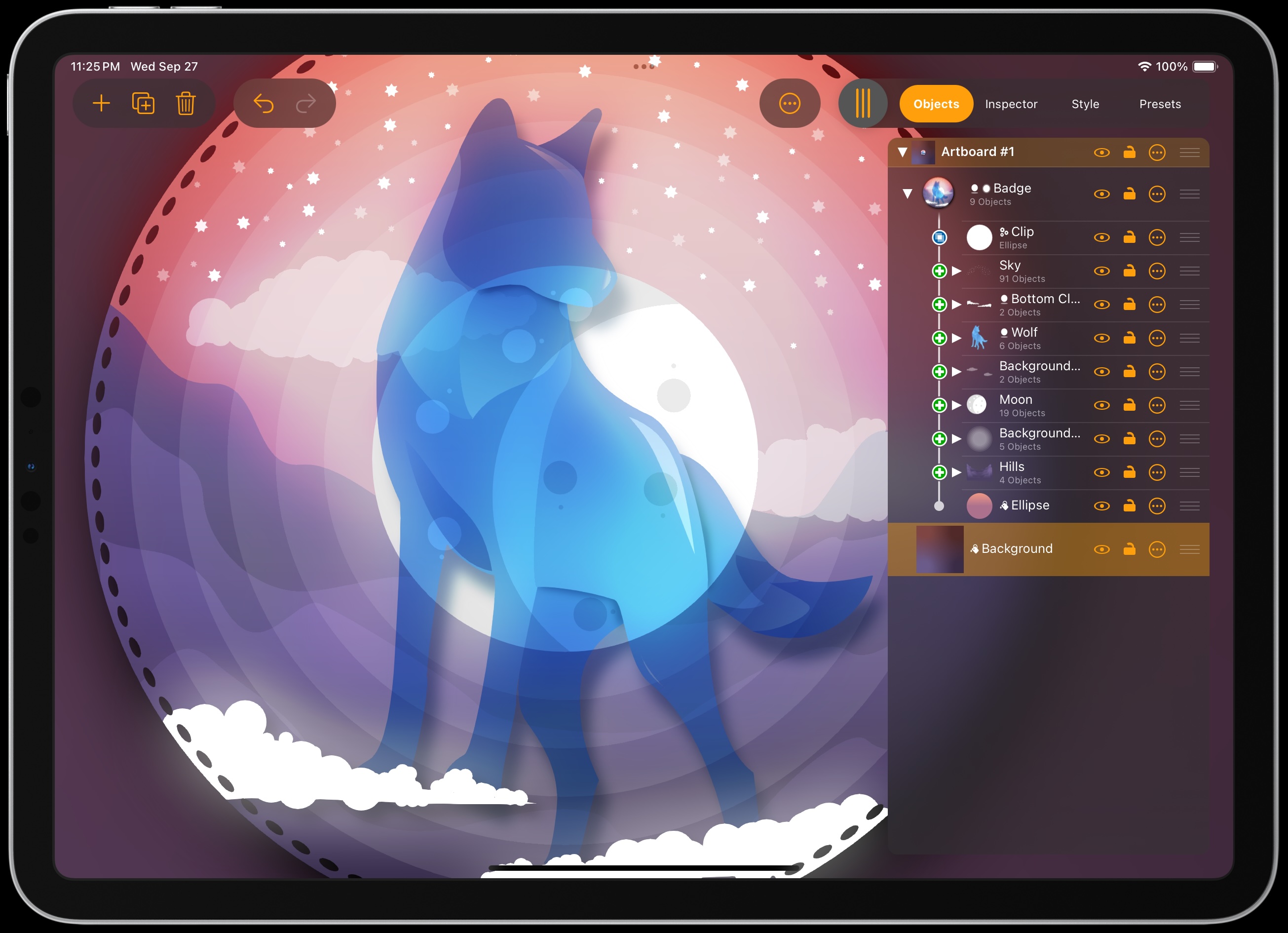
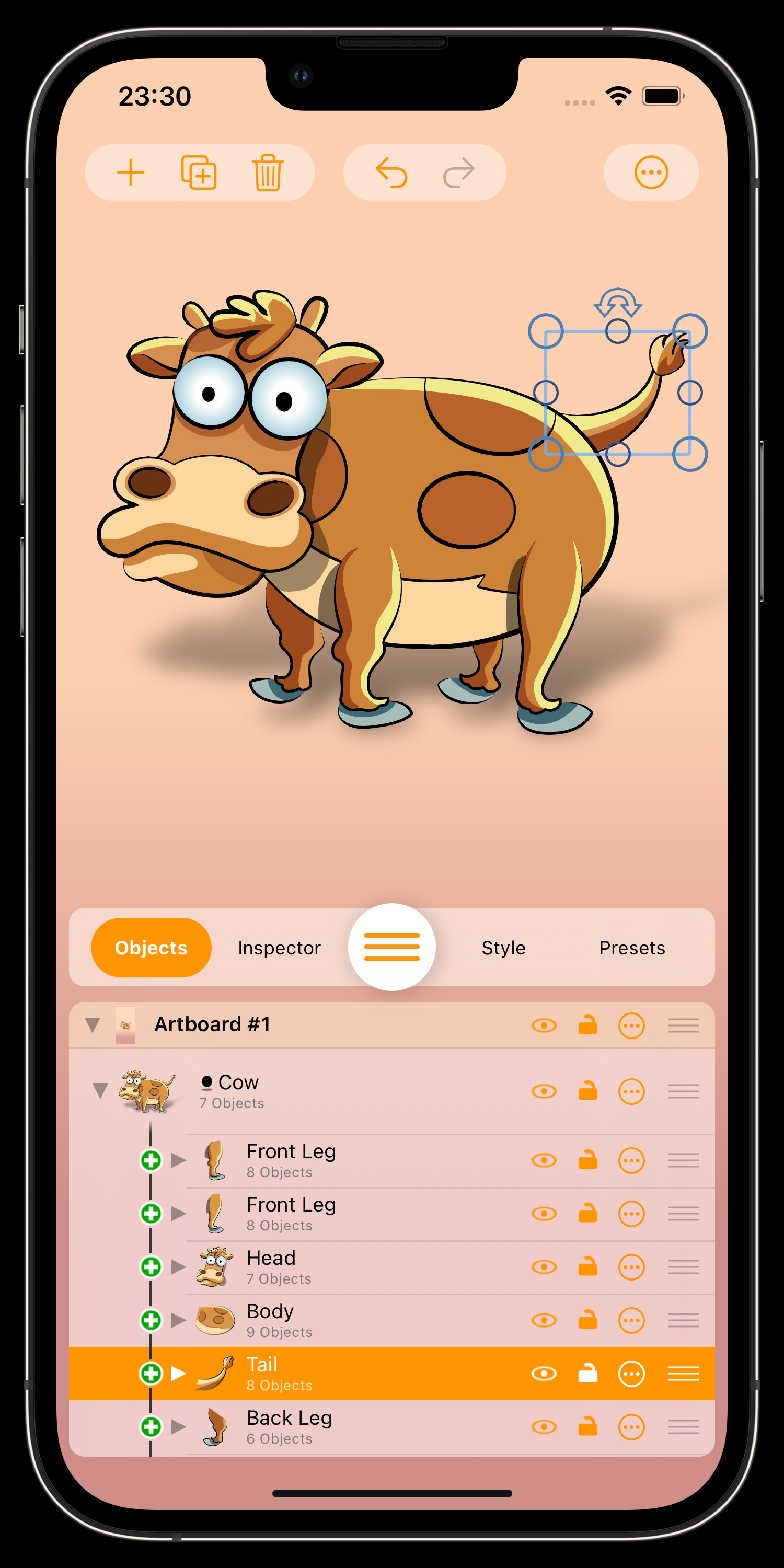
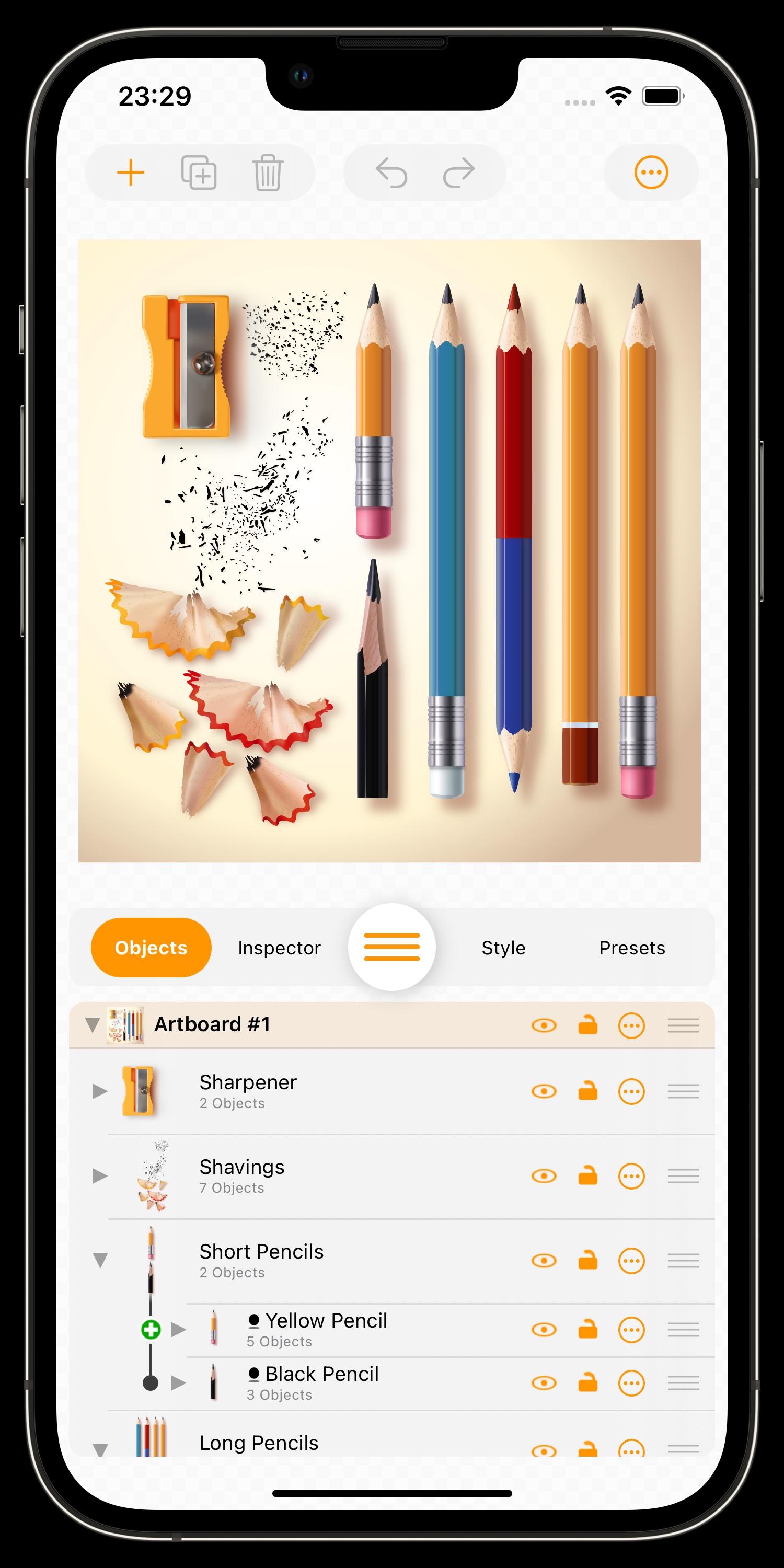
Innovative grouping features allow for easy structuring of larger projects
Export to a wide range of vector and image formats: PDF, SVG, EPS, PNG, HEIF, JPEG, or Photoshop PSD
Giant clip art library included: Logoist comes with over 3,000 clip art images
Import SVG, PDF, PNG, JPEG, or HEIF files into your projects
Generators: Add stitches, branches, grass, spikes or cracks to any shape with a single click
Batch export: Export your projects to various formats and resolutions with a single click – ideal for web design or app development
1-2-3, Logo! Just a few clicks… and the app will provide you with dozens of versatile logo suggestions that you can further edit and customize
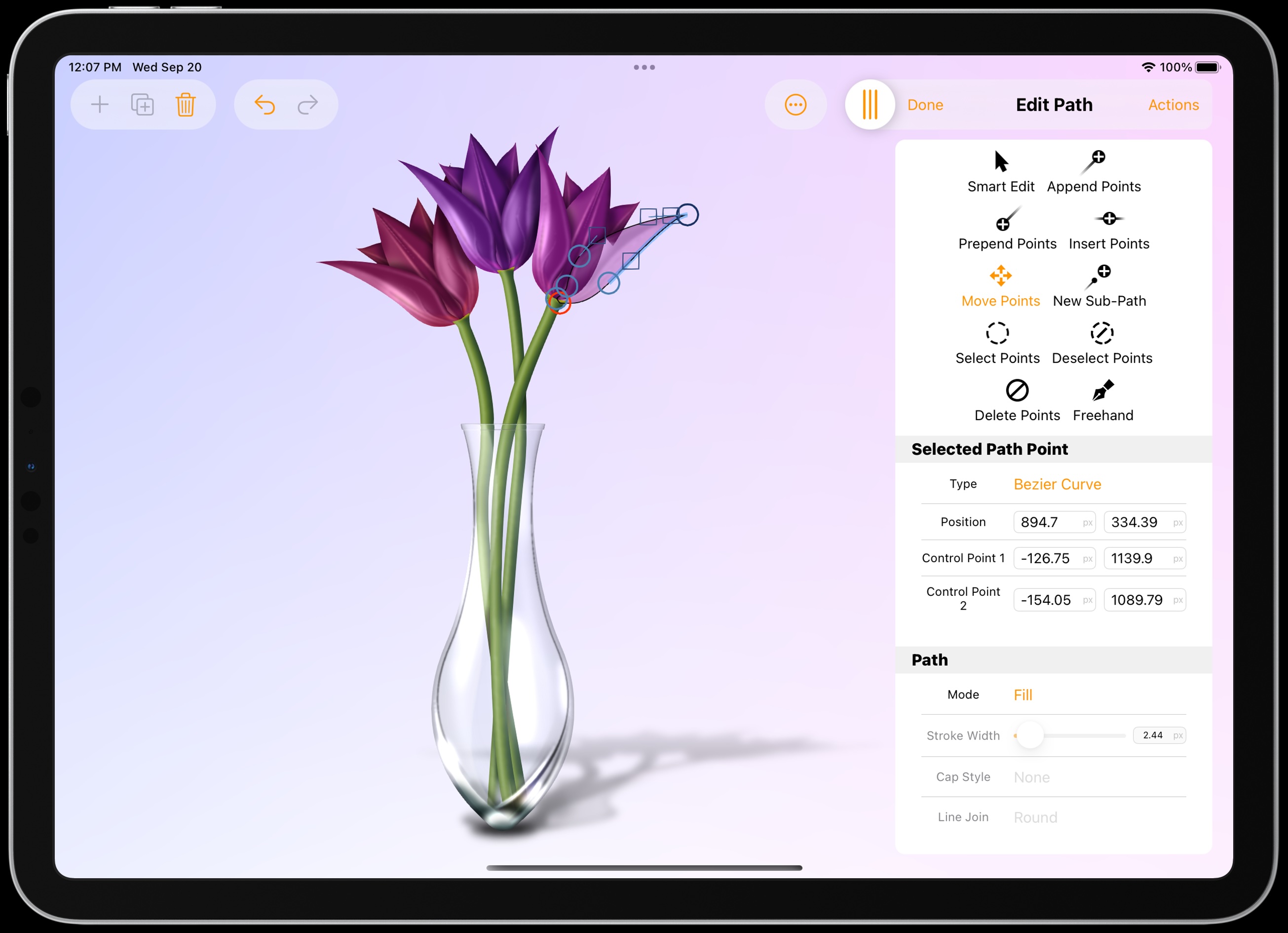
LiveShape: Create vector paths like modeling with clay with many innovative tools – including support for Digitizer Tablets and Apple Pencil
Logoist 6 introduces a new 3D feature for displaying text, shapes, and clipart as 3D objects
Vectorizer: Turn bitmap graphics into resolution-independent vector images
Edit gradients, patterns, text letter configurations, and paths directly on the canvas for perfect accuracy
Dozens of combinable filters to customize the appearance of paths, shapes and text
Using Pixel and Vector Graphics Simultaneously
Vector and pixel graphics usually require separate apps. Logoist can handle both – in one single document. This allows you to combine vector graphics with pixel-based effects such as soft filters and different types of shades or glow effects. Logoist also lets you add a soft gloss to matt surfaces or combine depth-of-field effects – all while preserving your vector information during export.
The Showroom: Your Logo in Real-World Conditions
Whether you’ve created a logo quickly and easily using Logoist’s templates or the 1-2-3 Logo wizard – or you’ve invested hours into a sophisticated design – one question always remains: How does my logo look in everyday use? Can it also be applied to a coffee mug, a car decal, or a large advertising banner? The brand-new Showroom in Logoist gives you exactly that answer: view your creation on virtually any object and literally walk around your design. This way, you’ll gain the best possible impression of how your logo or graphic will actually appear. Once you have found the perfect scene in the Logoist Showroom, you can save it as an image or send it directly.
Smart Drawing with LiveShapes
Enjoy the entirely new feature called "LiveShape"! Draw any shapes freehand, and Logoist 6 intelligently converts even complex designs into paths. The algorithm precisely detects how the shapes should be closed and treated. Additionally, you can customize your drawing tools freely or mold the created results similar to clay into the desired form. It goes without saying that all the other functions from Logoist can be applied to your LiveShapes.
Artboards – One Document, Multiple Workspaces
Logoist 6 lets you create any number of workspaces within a given document. These “Artboards” can be used, for example, to test different versions of the same design, and to keep them available for further comparison. Not sure whether to use the matt blue or the bright red version? Logoist helps you compare both side by side. You can also adjust your graphics for different purposes – create a reduced version for use in a letterhead, a large one for posters, and a detailed one for magazine covers. Artboards can be arranged freely and exported together if desired. They’re fully integrated into all Logoist features and support tags, as well as automatic snapping.
The Best Vectorizer
Logoist’s Vectorizer feature can convert any graphic into a resolution-independent vector format. No other Mac application offers the same high quality, accurate rendering, and rich detail. The range of possible applications is nearly endless. Logoist 6 comes with powerful functionalities that can’t be found even in high-priced graphics suites. For example, you can import tiny logos and turn them into high-resolution or resolution-independent exportable files or vectorize complex designs for further editing.
Logoist 6 includes a new and greatly improved Vectorize feature for turning images into resolution-independent vector artwork. It detects shapes and curves with far greater precision, reproduces fine details more faithfully, and captures color gradients with much better accuracy.
Using Artificial Intelligence to Enhance Images and Remove Noise & Artifacts
Logoist's analysis algorithm was trained using hundreds of thousands of images, turning it into an incredibly powerful tool: Logoist is now able to rescue even highly compressed images with lots of jpeg artifacts or image noise and can automatically remove image errors. To do this, simply import an image, let the new Enhance feature work its magic and marvel at what Artificial Intelligence and Machine Learning are capable of in image processing.
Cropping Images – Cutting Specific Elements
Do you want to crop specific parts of a picture, such as a car parked in the street, a hot-air balloon on a meadow or a specific person in a group photo? Thanks to Artificial Intelligence and Machine Learning, Logoist 6 is more efficient and accurate at these tasks than ever before. Logoist 6 relies on Apple’s CoreML framework to recognize individual image areas, detach them from the background, and cut them out of the image with high precision.
Focus Mode – Focus on a Specific Element
The Focus Mode will help you with projects which seem to keep growing and growing or with projects made up of a large number of single components. It’ll highlight individual groups or objects while hiding the rest of your project, helping you focus and work on the active item only – without distraction from other parts of your graphic.
1-2-3 Logo in 3…2…1!
Designing logos couldn’t be any simpler: Enter your name, initials, or a slogan and Logoist will present you with dozens of logo suggestions which can be customized as you wish. For example, you could replace letters with symbols or typographic effects and select a suitable color scheme. Then you can use the editor and Logoist’s wide range of tools to further refine the suggested logo – the look of your logo is entirely up to you!
Exporting SVG, PNG, PSD, HEIF/HEIC, PDF, and Much More
Once completed, you can export your design to either pixel or vector-based formats, including PNG, JPG, PDF, SVG, and more. If you need your design in a number of different resolutions, the batch export feature will save you extra work and time by allowing you to export multiple resolutions and formats at a time. You’ll also see an exact preview of the final file during export and Logoist offers a wide range of options for preparing your designs for web or print publication.


 Download Demo for Mac
 Buy Logoist 6 for Mac & iOS